AI Photo Editor — Edit Photos Online FreeShow the World Your Best Self
Edit photos seamlessly just by typing — no Photoshop skills needed. Give your images a fresh new look.
Create Stunning Images with the Latest AI Models
Leading generators in one editor — switch with the Model picker above, or open a model's page to see what it does best.
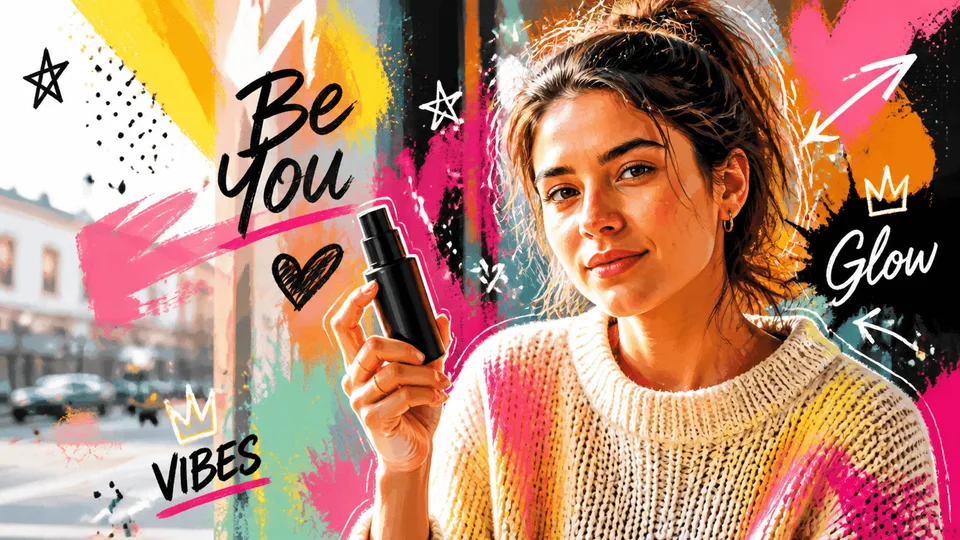
GPT Image 2
Create high-quality images, text-rich visuals, and product photography.

GPT Image 2.5
Change one part of a photo and the rest stays put. Real transparent PNG.
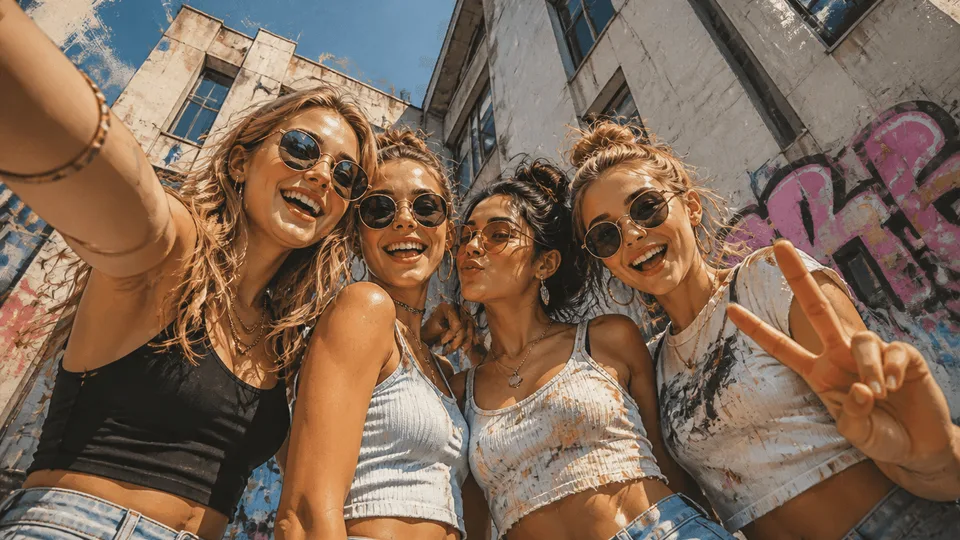
NanoBanana 2
Google's next-gen image model for instant professional creativity.
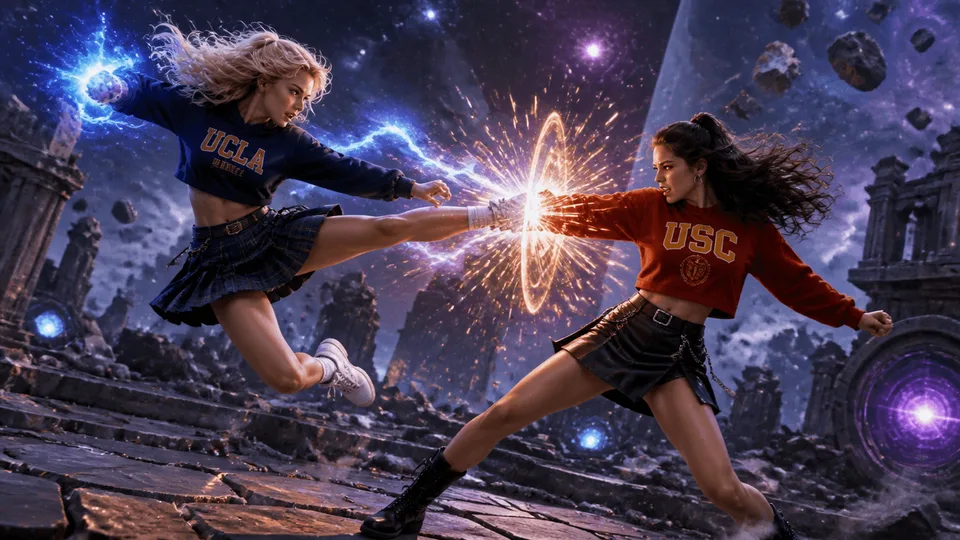
NanoBanana Pro
Gemini 3 Pro Image — top-tier detail and accurate in-image text.

Grok Imagine
Create high-resolution images from text with xAI's Aurora model.

SeedPix
Free text-to-image generation — no credits, no sign-up to try.

Seedream 5.0 Lite
The 4K tier — half the credits of Pro, twice the resolution.
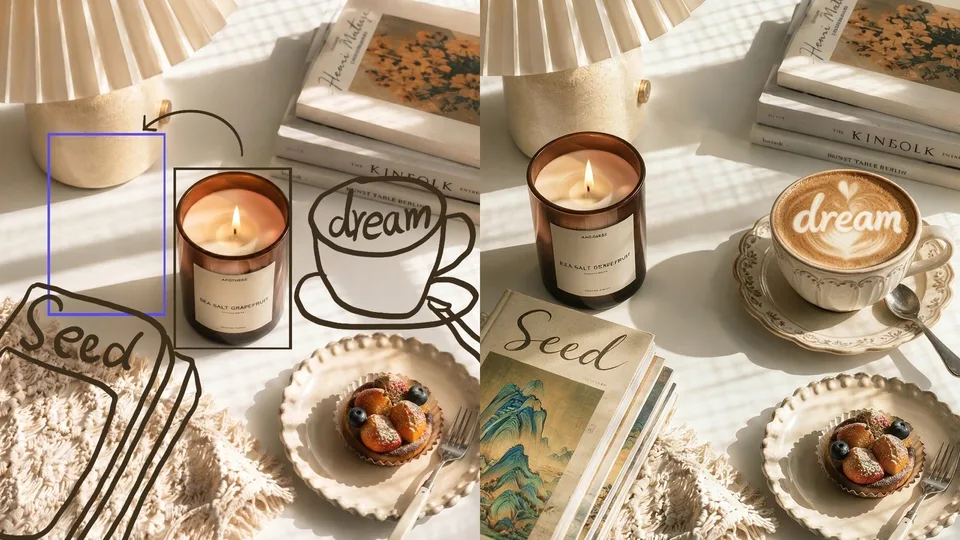
Seedream 5.0 Pro
Edit a photo with one sentence, or generate from scratch.
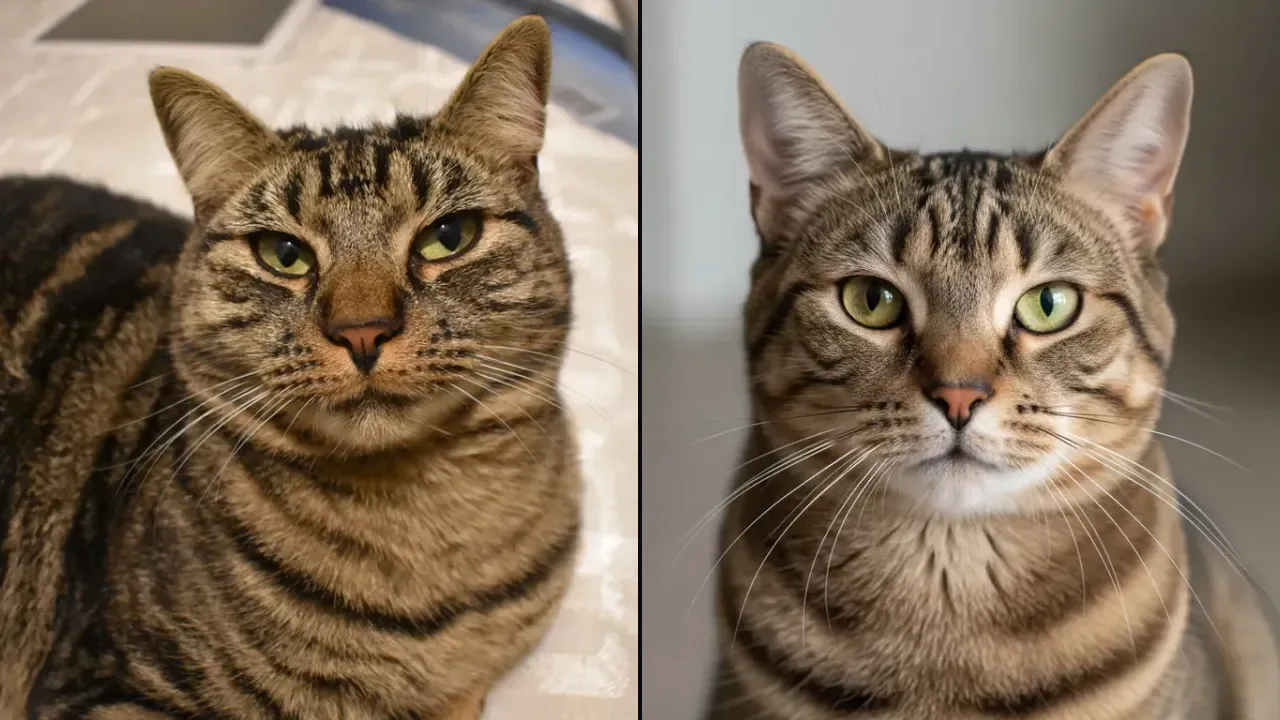 Play daily
Real or AI? Game
Spot the real photo. Five questions a day — win up to 5 credits.
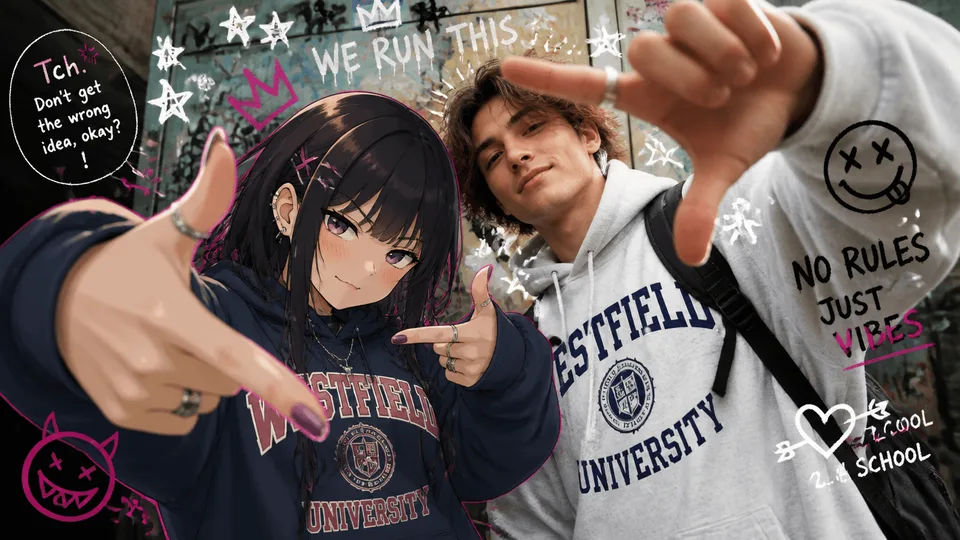 Coming soon
Flux 3
Coming soon to the seedpix editor.
Hot Features
The capabilities people reach for most — pick one to start editing.
Professional Headshots
One selfie, studio-quality result in 30-60s.
Dating Profile Photos
Turn a casual photo into your best profile shot.
Photo Restoration
Repair scratches, fading and damage on old photos.
Photo Upscaler
Upscale to 4K without losing detail.
Style Transfer
Ghibli, anime, oil paint and more — one click.
AI Outfit Changer
Swap clothing without touching anything else.
Background Remover
Clean cutout in seconds, no manual selection.
Object Remover
Erase people, objects or clutter from any photo.
Magic Powerful Photo Editor
One sentence. Any structural change. Swap background, change pose, relight the scene, add or remove anything.
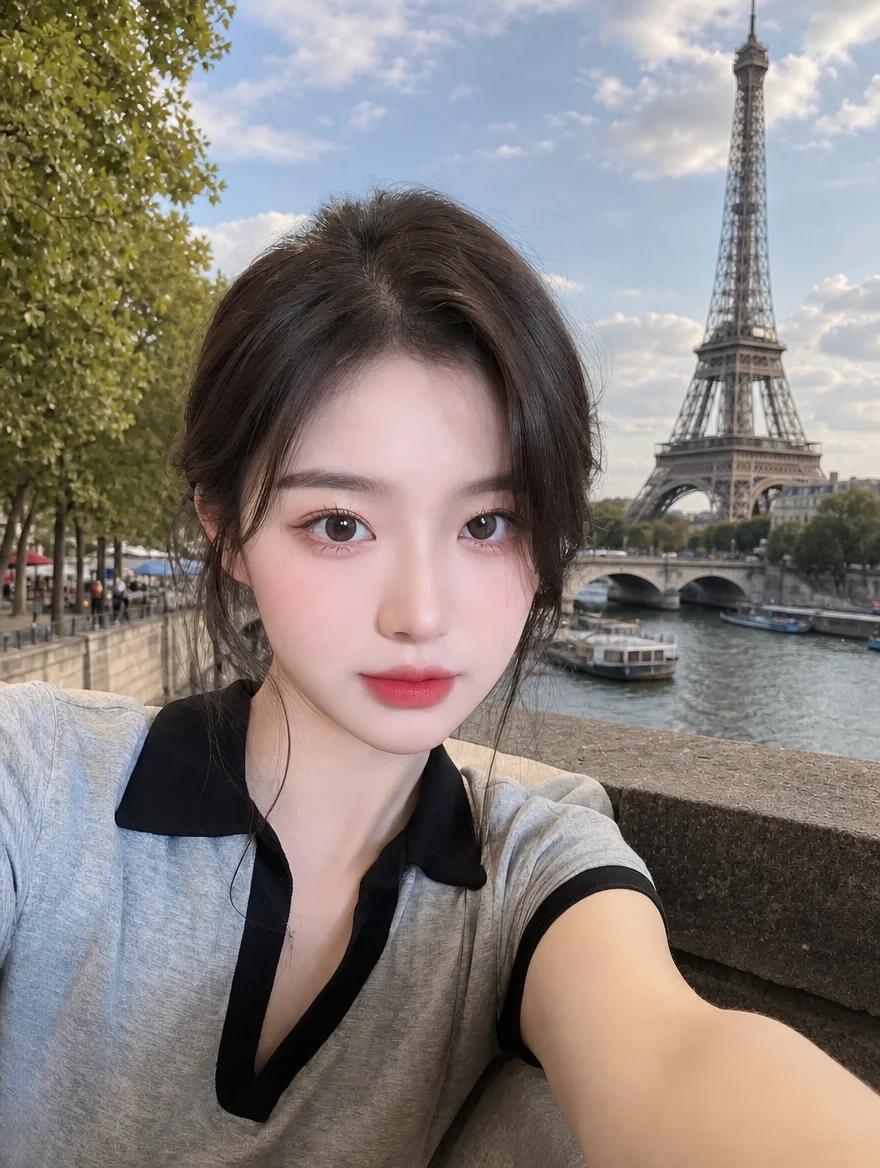
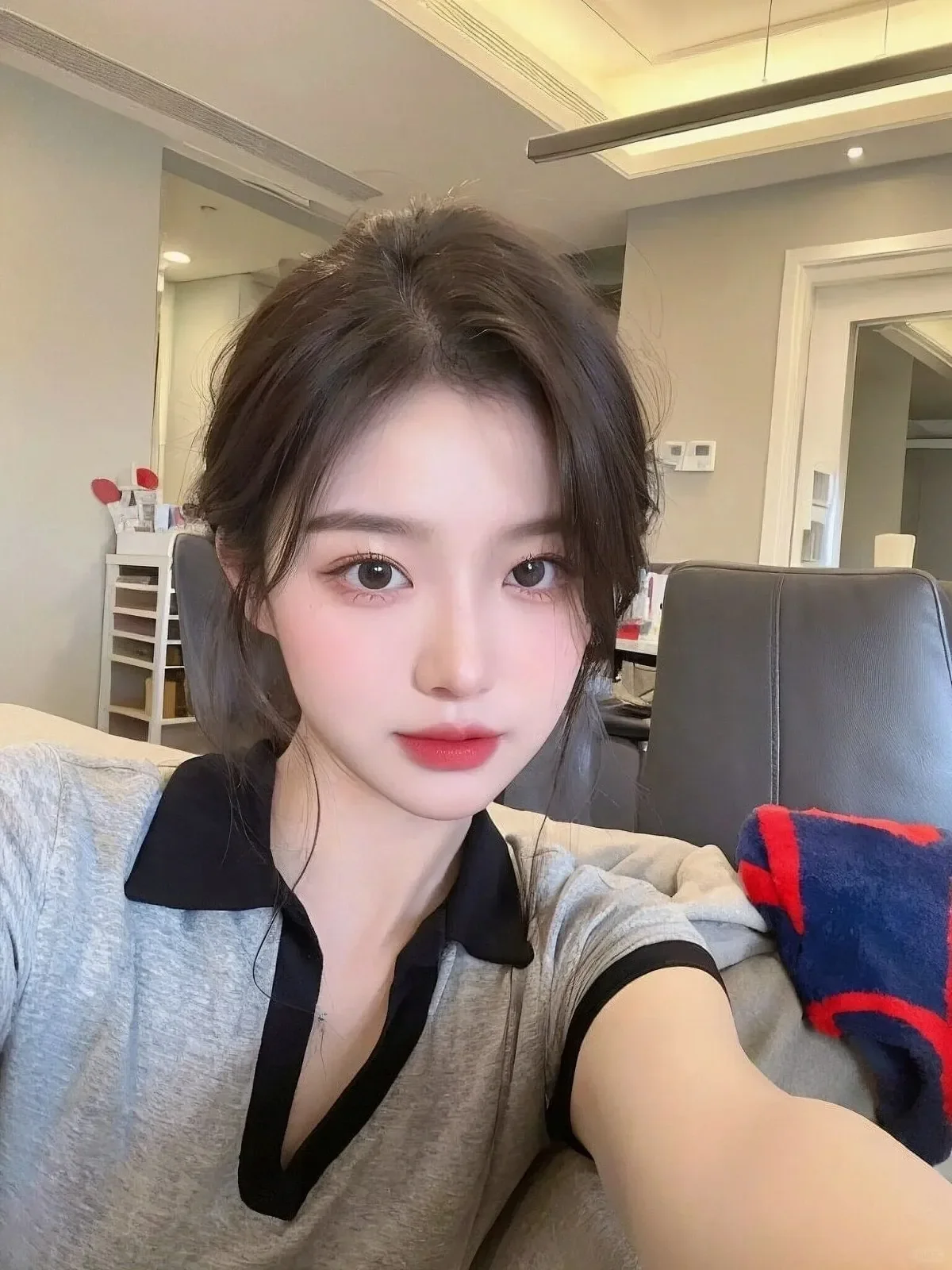
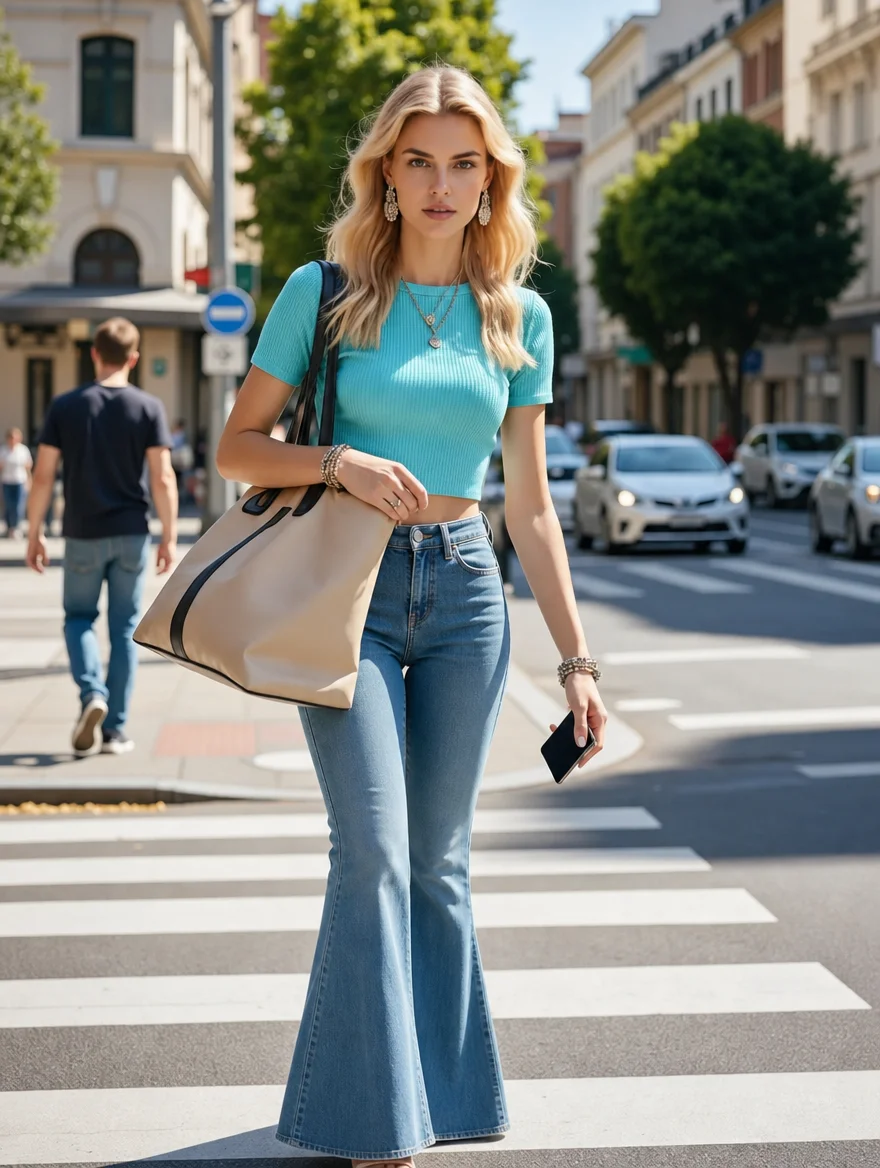
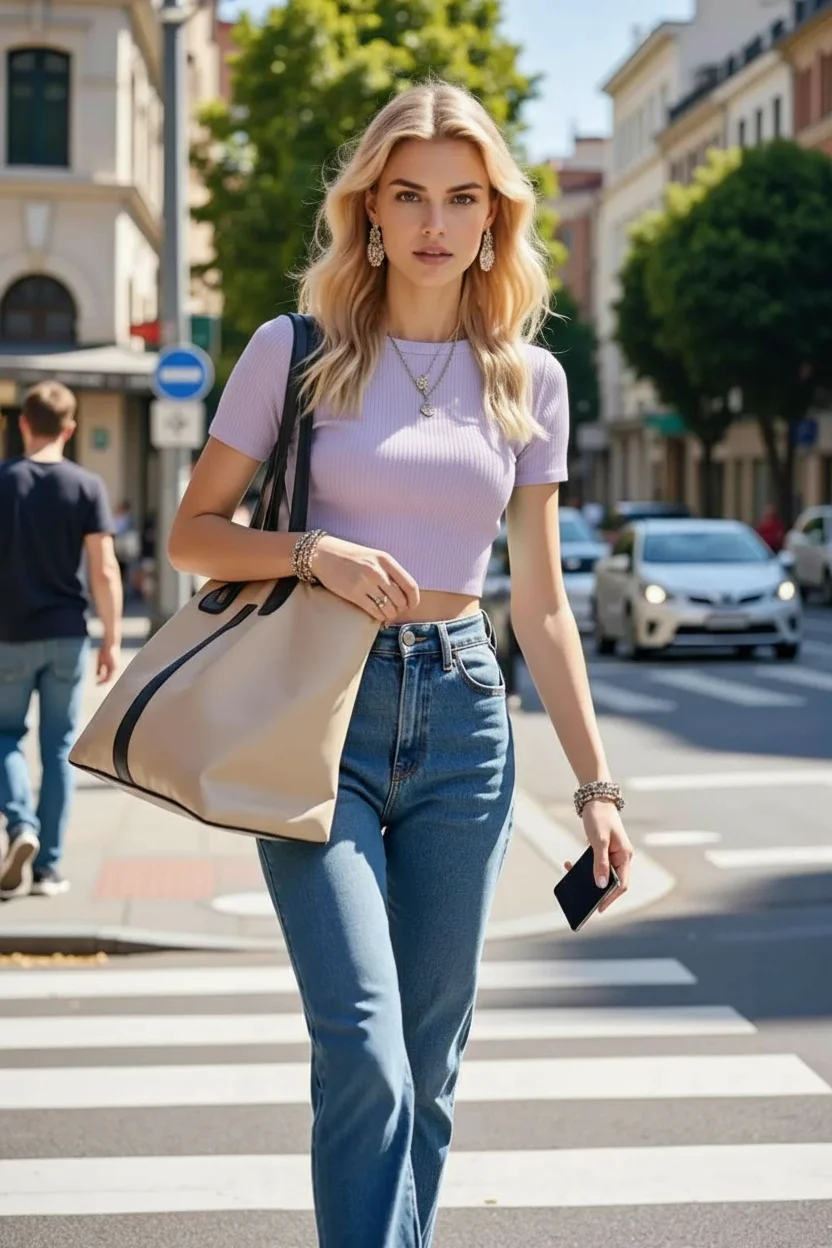
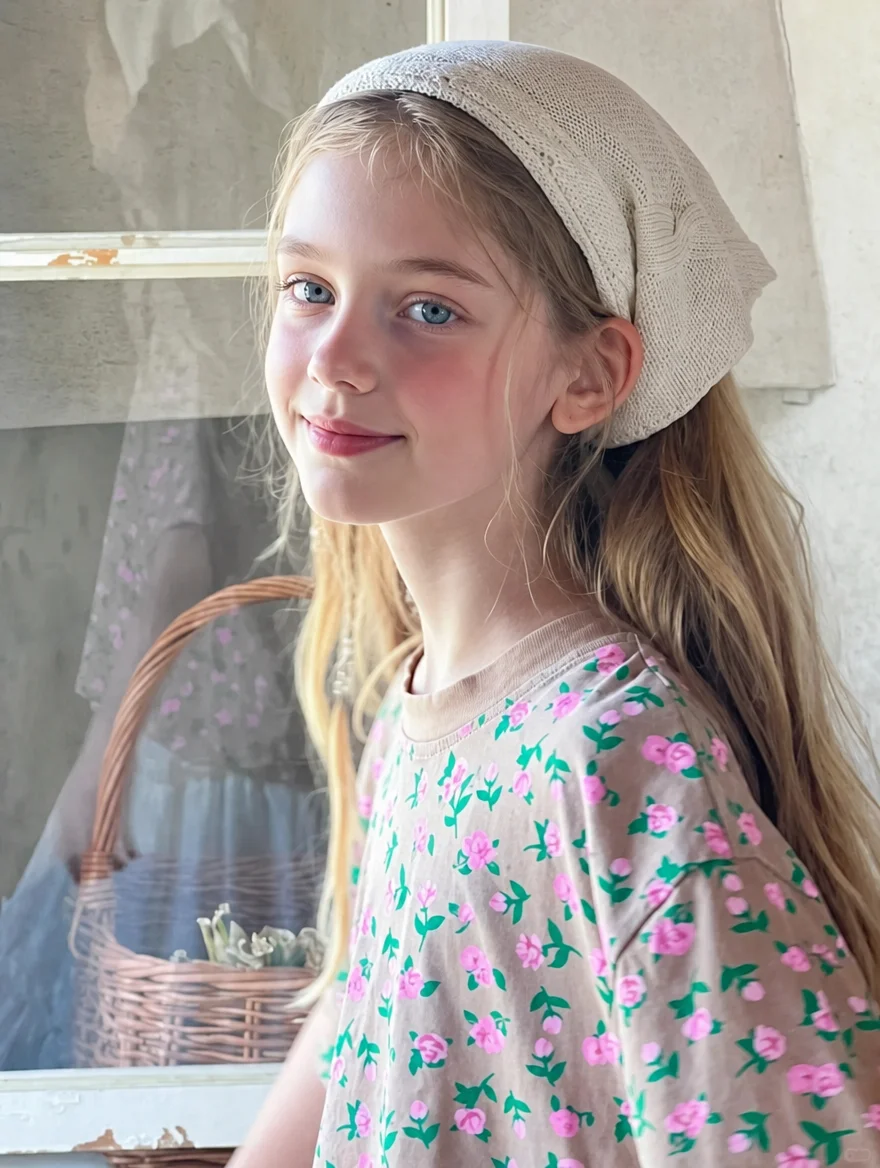
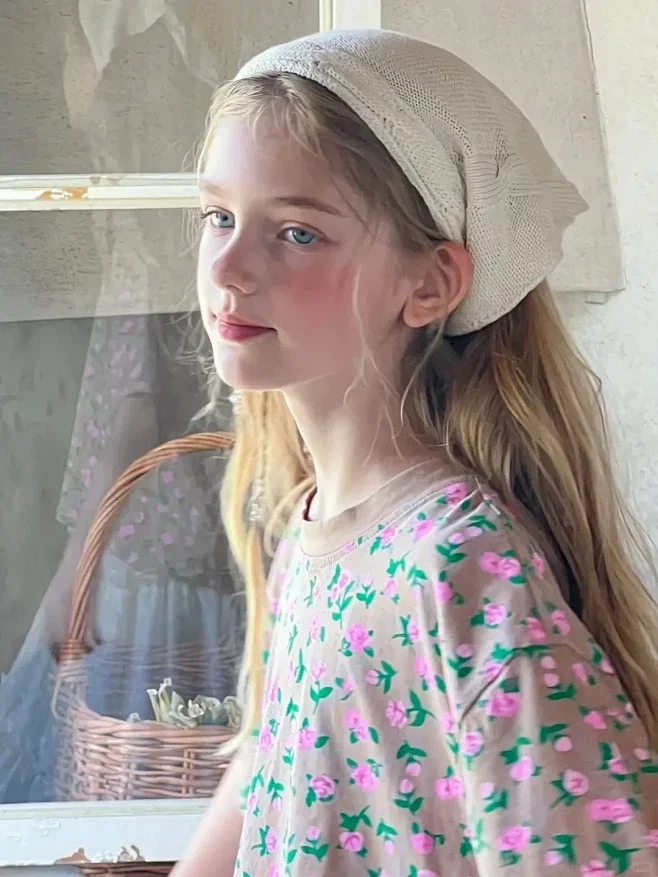


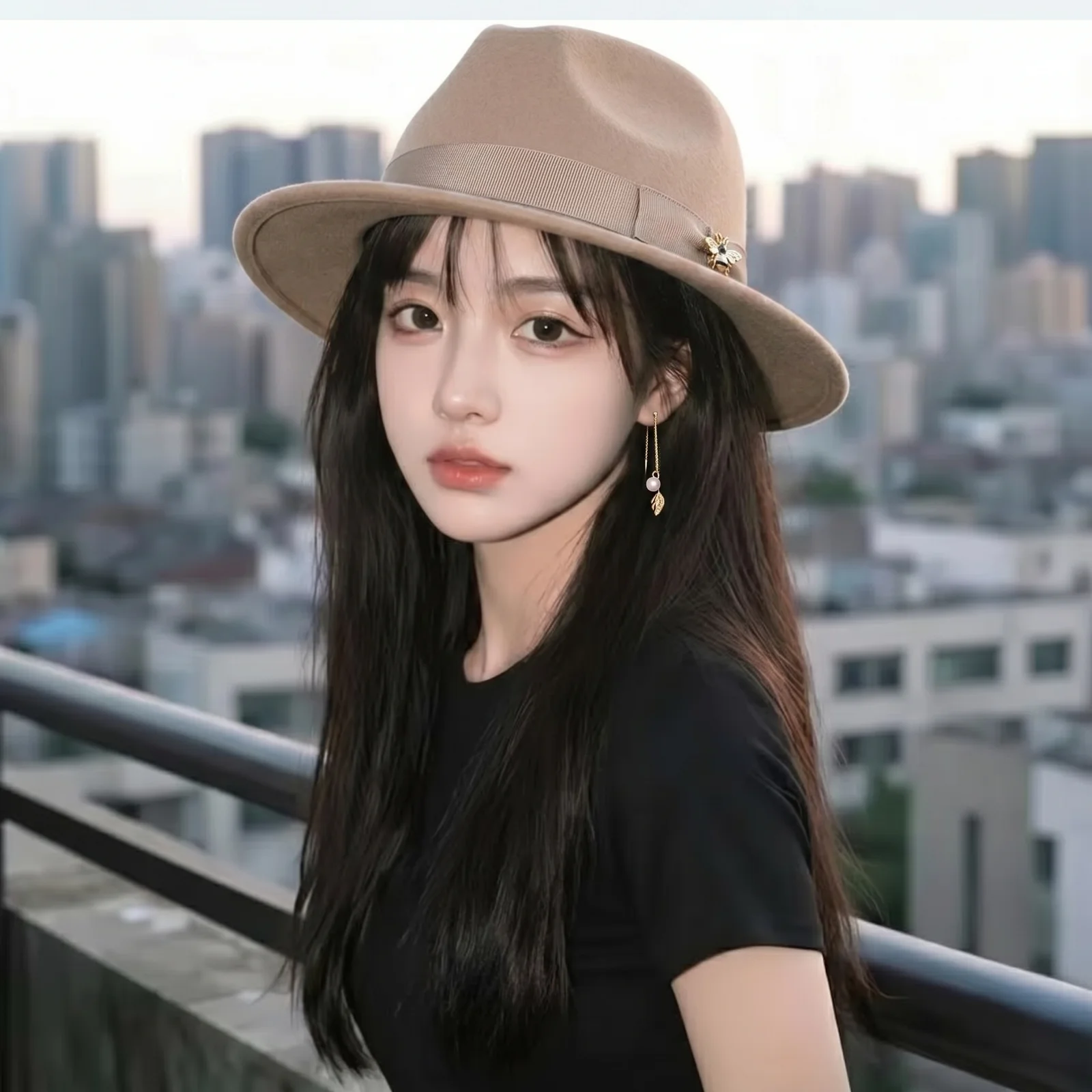
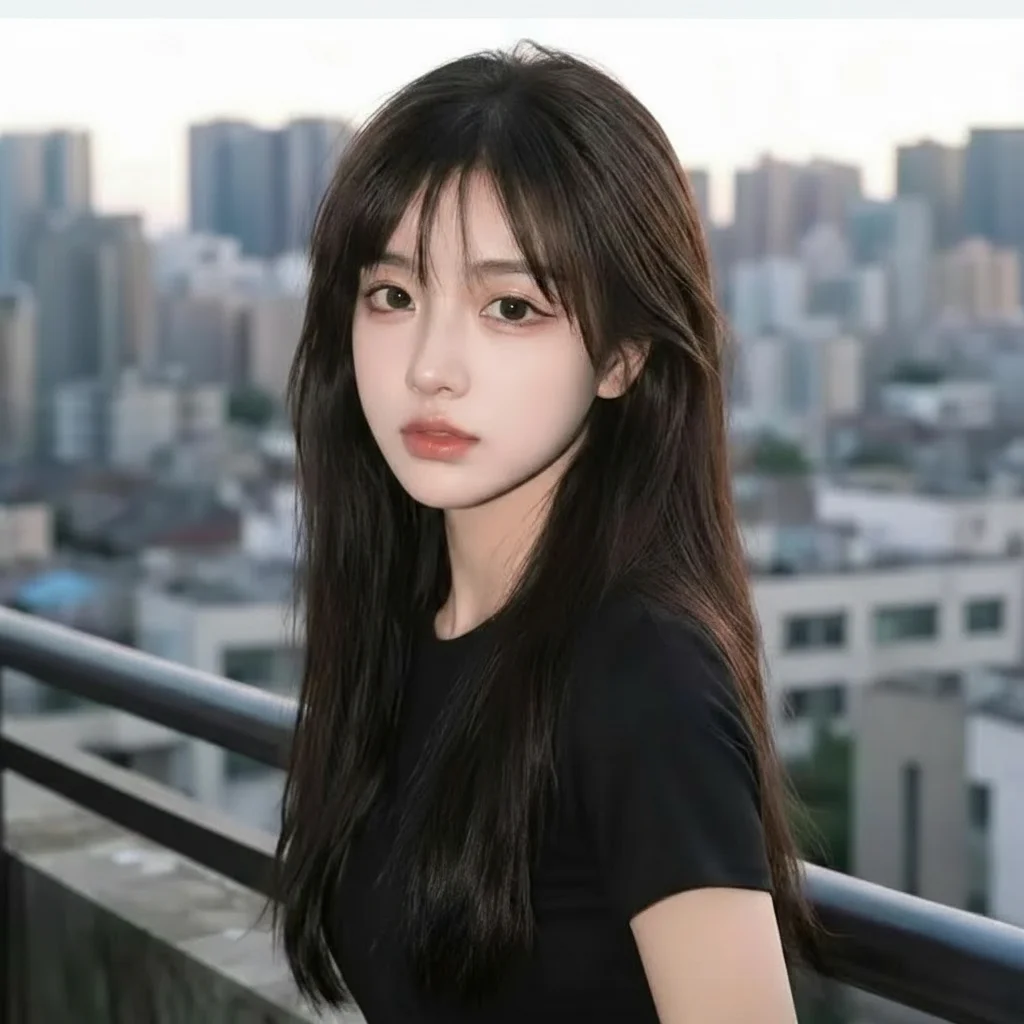


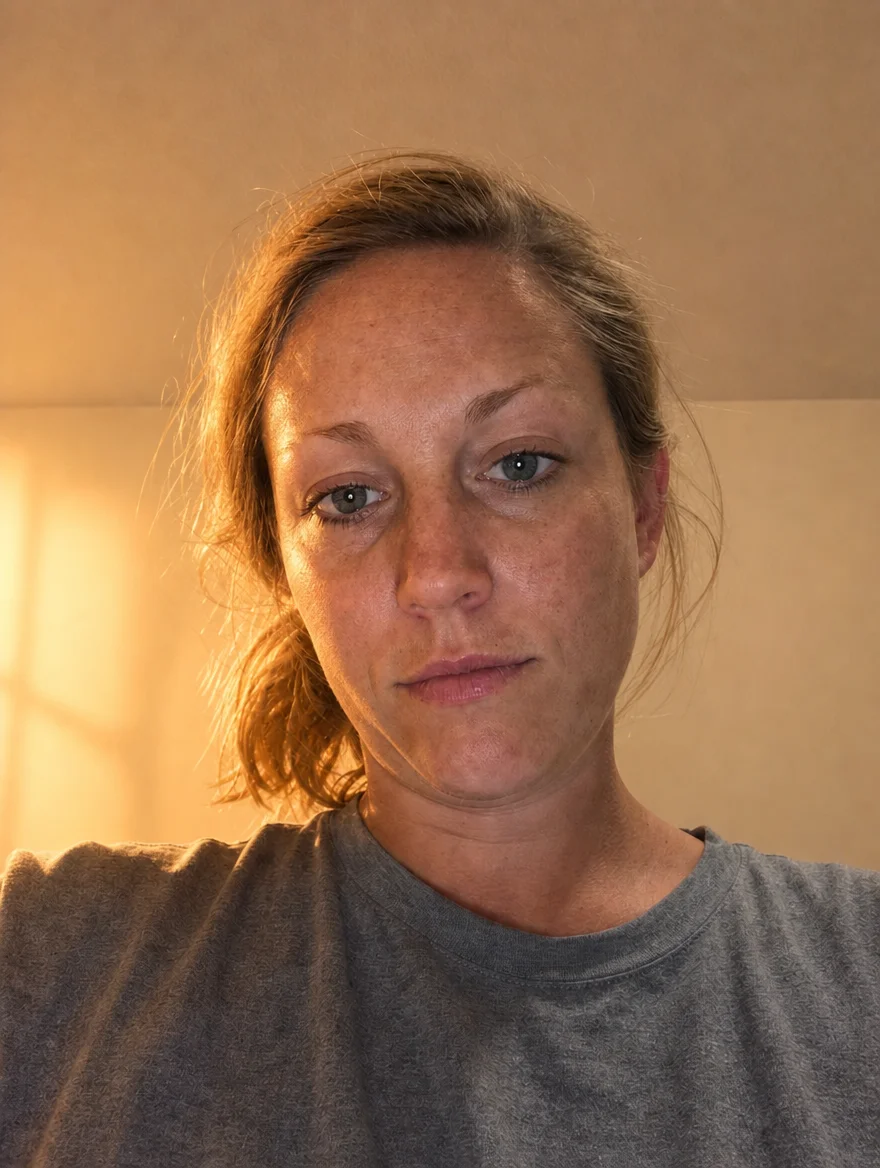
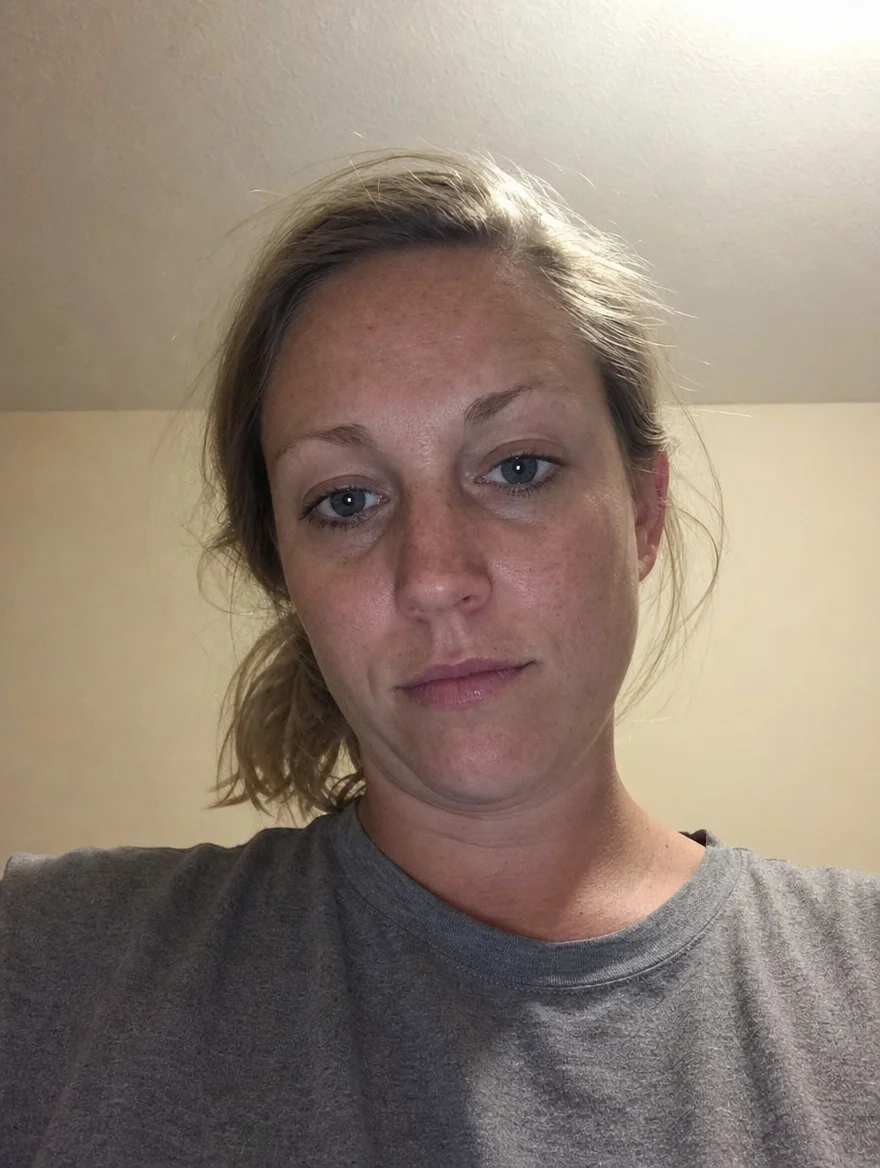
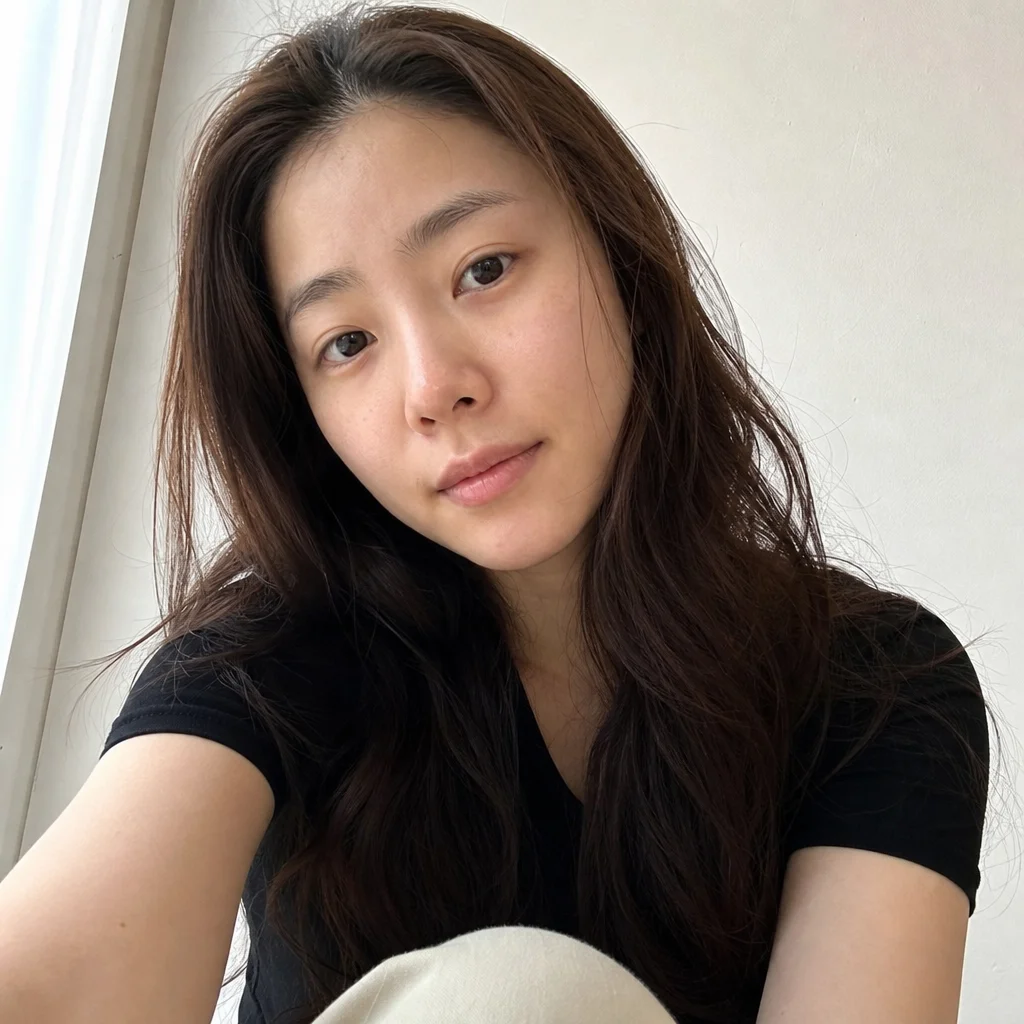
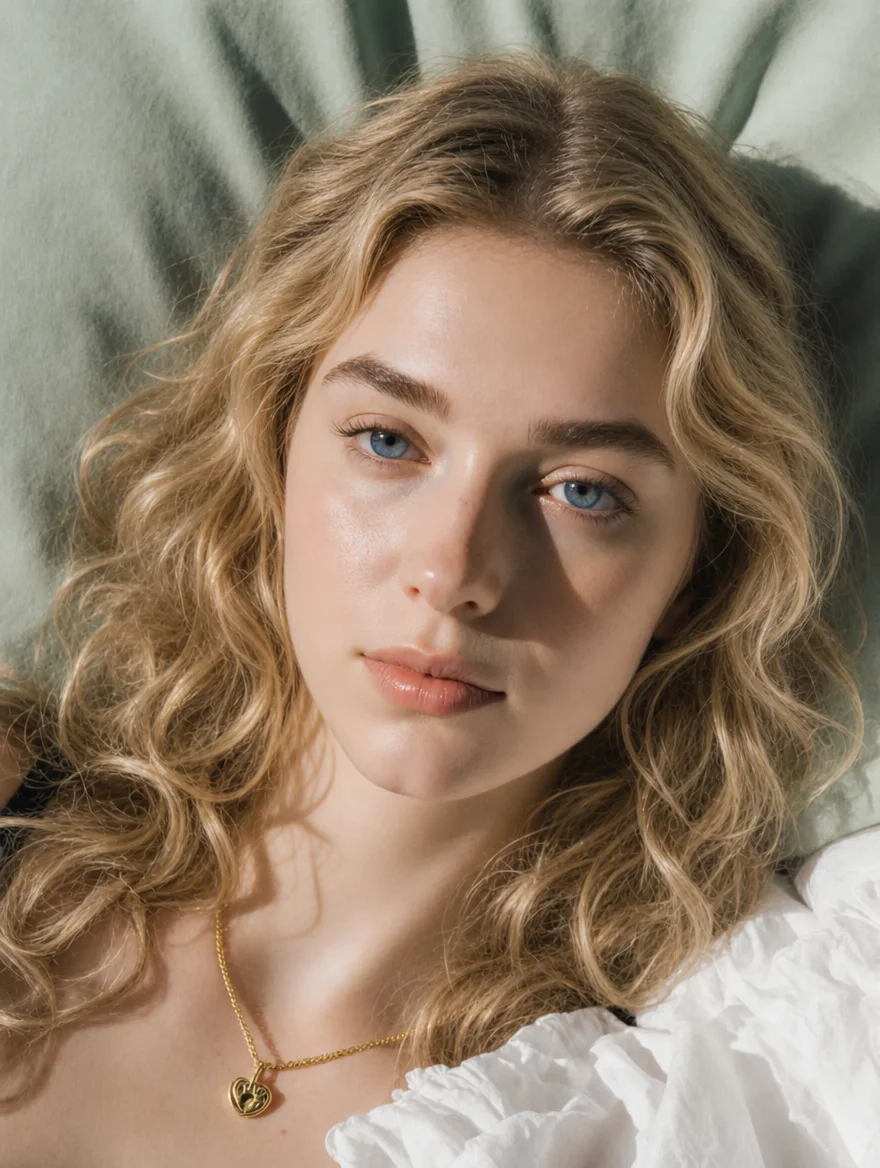
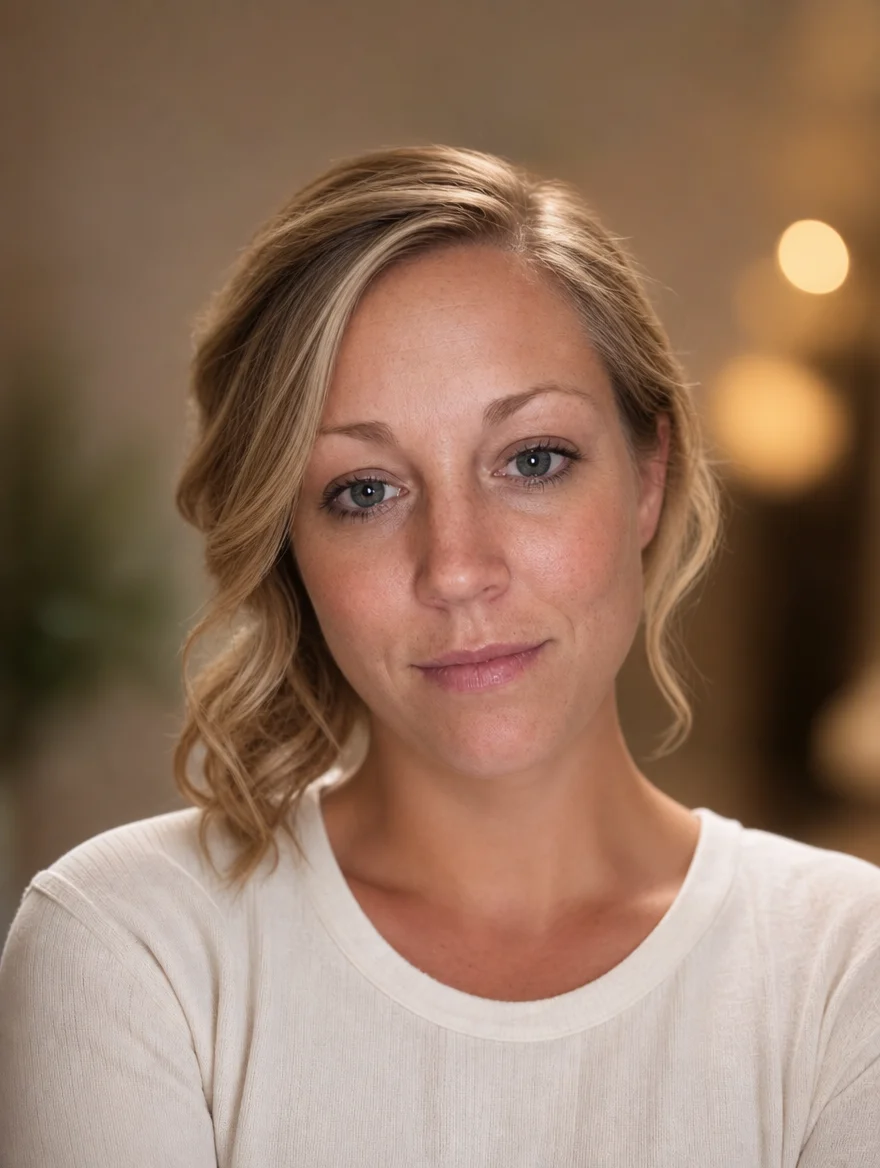
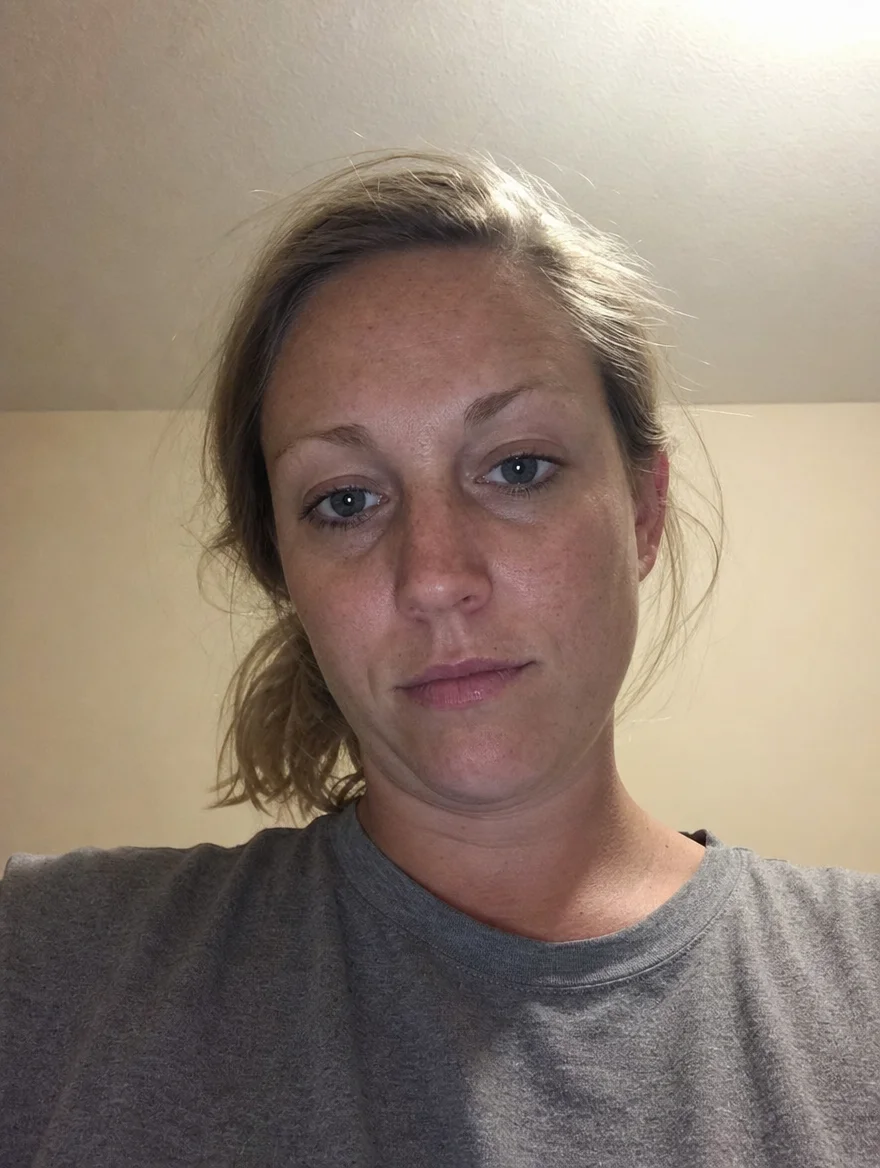
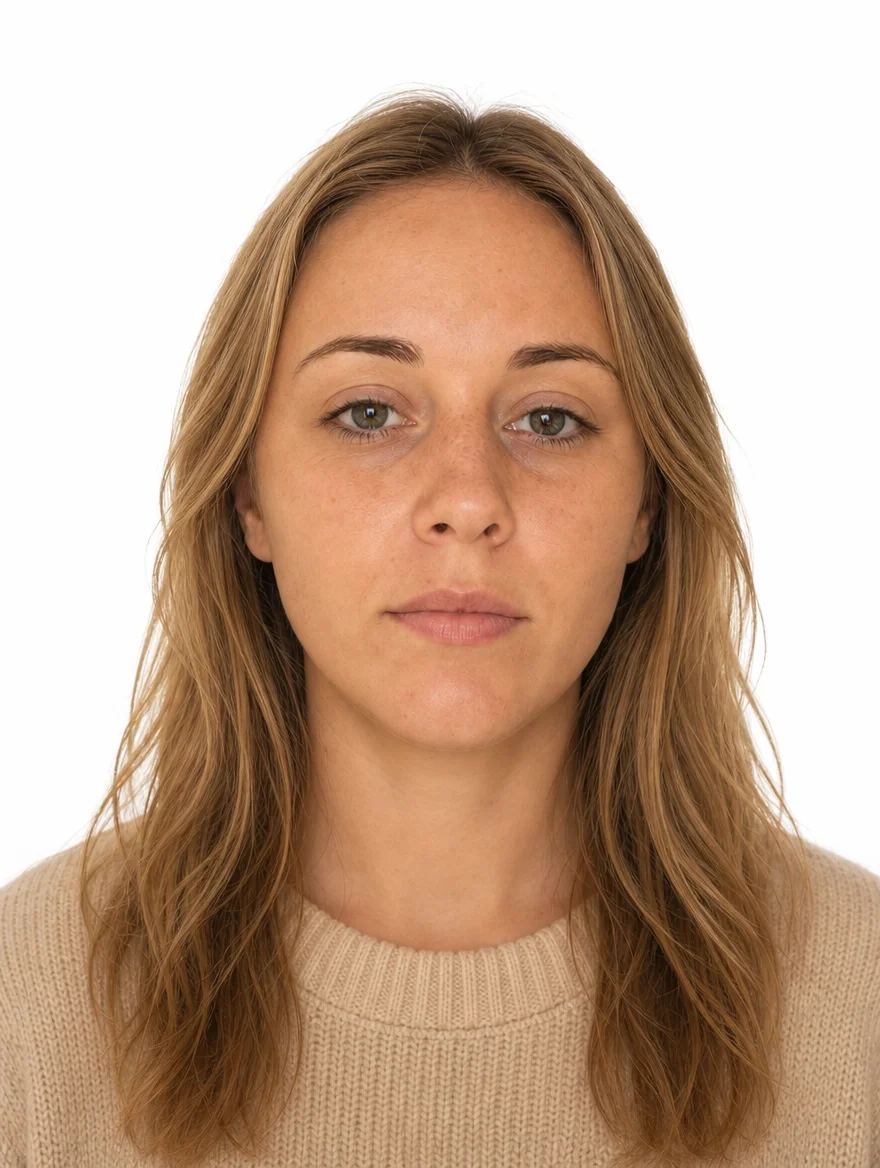
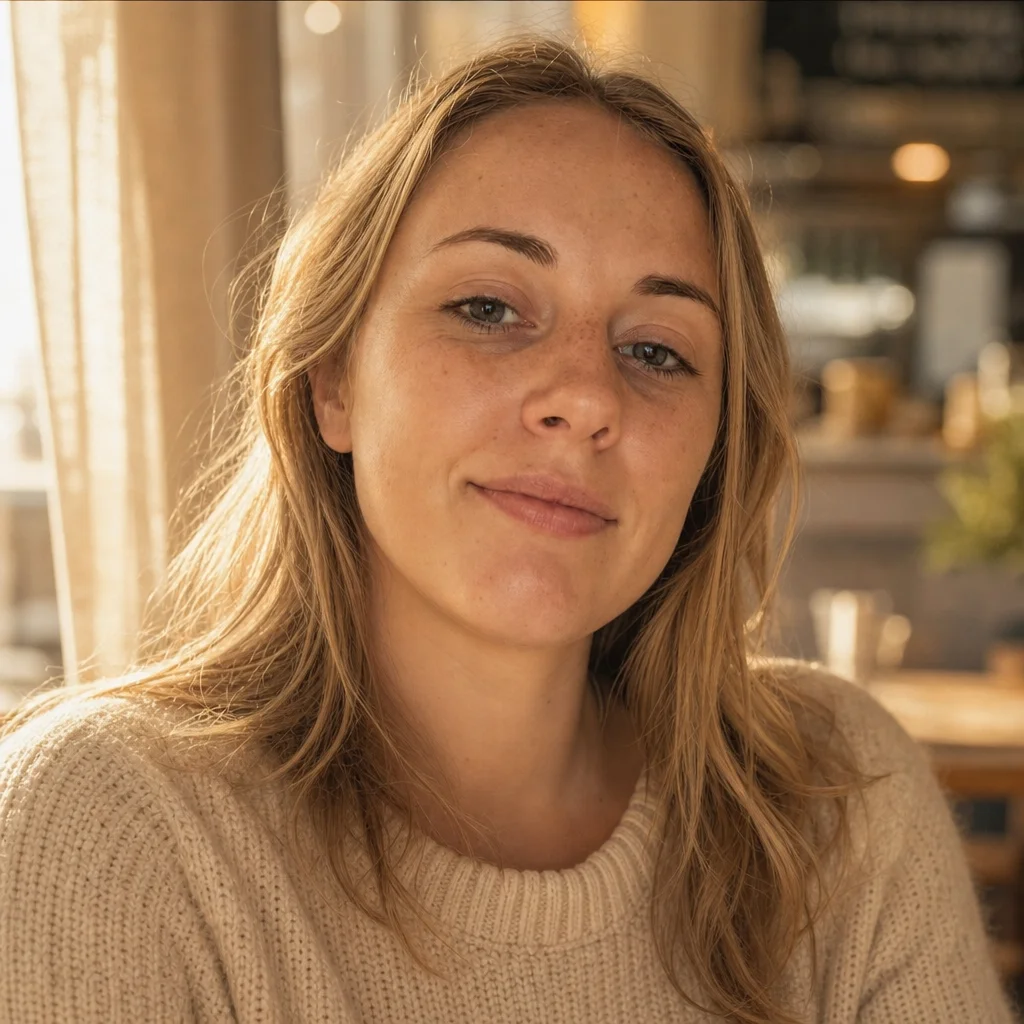
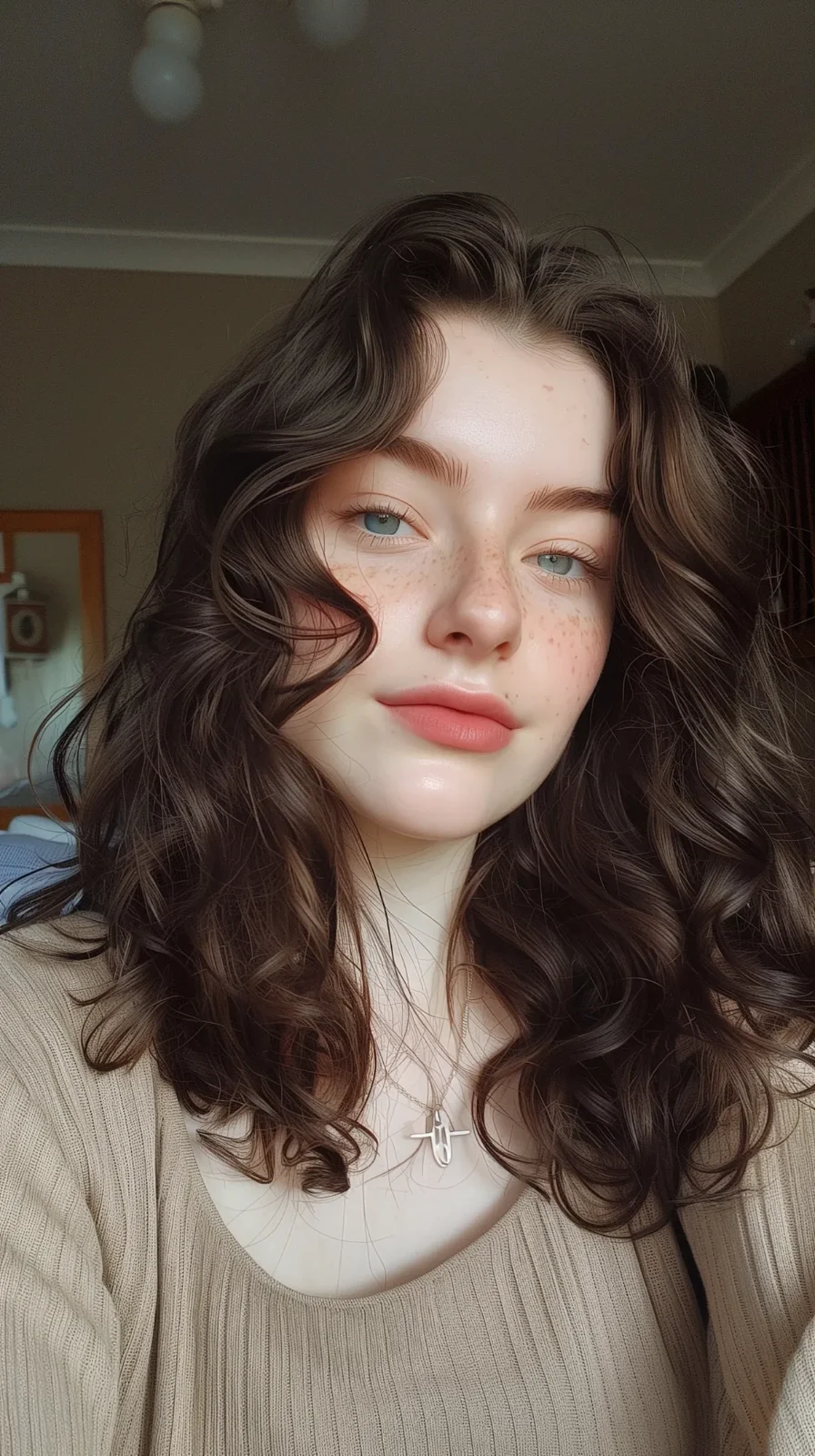
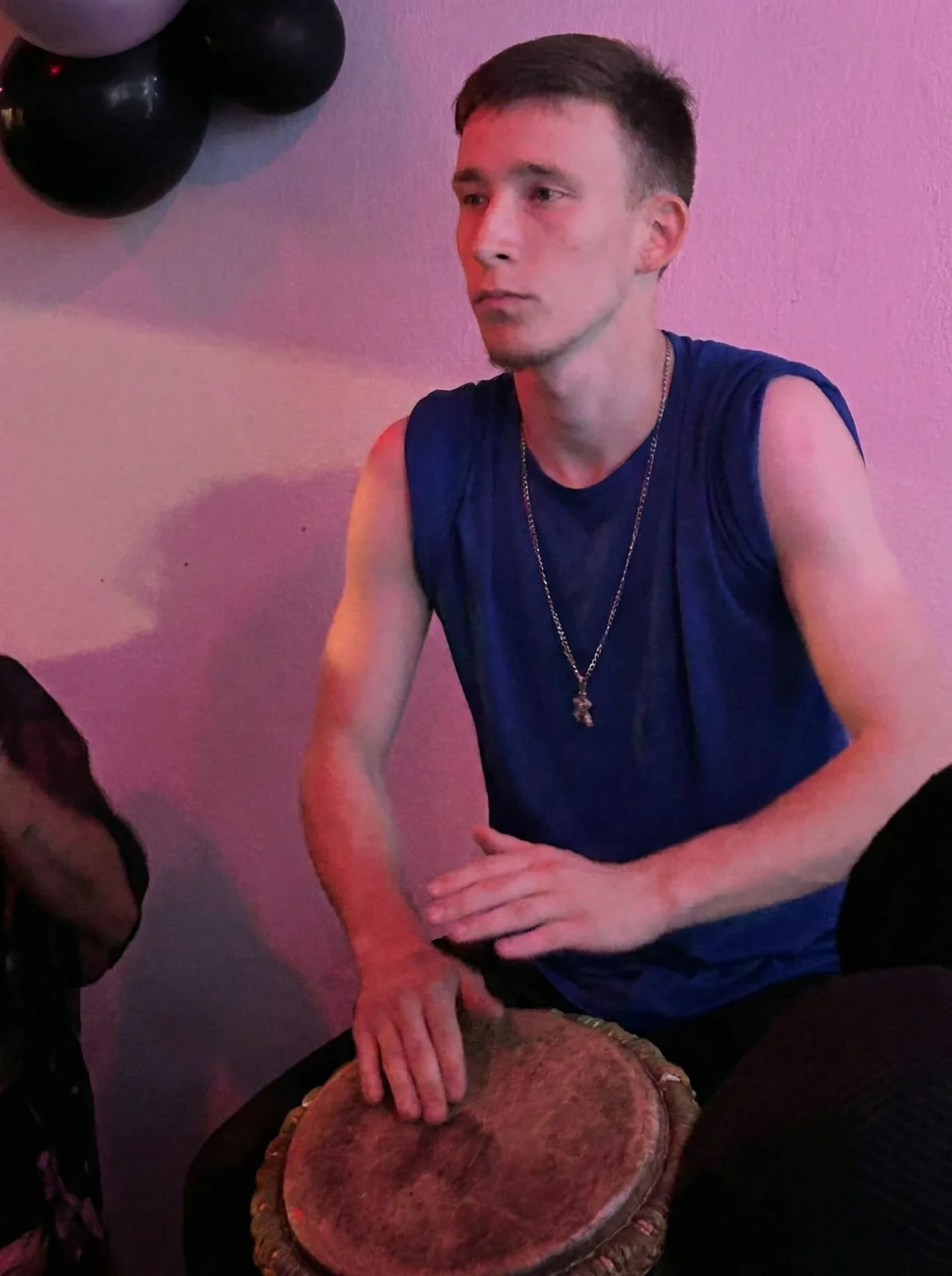
Generate Great Headshots & Profile Photos
Turn any casual selfie into a polished portrait — LinkedIn, dating, passport, or just a better you.




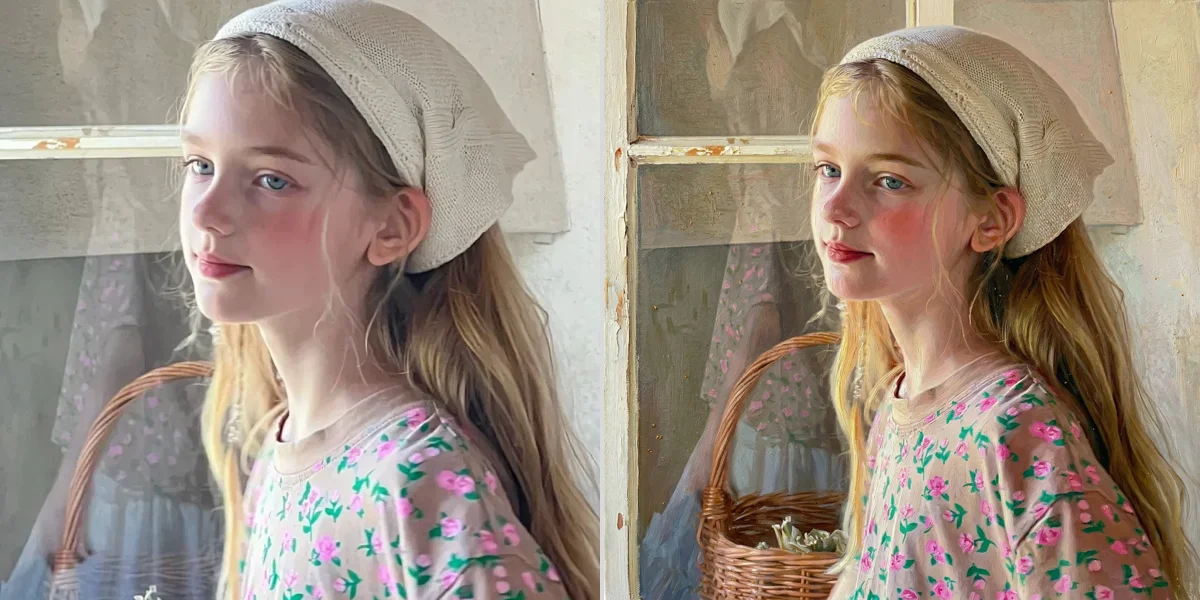
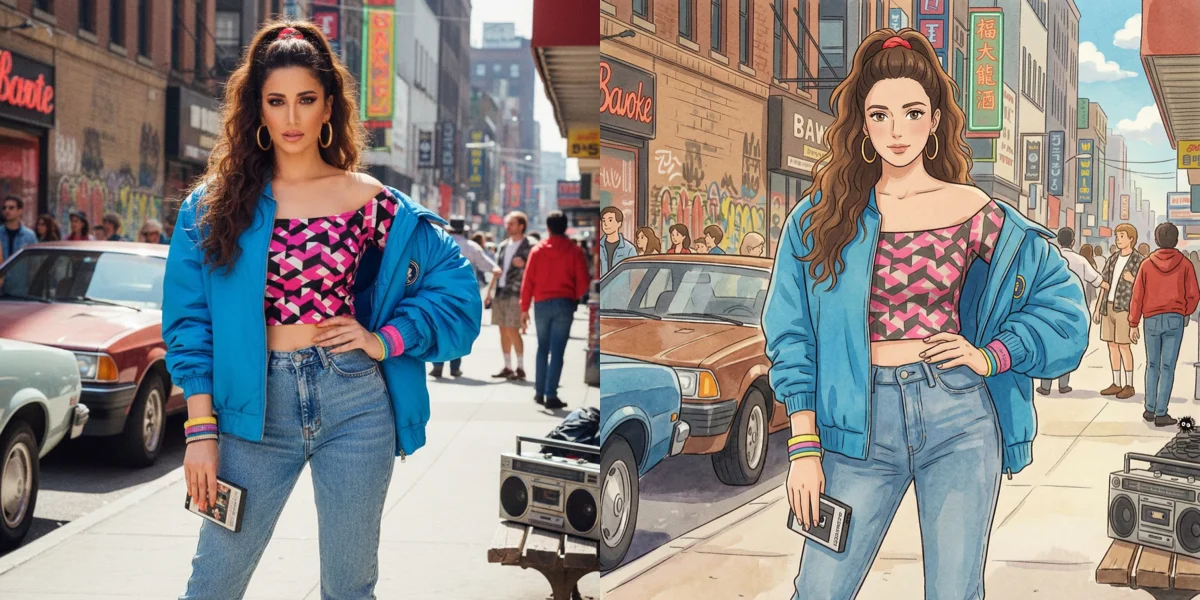
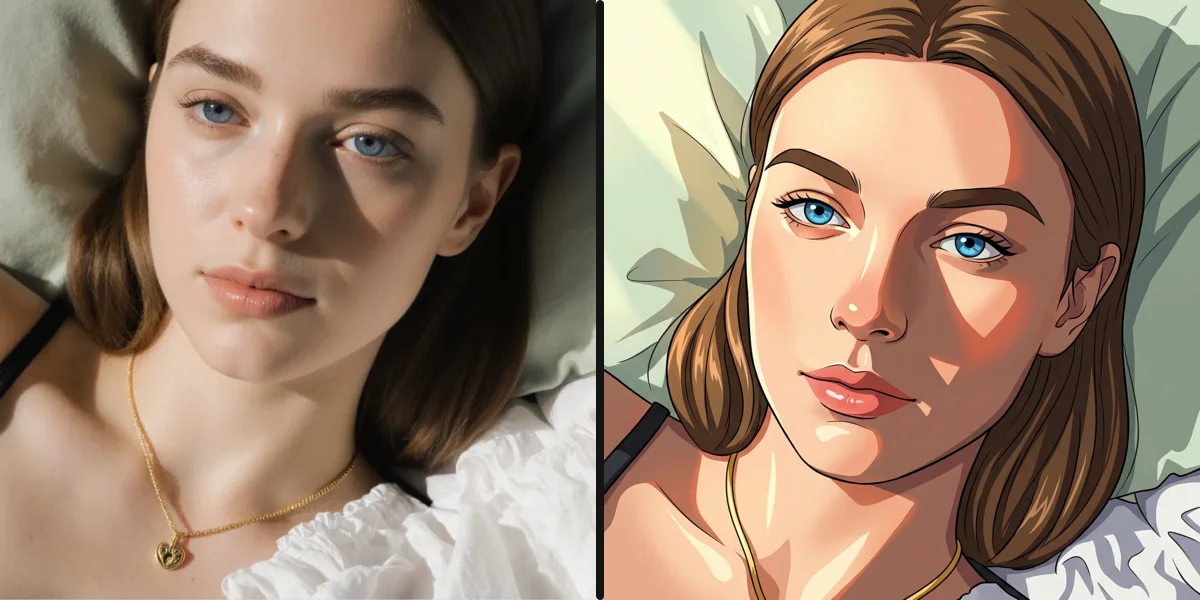
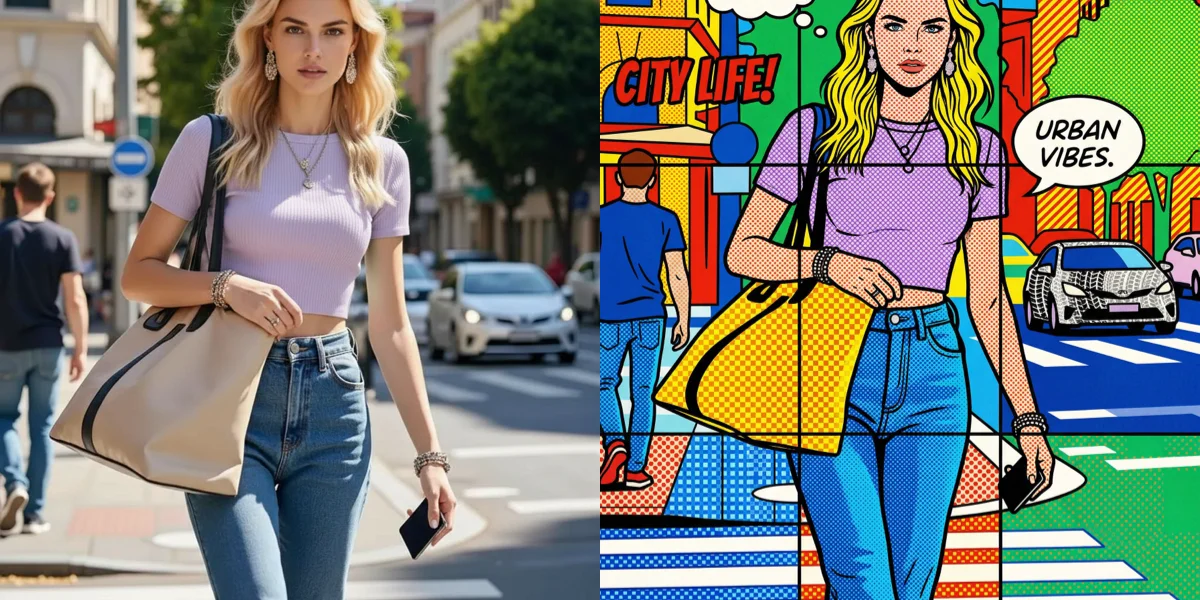
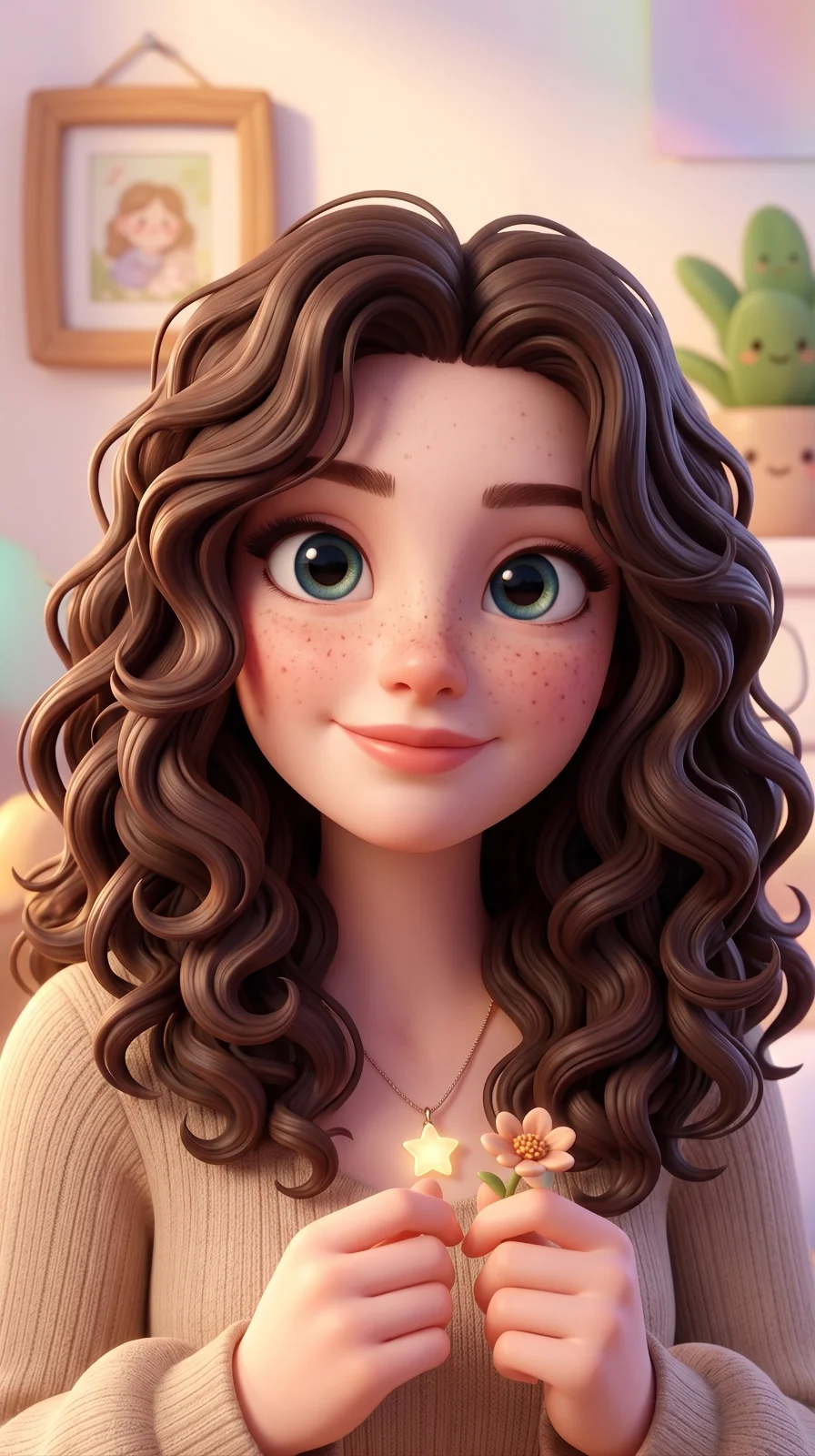
Style Transformer
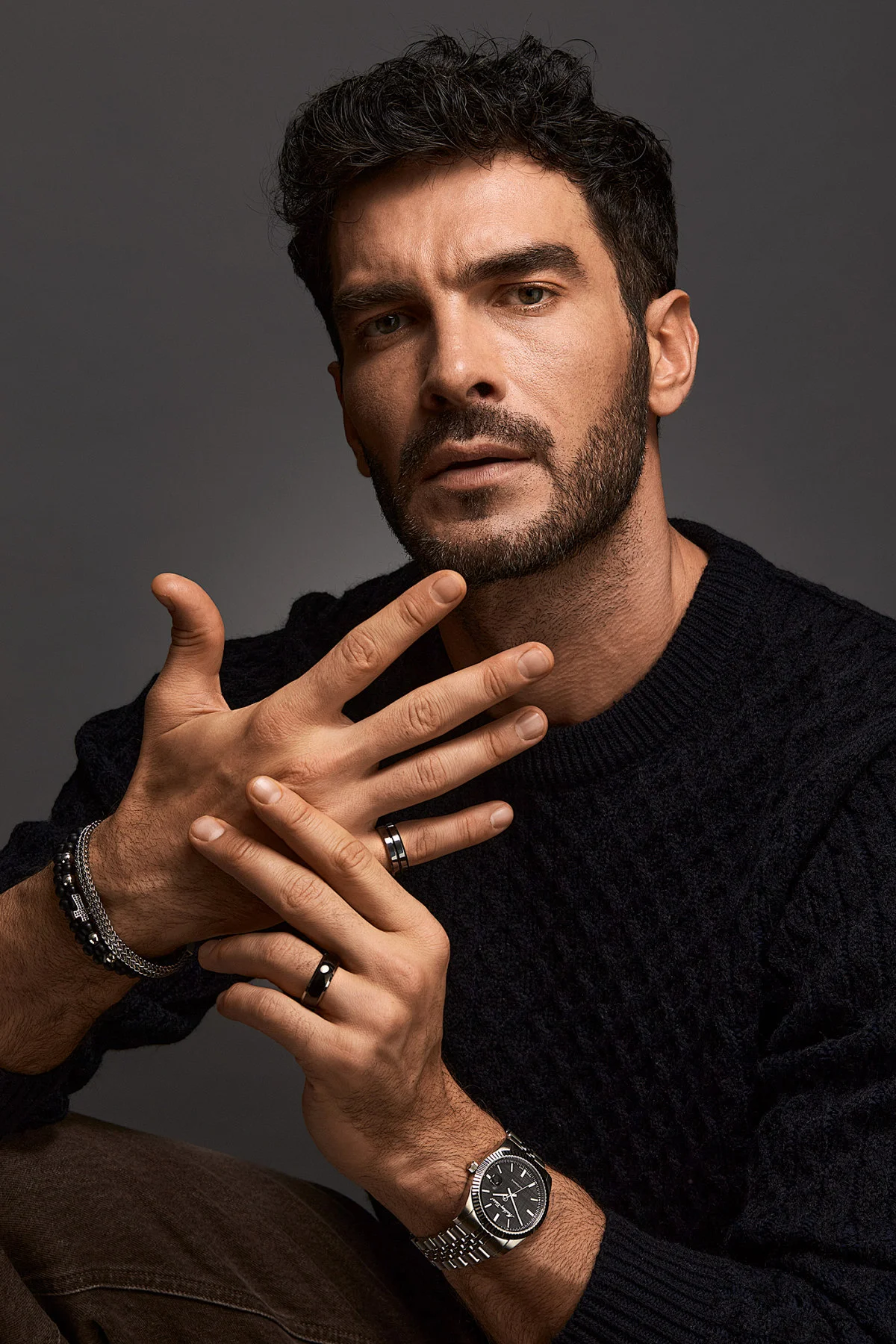
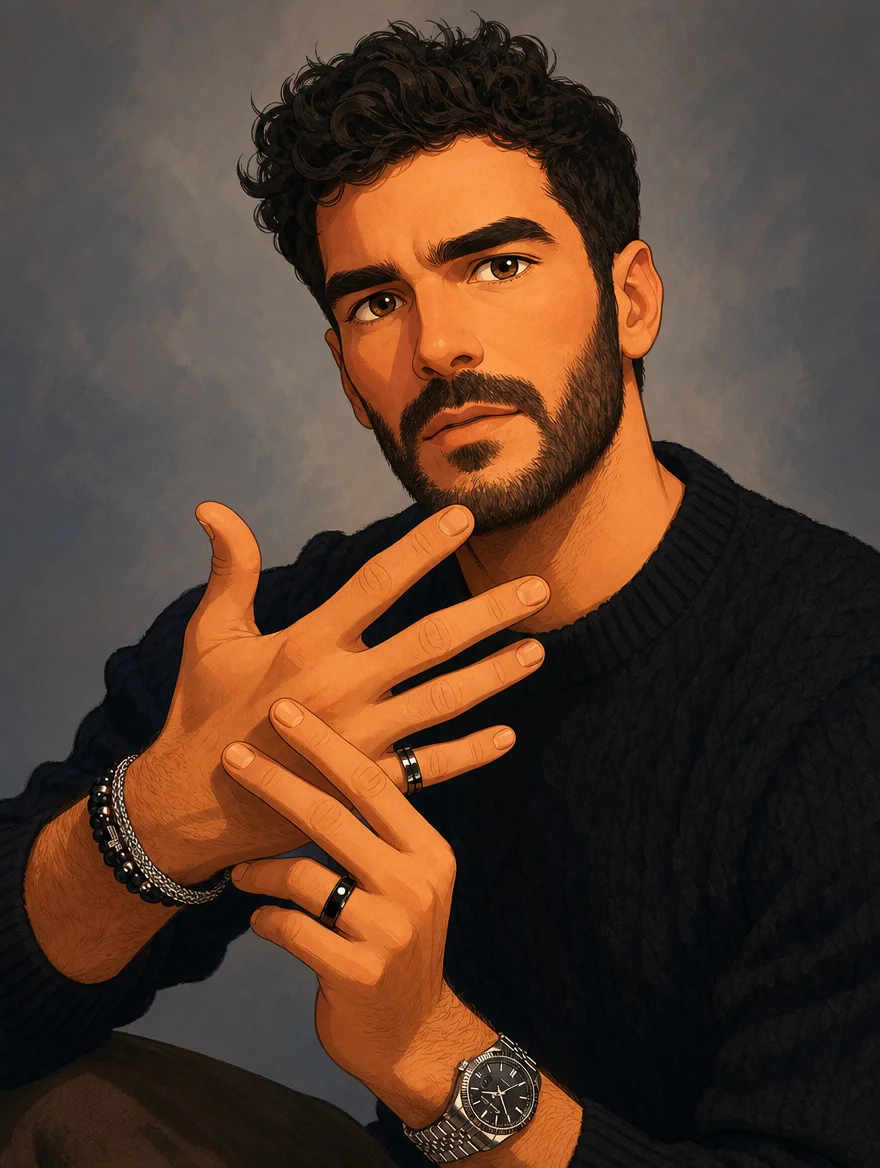
Transform any photo to any style — Ghibli, anime, oil painting, watercolor, vintage, and more.

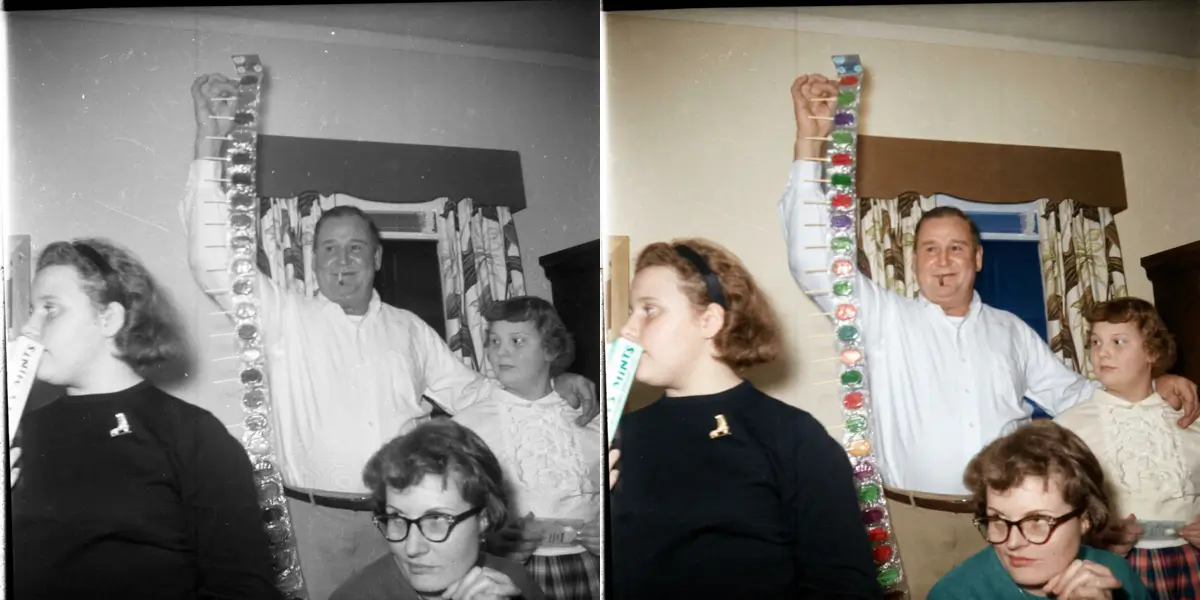
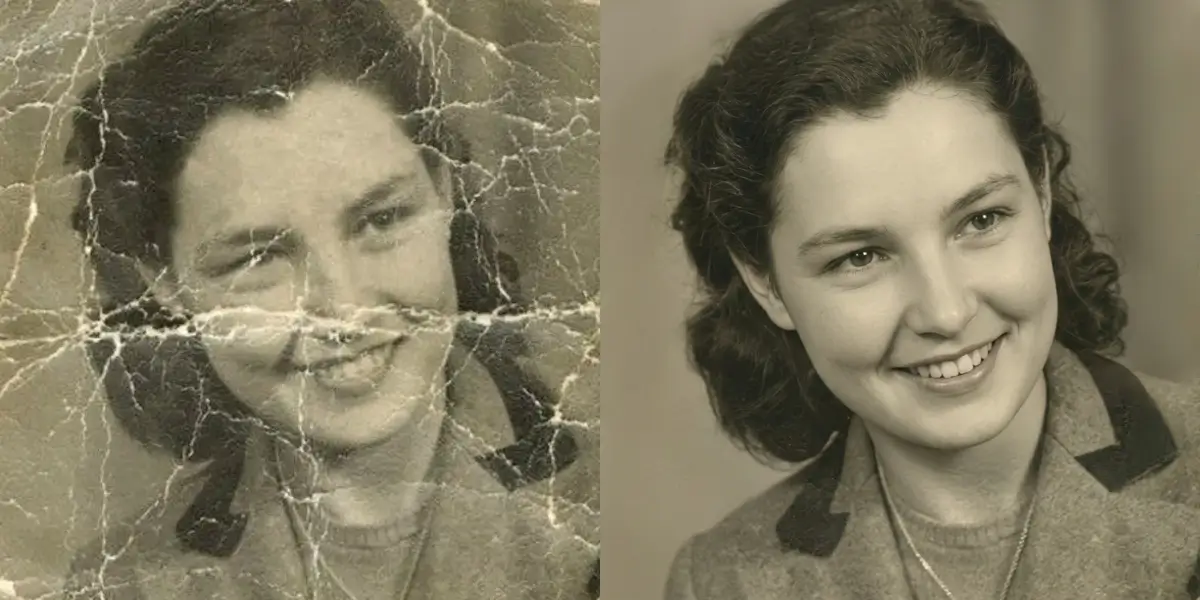
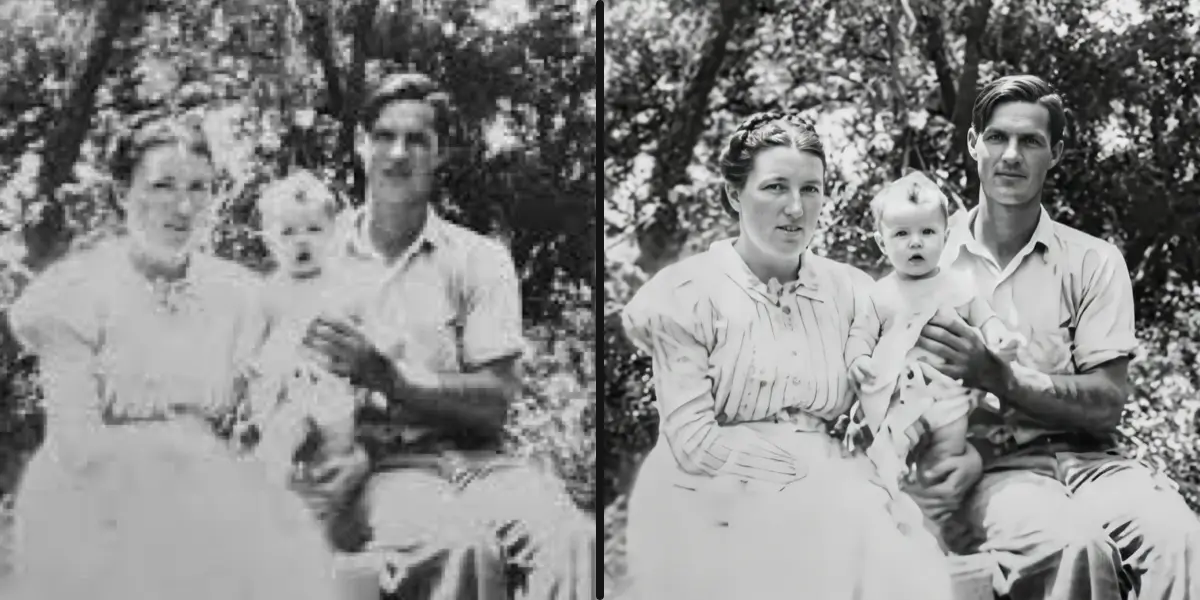
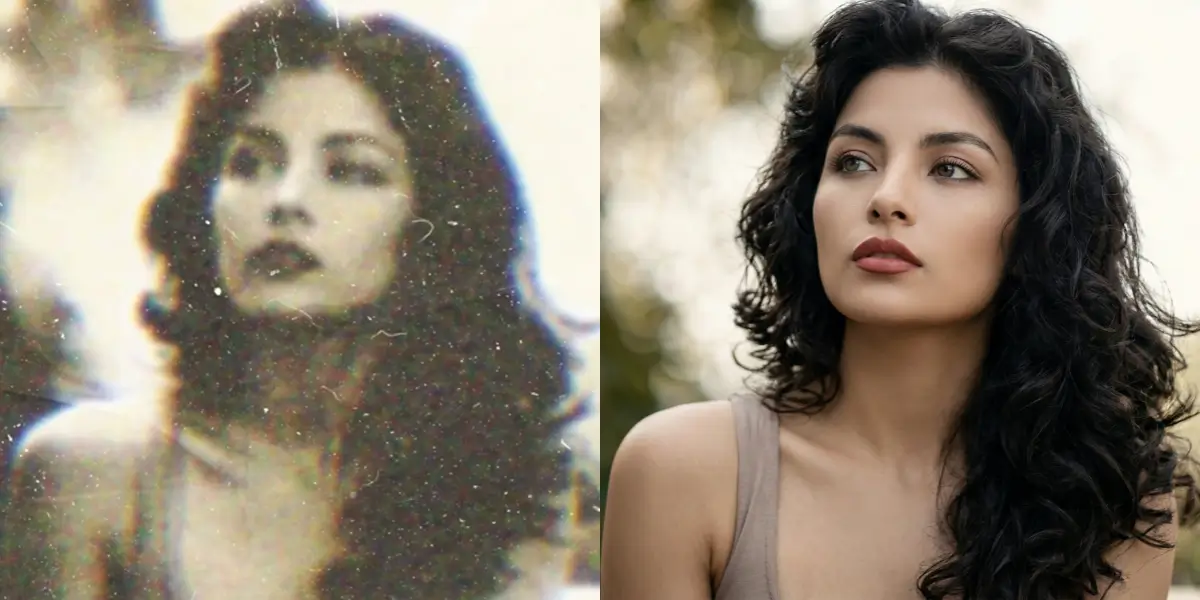
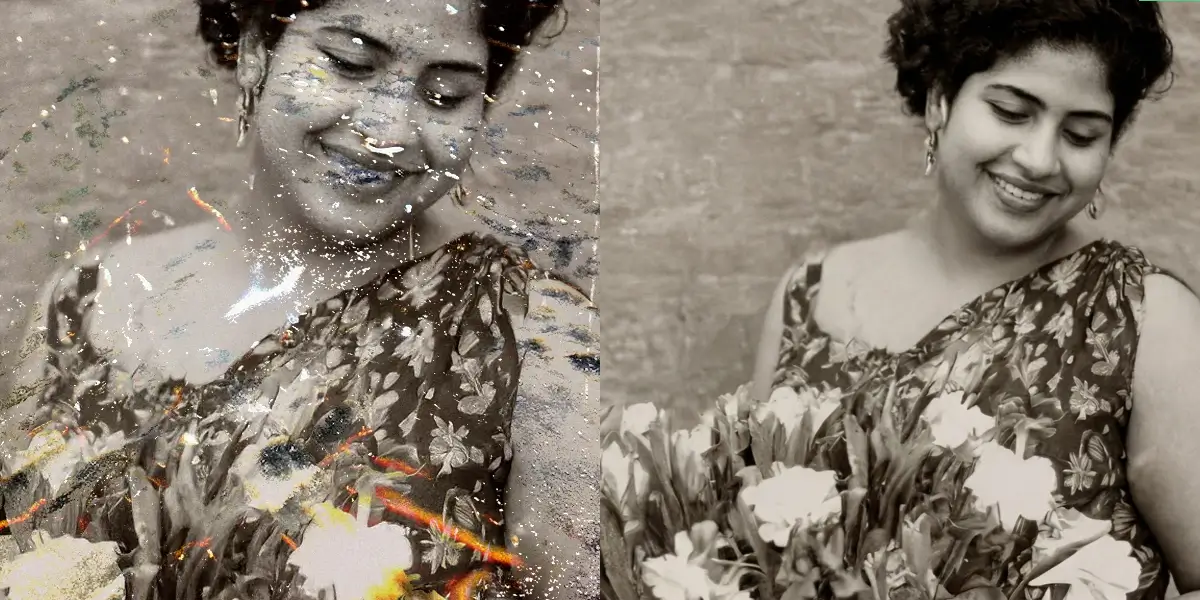
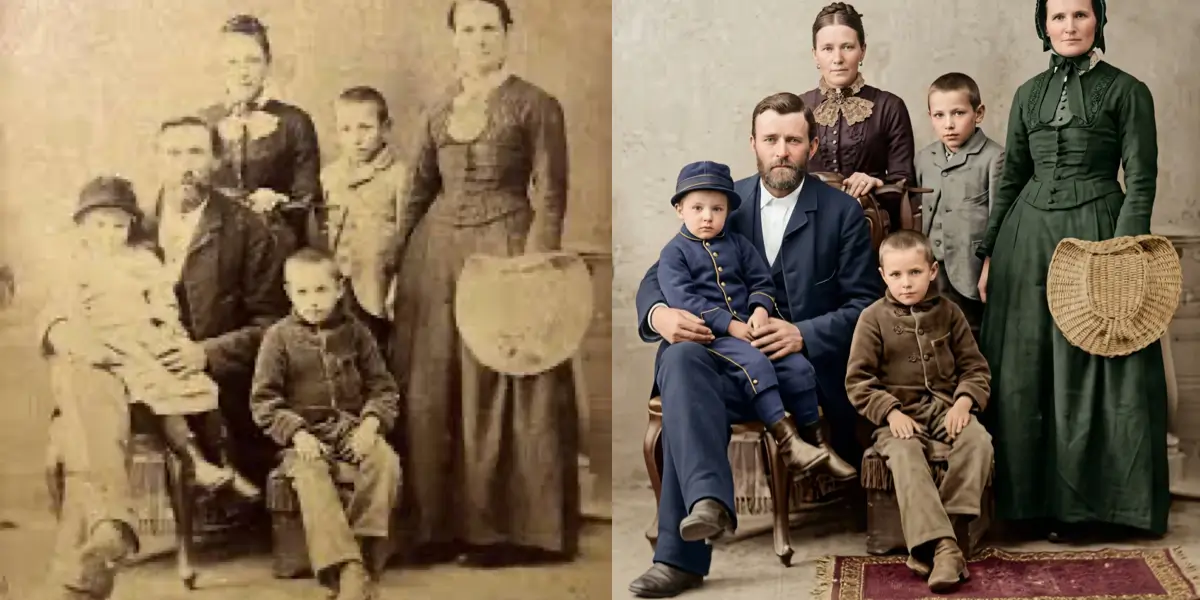
Restore Old, Scratched, Damaged Photos
Colorize, repair, sharpen and de-blur faded family albums. Bring decades-old prints back to life.
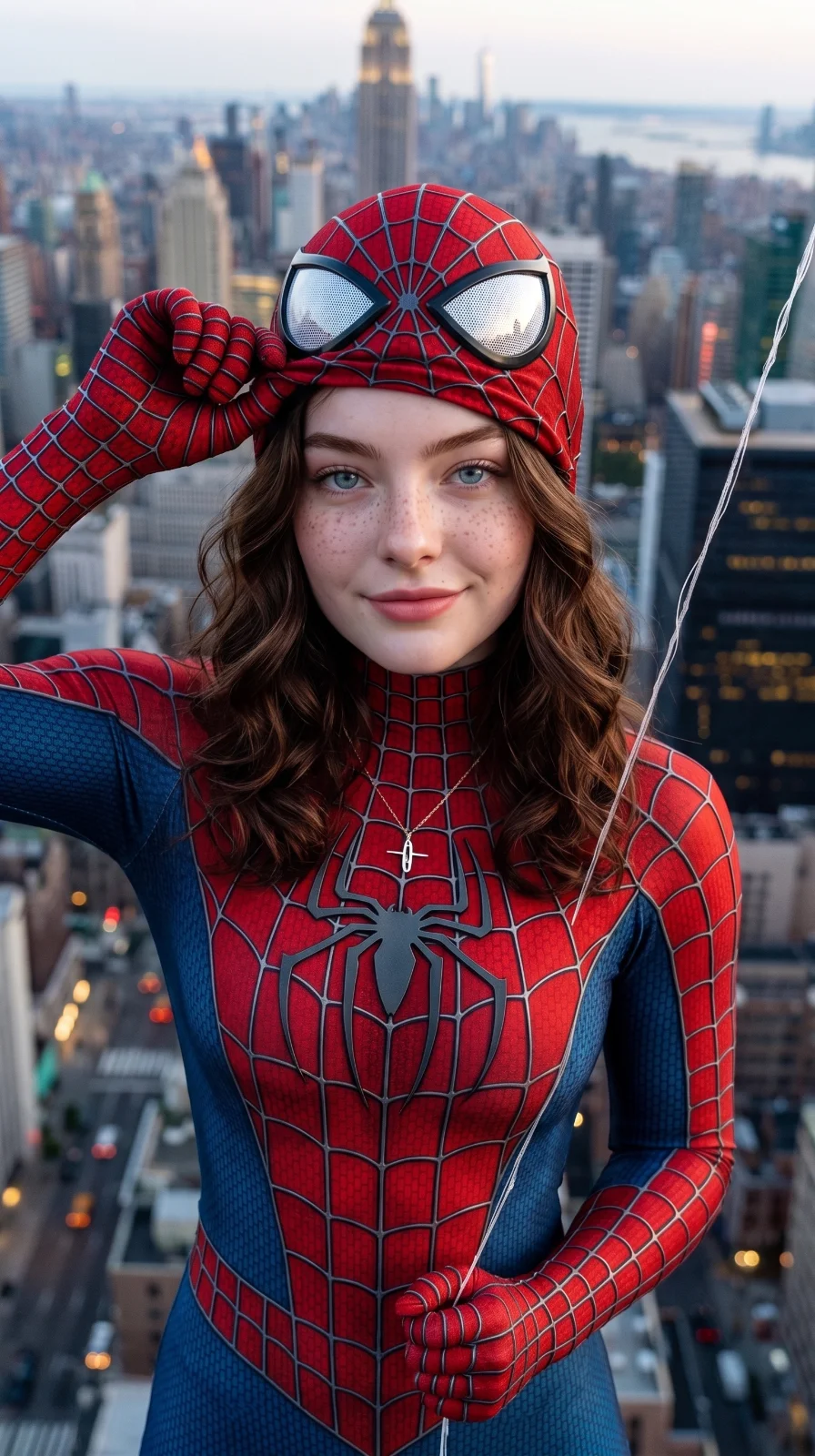
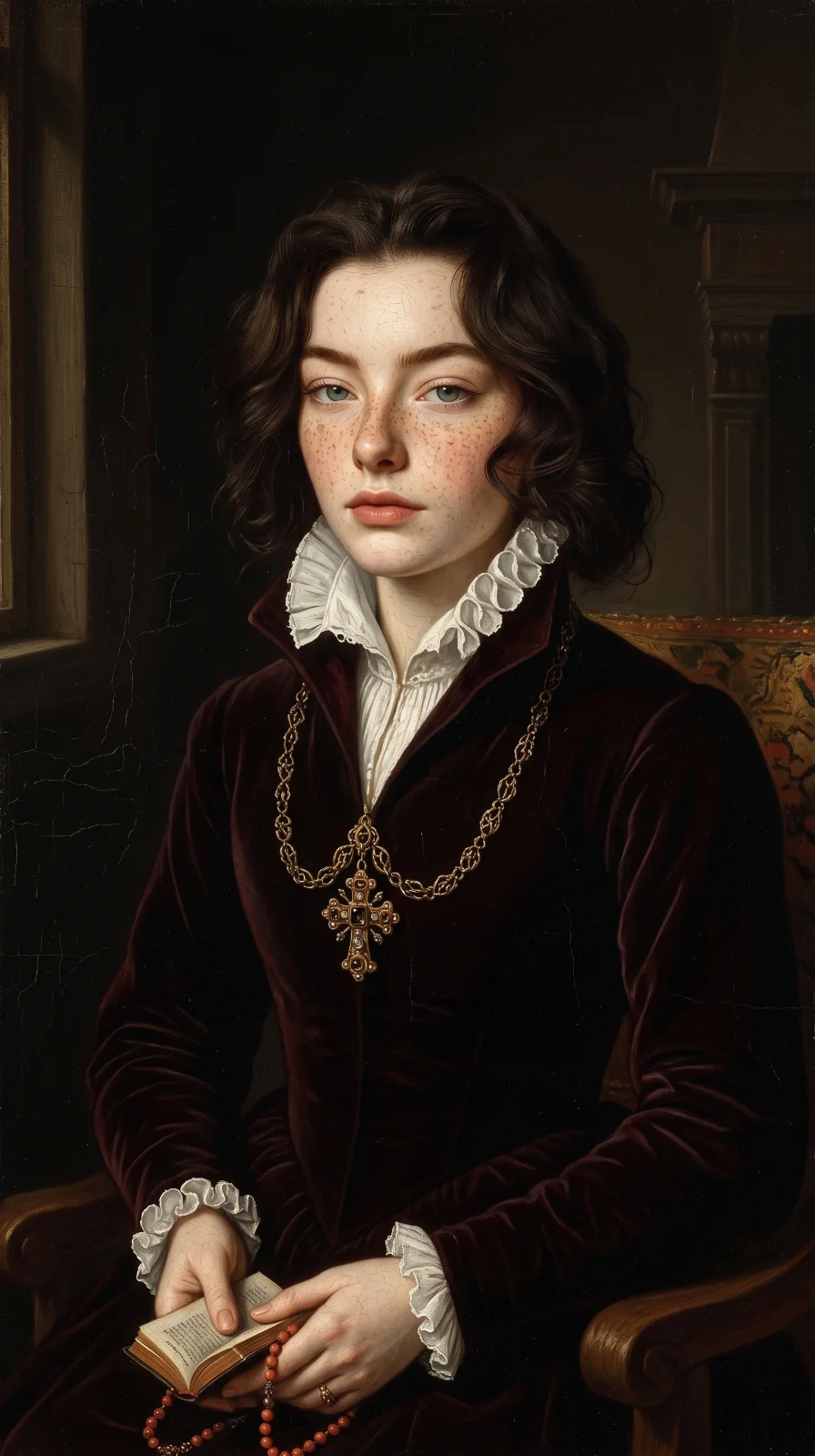
Just for Fun & Creativity
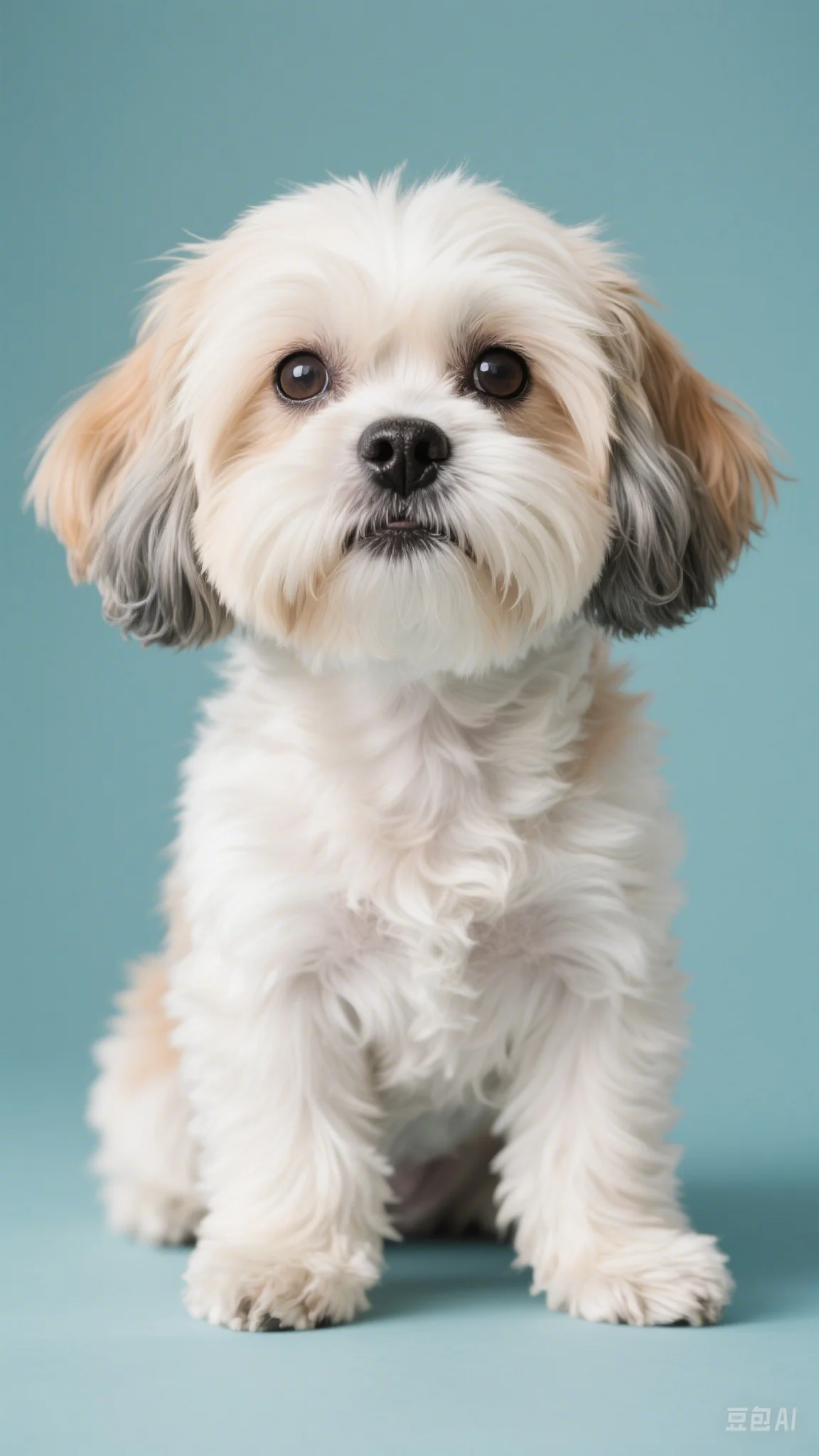
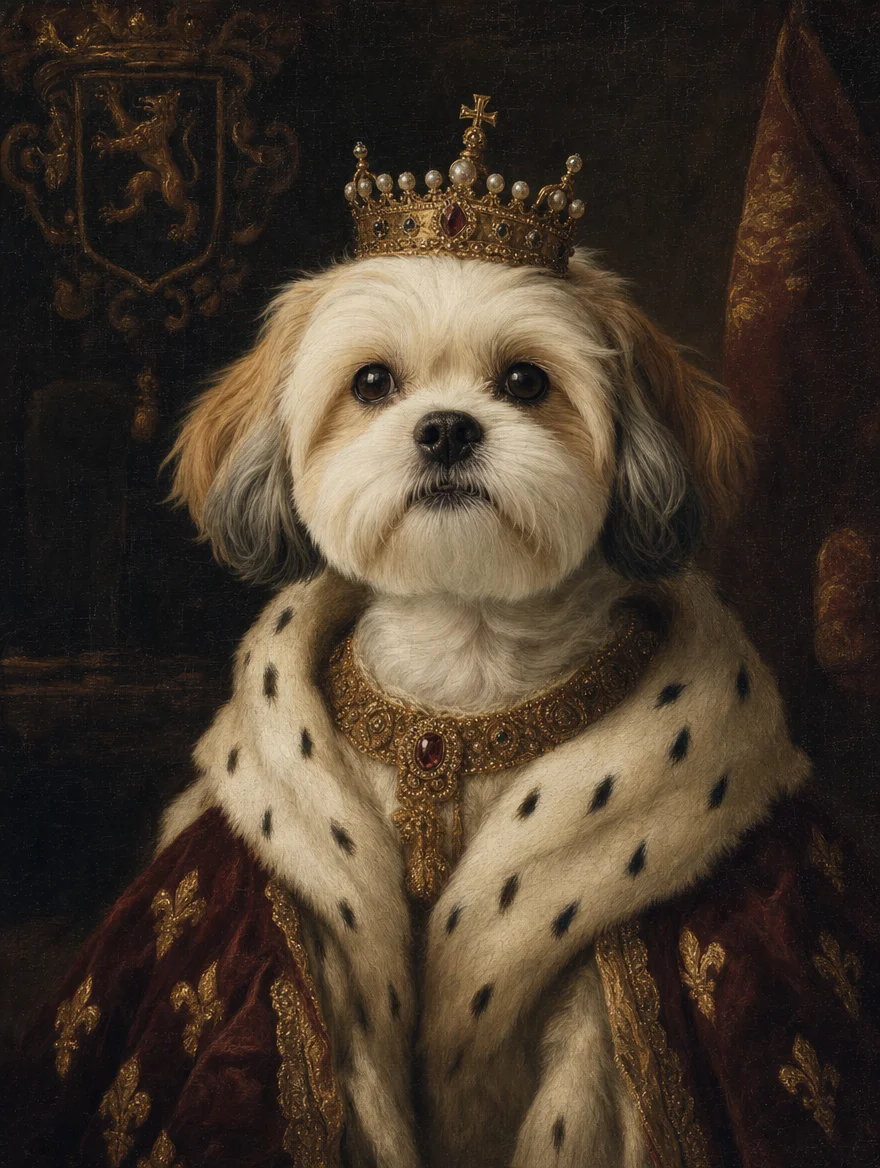
Make the stuff that goes viral — yourself as a Disney character, your pet as renaissance royalty.
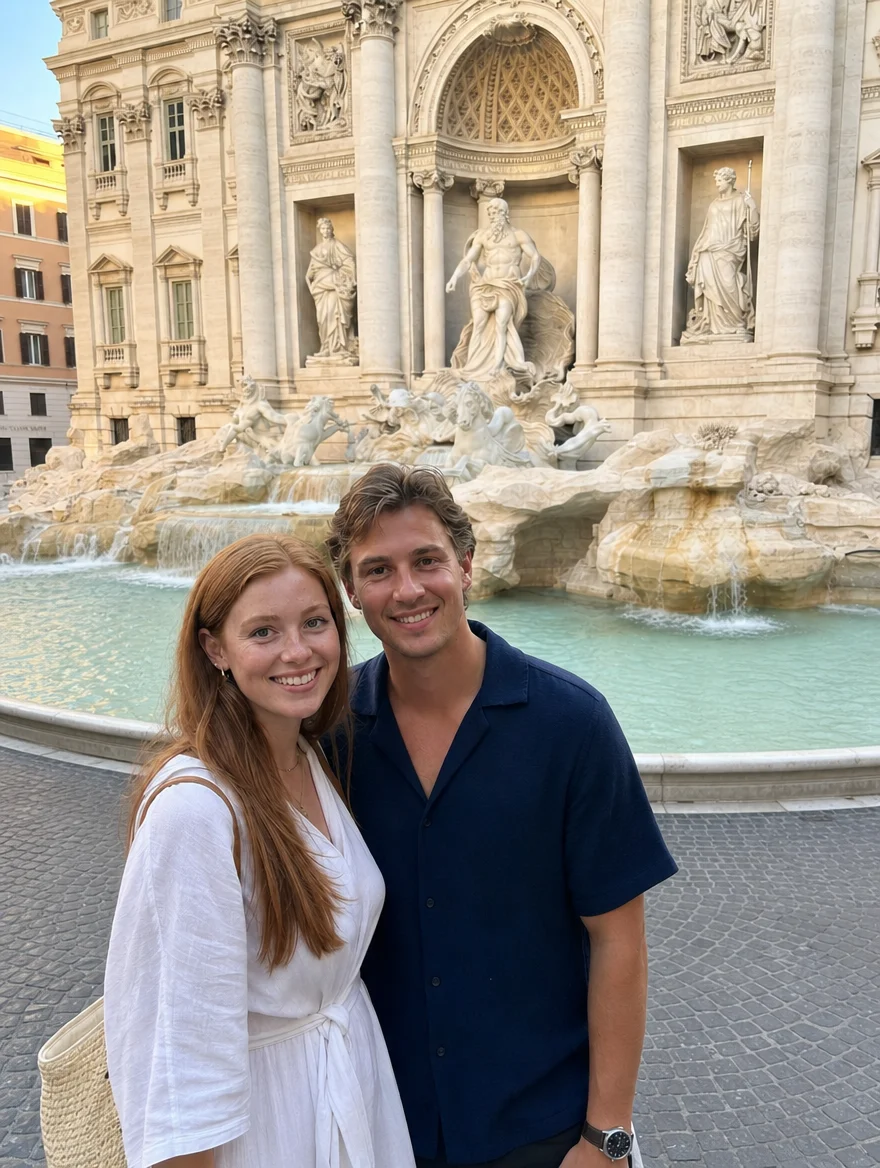
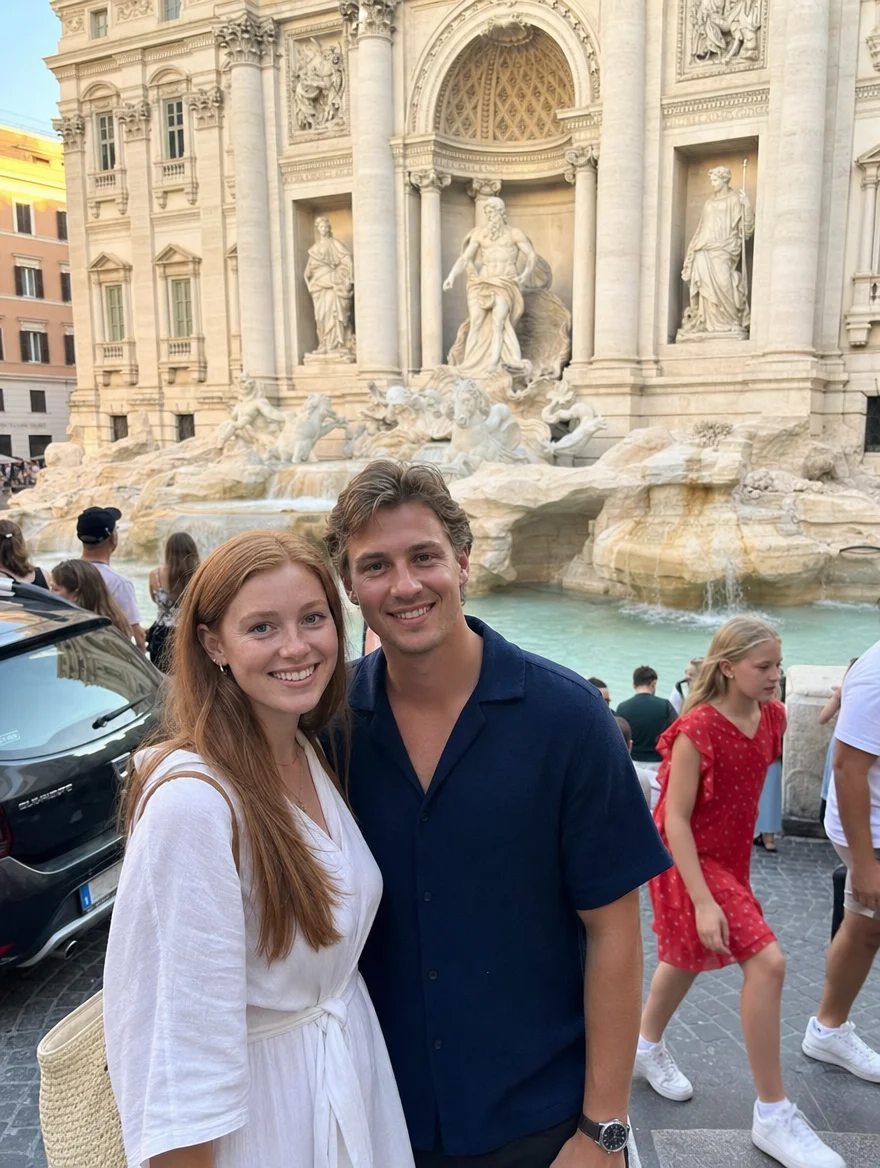
Travel & Events
Save the moment, lose what shouldn’t be in it — tourists, ex-partners, date stamps, accidental blinks.


Real photo editing examples
Restore an old family photo
Input: A scanned 1970s print with scratches, creases, and faded color.
You type: "restore this old photo and fix the scratches"
Result: A clean, sharp photo with damage removed and natural colors recovered.
Remove tourists from a travel photo
Input: A vacation shot with strangers walking through the background.
You type: "remove the people in the background"
Result: The same scene with the background cleared and naturally filled in.
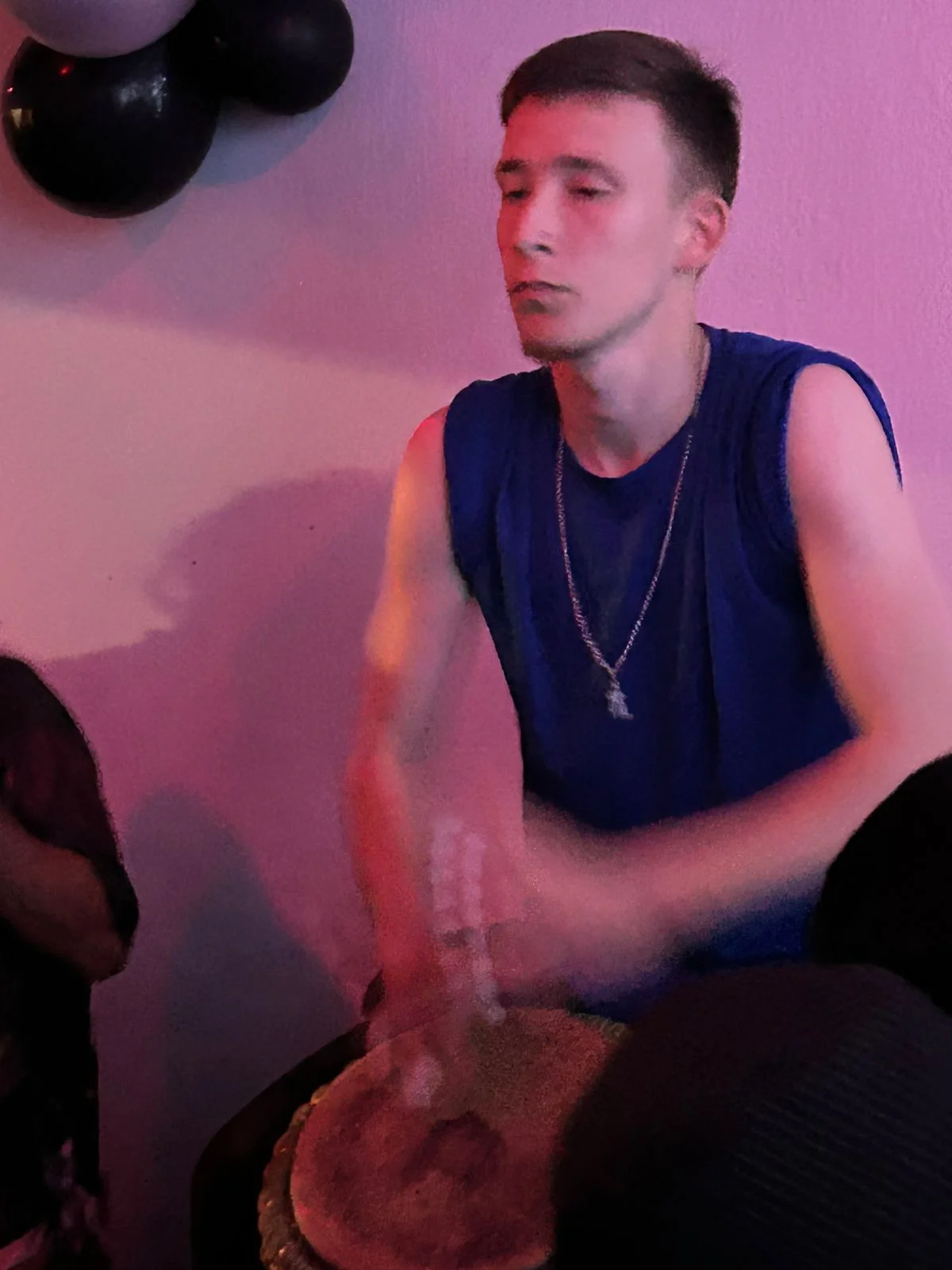
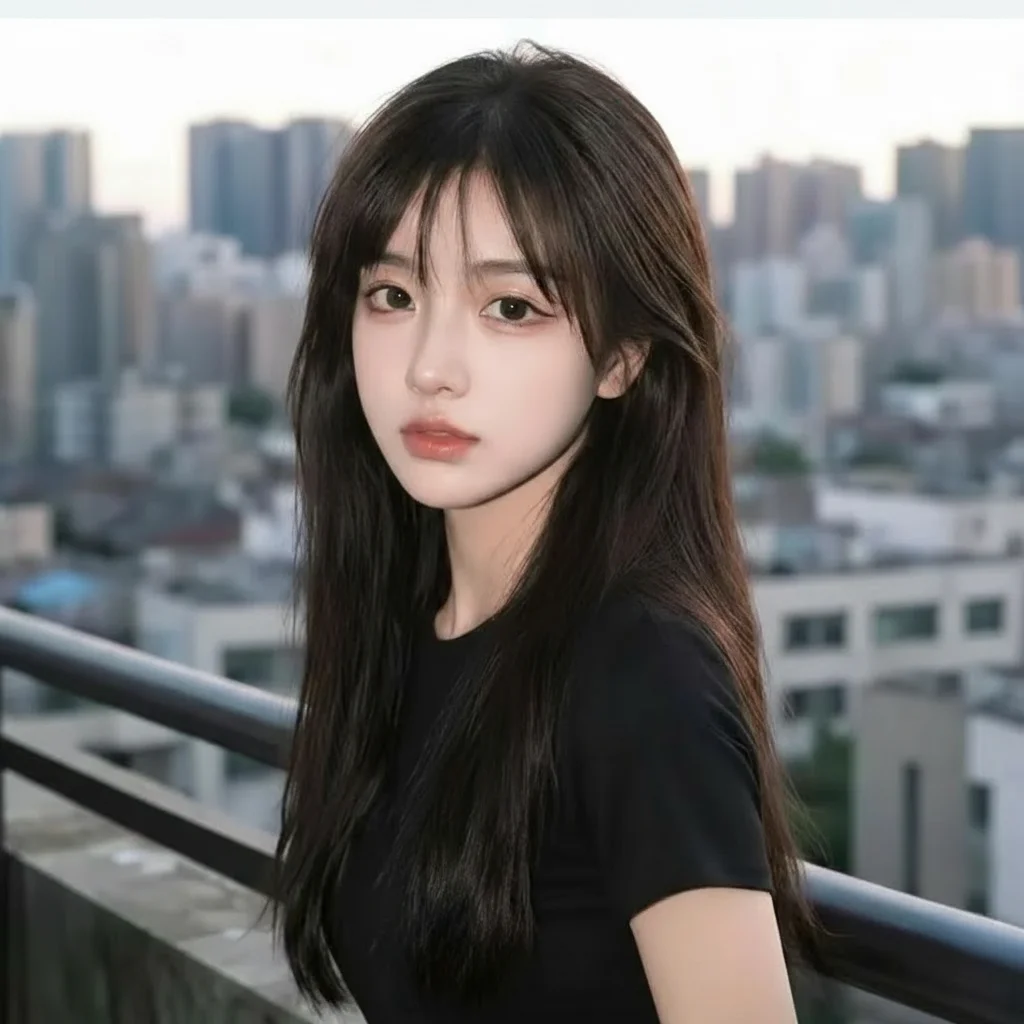
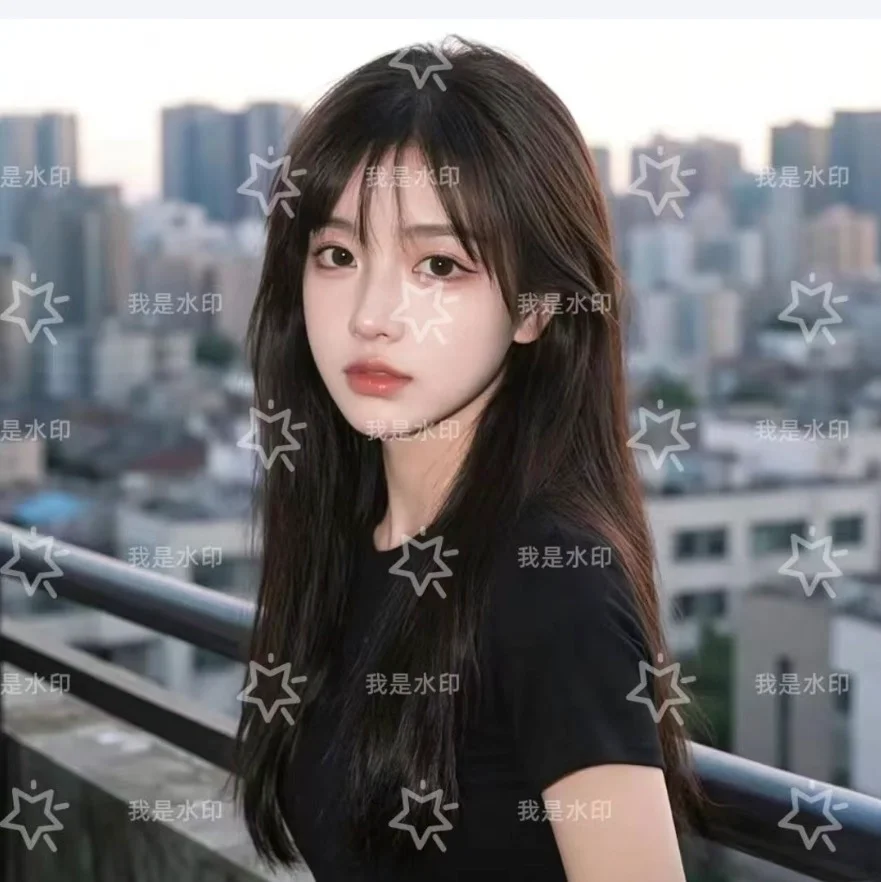
Turn a portrait into anime
Input: A standard phone portrait photo.
You type: "turn this into anime style"
Result: An anime-style illustration that keeps the subject recognizable.
What is seedpix.org?
seedpix.org is a free online AI photo editor that lets anyone restore, enhance, clean up, and restyle photos just by typing what they want — no Photoshop skills and no software to download. It runs entirely in your browser on desktop, iPhone, and Android.
Behind the simple text box are 100+ AI tools, grouped into five things you can do to any photo:
Restore & Enhance
Repair old photos, upscale resolution, unblur, and sharpen.
Cleanup & Replace
Erase objects, people, text, and distractions from any photo.
Background
Remove or swap any background in a single click.
Restyle
Turn photos into anime, cartoon, oil painting, and more.
Image Generator
Create brand-new images from a text prompt.
How to edit a photo with seedpix.org
Three steps, about one minute, no sign-up to start.
Upload your photo
JPG, PNG, or WebP, up to 20 MB.
Describe your edit
Type what you want changed, or pick an AI tool.
Download the result
Your edited photo is ready in seconds.
Who uses seedpix.org?
Everyday users
Fix, restore, and beautify personal and family photos for sharing and printing.
Photographers
Batch-retouch entire shoots in SeedPix Studio instead of editing one frame at a time.
E-commerce sellers
Produce clean product photos and remove backgrounds at scale for marketplaces.
Content creators
Restyle photos for thumbnails, social posts, and ad creatives in seconds.
seedpix.org vs traditional editors vs AI photo apps
| seedpix.org | Photoshop & traditional editors | Typical AI photo apps | |
|---|---|---|---|
| Learning curve | Just type what you want | Steep — layers, masks, tools | Moderate |
| Tool coverage | 100+ tools in one place | Comprehensive but complex | Usually one feature |
| Batch processing | Yes — in SeedPix Studio | Needs scripting | Rarely supported |
| Works on | Any browser, no install | Desktop install | App download |
| Price | Free to start, from $9.99 | Monthly subscription | Monthly subscription |
A pro workspace for batch photo editing
Process hundreds of photos at once, chain multiple edits into one workflow, and manage every project in a single place — built for photographers and power users.
Explore StudioSimple, transparent pricing
Choose the package that fits your creative needs
Basic Package
- No watermarks
- Commercial use allowed
- 350 credits
- Generate ~70 images
- Standard processing speed
Pro Package
- No watermarks
- Commercial use allowed
- 1200 credits
- Generate ~240 images
- Priority processing
- Best value per credit
Free Trial
Get 5 free credits + 1 daily!
Trial generations include watermarks
AI Photo Editor — Frequently Asked Questions
Everything you need to know about our free AI photo and image editor
How does AI photo editing with text work?
Our free AI photo editor uses text-to-image transformation to modify your photos and images based on natural language descriptions. Simply upload your photo or picture, describe the changes you want — background removal, style transfer, or image enhancement — and our AI applies those edits instantly while preserving your subject.
What types of image transformation and photo enhancement are available?
seedpix.org offers comprehensive AI photo and image editing features: background removal, object removal, photo restoration, style transfer, image colorization, and professional photo enhancement. Our online pic editor supports everything from simple color adjustments to complex scene modifications — all free to try.
Can I remove backgrounds and objects from photos using AI?
Yes! Our AI background removal tool automatically detects and removes backgrounds from photos and images with precision. You can also remove unwanted objects, people, or elements using simple text commands. The AI intelligently fills in removed areas to maintain natural-looking results.
How to use a free AI photo editor online?
To use seedpix.org free AI photo editor online: (1) Go to seedpix.org and sign up for 5 free credits — no credit card required. (2) Upload your photo or image (JPG, PNG, WebP up to 20MB). (3) Type what you want to change — 'remove background', 'enhance image quality', 'restore old photo', or any edit in plain text. (4) Download your edited photo in seconds. No Photoshop skills or app download needed. The AI photo editor works on any device — desktop, iPhone, Samsung, and Android.
What is the best free AI photo editor online?
The best free AI photo editor depends on your needs. seedpix.org stands out for its Type to Edit technology — instead of complex sliders, you type what you want in plain text and the AI does the work. It covers the full range of AI photo editing: background removal, object removal, photo restoration, style transfer, image enhancement, and colorization. New users get 5 free credits with no credit card required, making it one of the most accessible free AI picture editors available.
Is there a free AI photo editor — is seedpix.org free?
Yes. seedpix.org is a free AI photo editor online — new users get 5 free credits upon sign-up with no credit card required. Each AI photo edit costs 5 credits, so you can try the full feature set for free. Additional credits start at $9.99 for 350 credits. There are no monthly subscriptions — pay only when you need more credits.
How to use AI photo editor on Samsung or Android?
To use seedpix.org AI photo editor on Samsung or any Android device: open Chrome browser, go to seedpix.org, and sign up for free. Tap the upload button to select a photo from your gallery, type your edit instruction, and download the result within 30 seconds. No app download required — the AI image editor runs entirely in the browser and works on all Samsung Galaxy, Google Pixel, and Android phones running Android 9 or newer.
Is this suitable for professional photo editing and commercial use?
Absolutely. seedpix.org is designed for both personal and professional AI photo editing needs. All paid plans include full commercial usage rights for your AI-enhanced images, making it suitable for marketing, e-commerce product photos, social media content, and creative projects.
How to remove background from a photo for free?
To remove background from a photo for free: go to seedpix.org/background-remover, upload your image, and the AI automatically detects and removes the background in seconds — no manual selection or Photoshop needed. Works on portraits, product photos, and complex scenes. New users get 5 free credits. You can also type 'remove background' in the main editor to remove the background as part of a larger edit.
How to restore old photos online?
To restore old photos online: upload your damaged or faded photo at seedpix.org/photo-restoration. The AI repairs scratches, tears, stains, and fading while sharpening soft details and recovering colors. Works on scanned prints, damaged film photos, and early digital camera images. You can also describe specific restoration needs — 'fix scratches and colorize', 'restore faded colors', or 'repair torn photo' — for targeted results.
How to enhance photo quality with AI?
To enhance photo quality with AI: upload your image at seedpix.org/photo-enhancer and type what you want improved — 'enhance image quality', 'sharpen and brighten', 'improve colors and contrast', or 'upscale to HD'. The AI automatically sharpens details, corrects exposure, enhances colors, reduces noise, and optionally upscales resolution. Works on portraits, landscapes, product shots, and low-light images.
How to fix blurry photos and make them clear online?
To fix blurry photos online: upload your blurry image at seedpix.org/unblur-image. The AI detects the blur type — motion blur, out-of-focus, camera shake, or compression — and applies targeted correction to make the photo clear and sharp in under 30 seconds. Works on portraits, action shots, low-light photos, scanned old prints, and screenshots with blurry text.
How to convert a photo to anime, cartoon, or art style online?
To convert a photo to anime, cartoon, or other art styles: go to seedpix.org/style-transfer, upload your photo, and choose your target style — anime, Ghibli, oil painting, watercolor, sketch, cyberpunk, pixel art, and more. The AI preserves your subject while transforming the visual style. You can also type the style you want in the main editor: 'convert to anime style', 'make this photo look like a Ghibli painting', or 'transform into oil painting'.
What makes seedpix.org different from other AI photo editors?
seedpix.org is the only AI photo and image editor that uses Type to Edit technology — describe your edit in plain text and the AI handles the rest. Unlike traditional editors with complex toolbars, or basic AI editors limited to one function, seedpix.org covers background removal, object removal, restoration, style transfer, and enhancement in a single free online pic editor.
Last updated: May 2026 · Pricing · About seedpix.org