Make AI Photo RealisticFree Online With No Watermark
Convert synthetic Midjourney, DALL-E, or Stable Diffusion renders into authentic, lifelike photographs with natural imperfections.
Instant processing • High resolution output • Zero lag
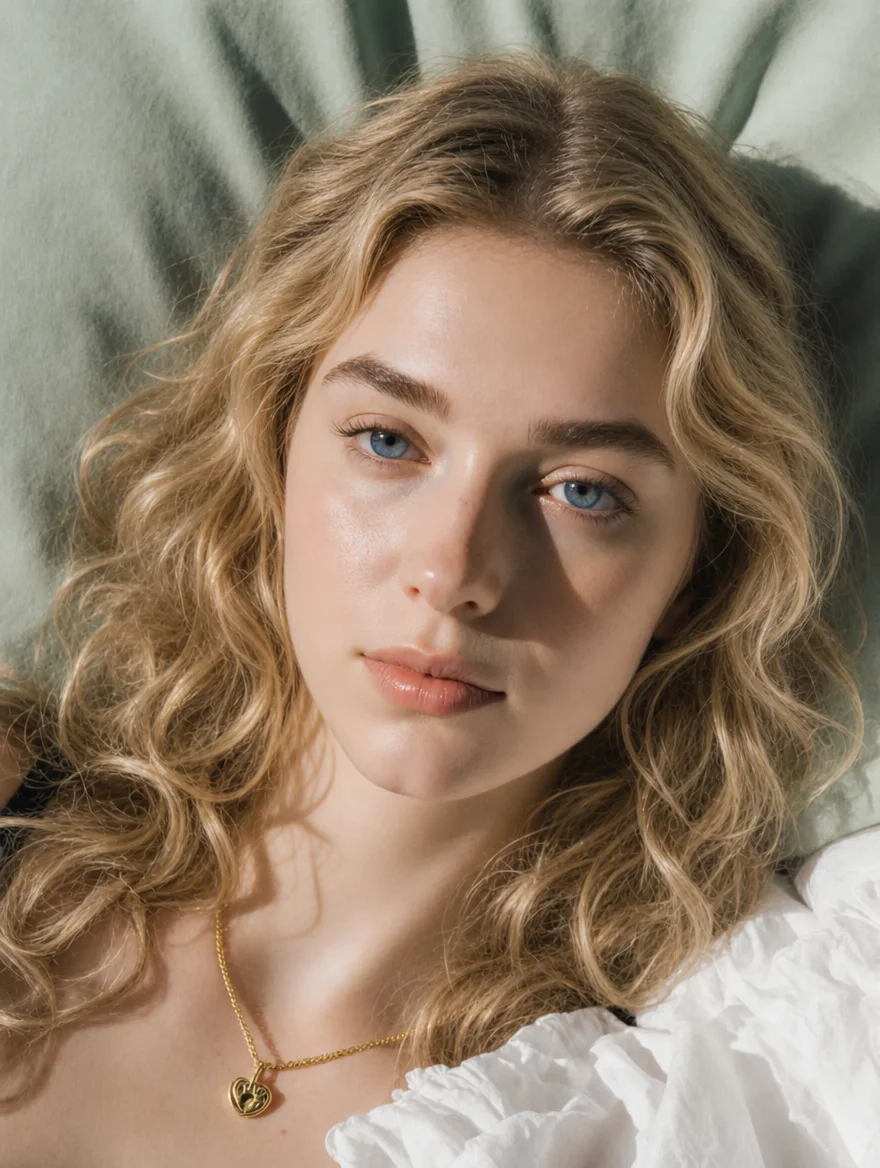
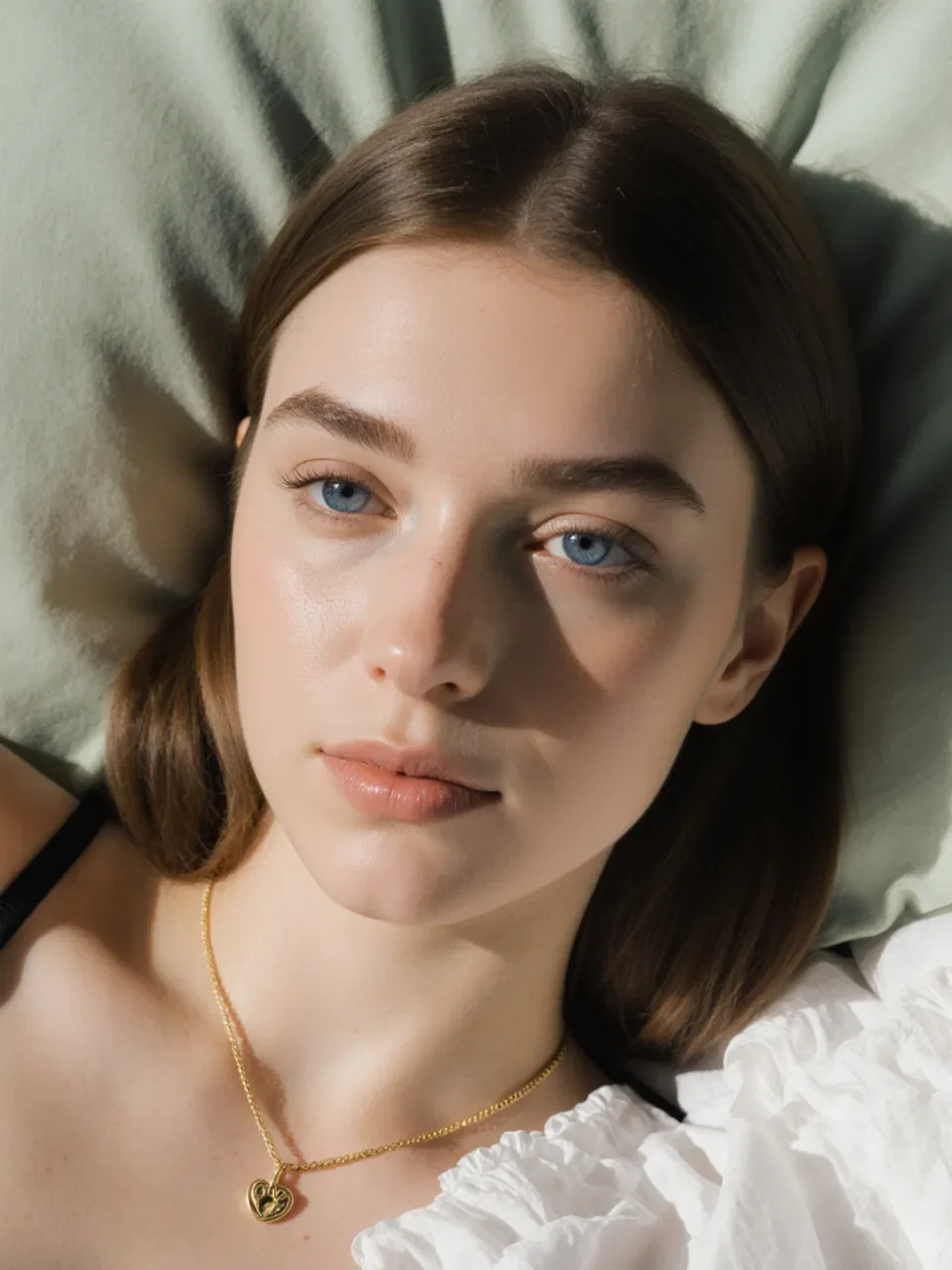
Why Choose SeedPix for Make AI Photo Realistic?
Eliminate the telltale synthetic shine from AI art
Organic skin pore generation
Engineered with deep neural pipelines to preserve genuine textures, sharp contours, and lifelike realism with no distortion.
DSLR lens blur & chromatic aberration
Engineered with deep neural pipelines to preserve genuine textures, sharp contours, and lifelike realism with no distortion.
Eliminates waxy plastic sheen
Engineered with deep neural pipelines to preserve genuine textures, sharp contours, and lifelike realism with no distortion.
How to Use Make AI Photo Realistic in 3 Easy Steps
Upload Your Photo
Drag and drop any JPG, PNG, or WebP image. No login or installation needed.
Type Your Instruction
Enter your editing prompt or choose one of our intelligent one-click presets.
Download in HD
Preview before and after with the interactive slider, then export with zero watermark.
Frequently Asked Questions
Q:Why do AI photos look fake?
AI models often over-smooth skin and create uncanny symmetry. SeedPix injects realistic micro-textures to pass the eye test.
Ready to Try Make AI Photo Realistic?
Experience next-generation AI image editing today. 5 free credits on sign up with zero watermark.