Photo Restoration - Restore Old Photos Free
Restore old, damaged, faded, or scratched photos online free with AI. Repair scratches, fix tears, colorize black & white, and enhance quality.
See It in Action
Drag the slider to compare before and after
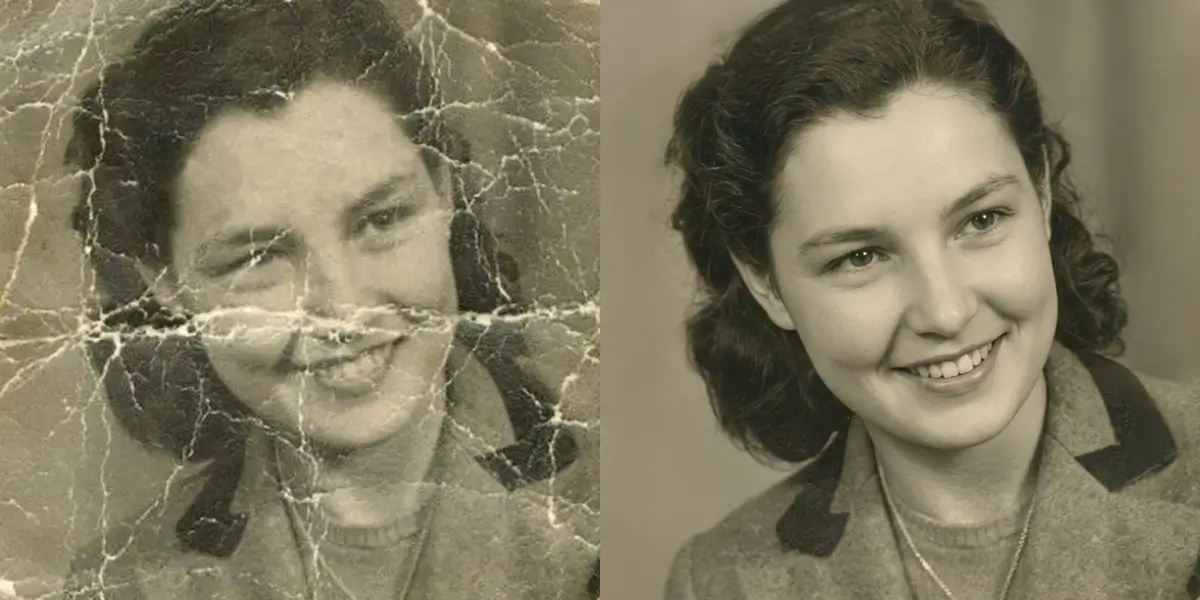
Damaged old photo → restored
Scratches, fading, and tears are repaired automatically.
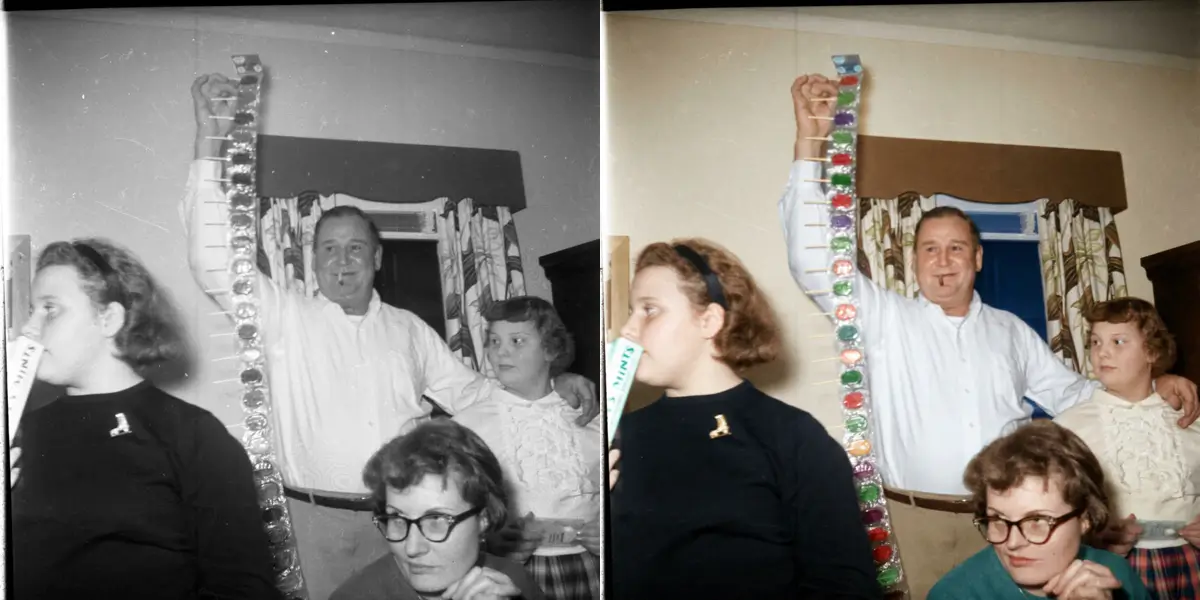
Faded photo → vivid colors
Restore the rich tones lost to decades of sun and time.
How It Works
Scan or photograph the original
Use the highest resolution you can — 300 DPI or more if possible. The scan quality sets the ceiling on the restoration.
Run the restoration
The model repairs damage, rebuilds faded colour and recovers detail while preserving the subject's likeness.
Compare and download
Check faces closely at 100% zoom, then download the restored file. No watermark.
Why use SeedPix for this?
Old photos fail in several ways at once — scratches, creases, fading, water stains, and grain that has eaten the fine detail. Restoring them by hand means weeks of retouching. SeedPix separates damage from content: it repairs cracks and stains, rebuilds faded colour, and recovers facial detail, while keeping the character of the original rather than producing a plastic modern-looking version of it.
When to use Photo Restoration
The situations this tool is actually built for.
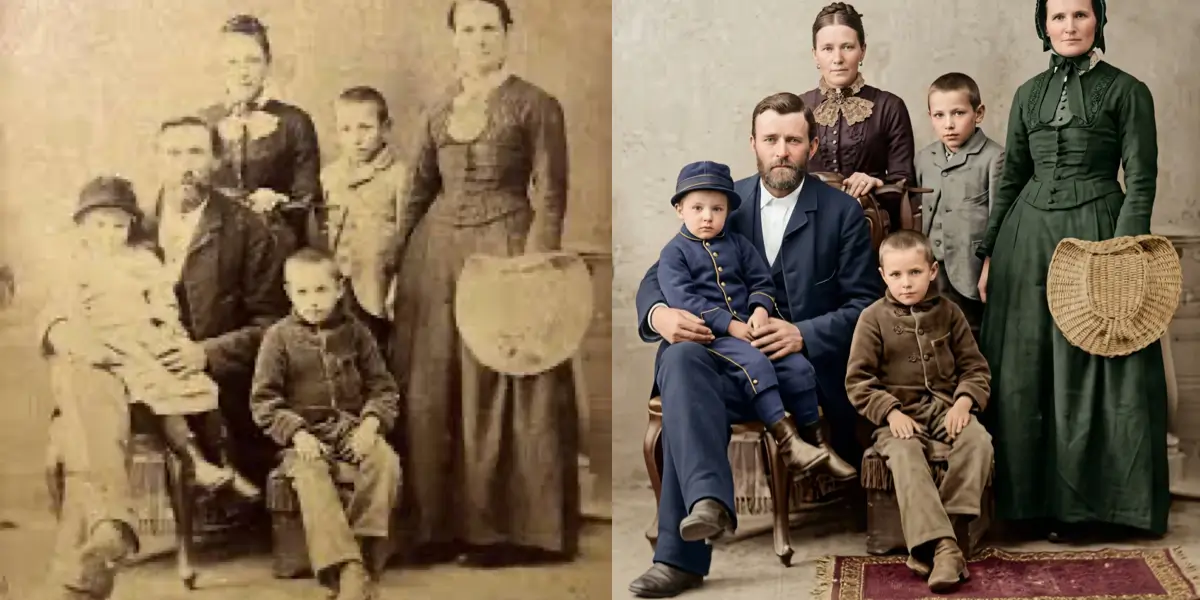
Restore a damaged family photograph
Tears, creases and water marks can be repaired without losing the faces that make the photo worth keeping.
Bring back colour in a faded print
Prints from the 1970s and 1980s often shift to orange or yellow. The model rebuilds believable colour from what survives.
Digitise and clean up an old scan
Scans pick up dust, scanner noise and paper texture. Restoration removes those artifacts and recovers the underlying image.
Frequently Asked Questions
How do I restore old photos online for free?+
Upload your old or damaged photo and click one button. The AI repairs scratches, tears, fading, and enhances quality automatically.
Can it fix scratched or torn photos?+
Yes. The AI repairs scratches, creases, tears, missing corners, and water damage.
Can it colorize black and white photos?+
Yes. The AI adds natural, realistic colors to black & white photos while preserving the original subjects.
Will faces stay recognizable?+
Yes. Our restoration preserves facial features and structure, keeping people recognizable.
Is photo restoration free?+
You get 10 free credits on signup plus 1 daily credit. Restoration costs 10 credits per photo.
What formats are supported?+
JPG, PNG, and WebP files up to 20MB.
Will restoration change how the people look?+
It should not change identity, but it will change surface quality — that is the point. The model works from the facial structure in the scan, so likeness is preserved; check the eyes and mouth, which are the areas most likely to shift.
Can it restore a photo where a piece is physically missing?+
Small missing areas can be plausibly reconstructed from the surrounding image. A large missing region — a torn-off corner containing a face, for example — has to be invented, so treat that part as an artistic reconstruction rather than a restoration.
Should I restore before or after upscaling?+
Restore first. Repairing damage and recovering detail at the scan's native resolution gives the upscaler real information to work with; upscaling a damaged scan just produces a larger damaged scan.
Ready to bring damaged old photos back to life?
Upload your photo above and get results in one click. No prompt writing, no original file needed.