Remove Matcha Filter - Restore the Real Photo
Remove the viral matcha filter from photos and get the original back. AI reconstructs the real photo underneath the green liquid art. No original file needed.
See It in Action
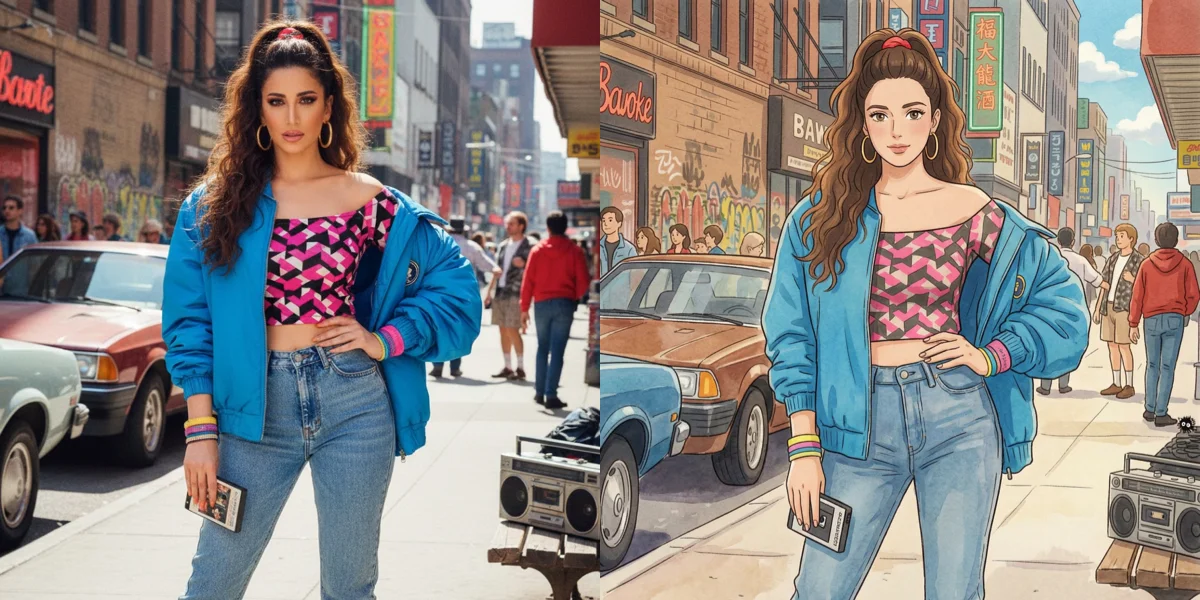
Drag the slider to compare before and after
Matcha art → real photo
The green liquid effect is reversed, restoring natural skin and colors.

How It Works
Upload the matcha-filtered image
Any JPG, PNG or WebP with the matcha effect applied. Screenshots from social apps work too.
Run the matcha reversal
The model identifies the stylisation pattern and rebuilds photographic skin, hair and background detail in the same framing.
Compare and download
Drag the before/after slider to check the result, then download the watermark-free file.
Why use SeedPix for this?
The matcha filter replaces skin and hair with painted shapes, so there is no honest way to 'turn the effect down' — the information is gone. SeedPix treats it as a reconstruction problem: it reads what the filter preserved about the person and re-renders realistic skin, hair and fabric in the same pose and lighting. That is the difference between a photo that looks unfiltered and one that looks blurred.
When to use Remove Matcha Filter
The situations this tool is actually built for.
Get back a usable profile photo
Matcha art works as a post but not as a headshot. Reconstruct the realistic version and use it where a painted avatar would look out of place.
Fix a photo you only have in matcha form
Trend filters are often applied before the original is saved anywhere else. The AI rebuilds from what the filter left behind.
Clean up matcha art for a client deliverable
If a matcha-styled image is going into a deck or a print piece, the painted look usually has to go. One pass converts it back to something photographic.
Frequently Asked Questions
What is the matcha filter?+
The matcha filter is a viral AI art trend that turns ordinary photos into matcha-style liquid art: the subject looks sculpted from flowing green matcha with creamy foam swirls. It spread across TikTok, Instagram, and X in 2026.
How do I remove the matcha filter from a photo?+
Upload your matcha image and click one button. Our AI reads the preserved structure (pose, framing, facial proportions) and re-generates the realistic photograph underneath.
Can I remove the matcha filter without the original photo?+
Yes, that's the main use case. The tool reconstructs the realistic photo directly from the matcha image itself - no original file, no reference photo, no manual masking.
Will the result look exactly like my original photo?+
The output is an AI reconstruction, not a pixel-perfect recovery. Facial structure, pose, and composition carry over, so the result usually looks convincingly like the same photo. Clearly structured portraits give the best results.
How much does it cost to remove a matcha filter?+
One matcha filter removal costs 10 credits. Signing up gives you 10 free credits, so your first removal is free. Packs start at $9.99 for 350 credits.
What formats are supported?+
JPG, PNG, and WebP files up to 20MB. Uploads are deleted within 3 days; your results are yours to keep.
Why can't I just lower the saturation to undo the matcha filter?+
Because matcha does not work by shifting colour — it replaces texture with painted shapes. Desaturating a matcha image leaves you with a grey painting. Reversing it requires regenerating the missing texture, which is what SeedPix does.
Will the reconstructed face still look like the person?+
The model works from the facial structure the filter preserved, so likeness is usually good. Very heavy stylisation around the eyes or mouth is the hardest case — check the result before you rely on it.
Does it work on group photos?+
Yes, though every face in the frame is reconstructed independently. On wide shots with small faces, detail is naturally lower than on a close portrait.
Ready to reverse the viral matcha filter trend?
Upload your photo above and get results in one click. No prompt writing, no original file needed.