AI Photo Generator - Realistic Photos from Text
Create realistic photos from text with AI. Generate portraits, product shots, and scenes that look like real photographs. Free, no signup needed.
See It in Action
Drag the slider to compare before and after
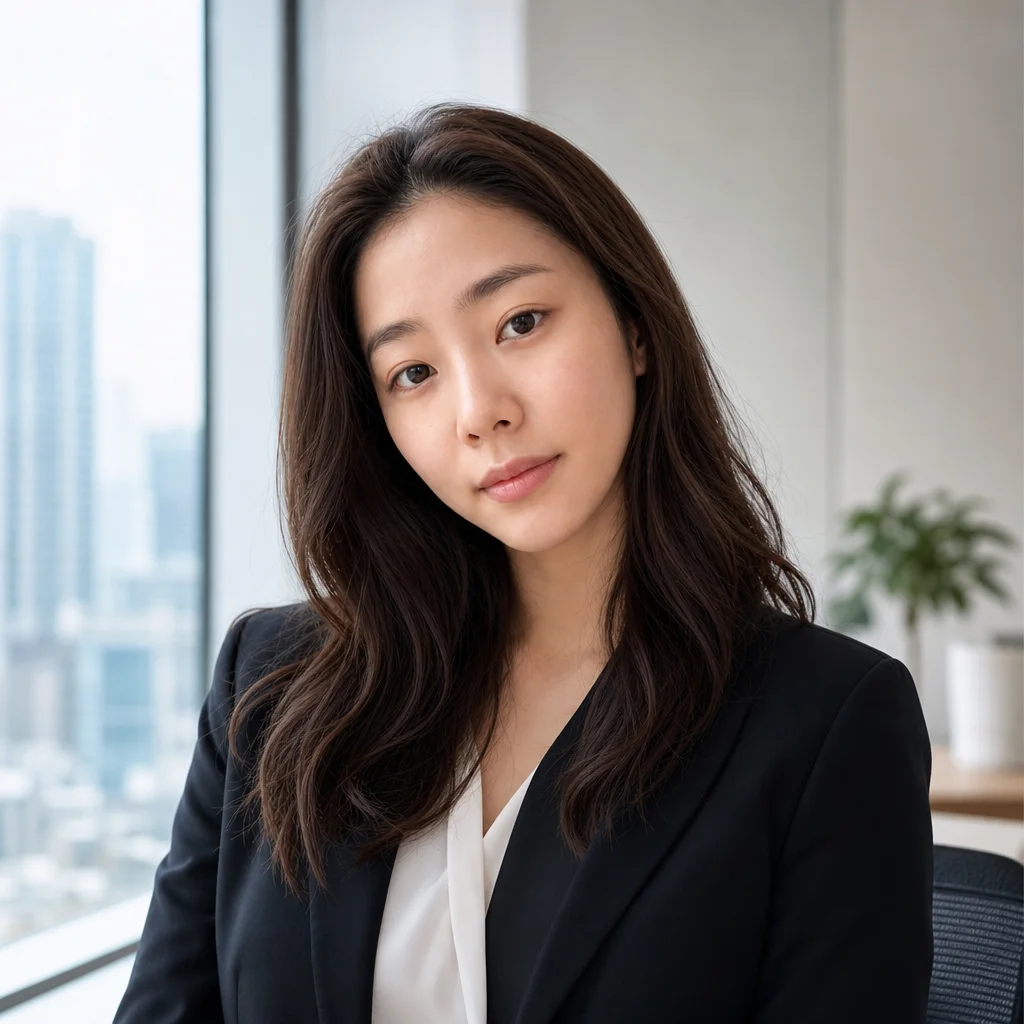
Description → realistic photo
Photorealistic results with natural skin, light, and texture.
How It Works
Describe the photograph
Say what the photo shows and how it was taken — subject, setting, light direction, lens feel. Photographic language produces photographic output.
Generate across models
SeedPix can render the same description with different generators so you can compare realism side by side.
Download the realistic result
Keep the version that holds up at 100% zoom. No watermark, commercial use allowed.
Why use SeedPix for this?
The hard part of generating a photorealistic image is not making something recognisable — it is making it survive close inspection. Lighting has to fall consistently, skin needs texture rather than a smooth sheen, and materials have to behave the way they actually do. SeedPix routes each prompt to the model best suited to photographic output and lets you compare results before you commit.
When to use AI Photo Generator
The situations this tool is actually built for.
Generate product photography without a studio
Describe the product, surface and lighting to get a presentable image without booking a shoot or building a set.
Create realistic portraits and headshots
Generate a portrait with believable skin, hair and lighting for a profile, a deck or a concept pitch.
Fill gaps in a visual set
When a layout needs an image you do not have, generate one that matches the lighting and style of the rest of the set.
Frequently Asked Questions
How do I generate a realistic photo with AI?+
Type a description of the photo you want - subject, setting, lighting, and style - and the AI renders a photorealistic image in seconds.
Can it generate realistic portraits?+
Yes. The AI generates natural skin texture, realistic lighting, and photographic composition, so portraits look like real camera photos.
Can I generate product photos?+
Yes. Describe the product, background, and lighting to create clean product shots for e-commerce, ads, or mockups.
Is the AI photo generator free?+
You get 10 free credits on signup plus 1 daily credit. Each generation costs 10 credits.
Do I need to sign up?+
You can generate immediately without signing up. Sign up for free credits and history saving.
What formats are supported?+
JPG, PNG, and WebP files up to 20MB.
What makes a generated photo look fake?+
Usually the surface, not the subject: skin with no pores, lighting that changes direction across the frame, hair that fuses into the background, and a total absence of grain. Naming the lighting and the lens in your prompt helps, and the photo-to-real tool can clean up the remaining tells.
Can I generate a specific person?+
You can describe a person's appearance and setting, but generating a recognisable likeness of a real, identifiable individual is not something you should do without their consent — it raises likeness and privacy issues regardless of how the image is used.
How do I keep a consistent look across several images?+
Reuse the same descriptive language for lighting, lens and style in every prompt, and stay on the same model. Changing the model between images is the most common reason a set stops looking like it came from the same shoot.
Ready to generate realistic photos from text?
Upload your photo above and get results in one click. No prompt writing, no original file needed.