Editor de Fotos IA Gratis Online — Edita Fotos Escribiendo
Edición fotográfica instantánea sin fricción. Elimina objetos no deseados, borra marcas de agua, restaura retratos antiguos y amplía a 4K, totalmente gratis y sin cuenta.
Real Photo Editing Examples (100% Interactive)
Drag the interactive slider to compare real unedited photos with AI-processed results.

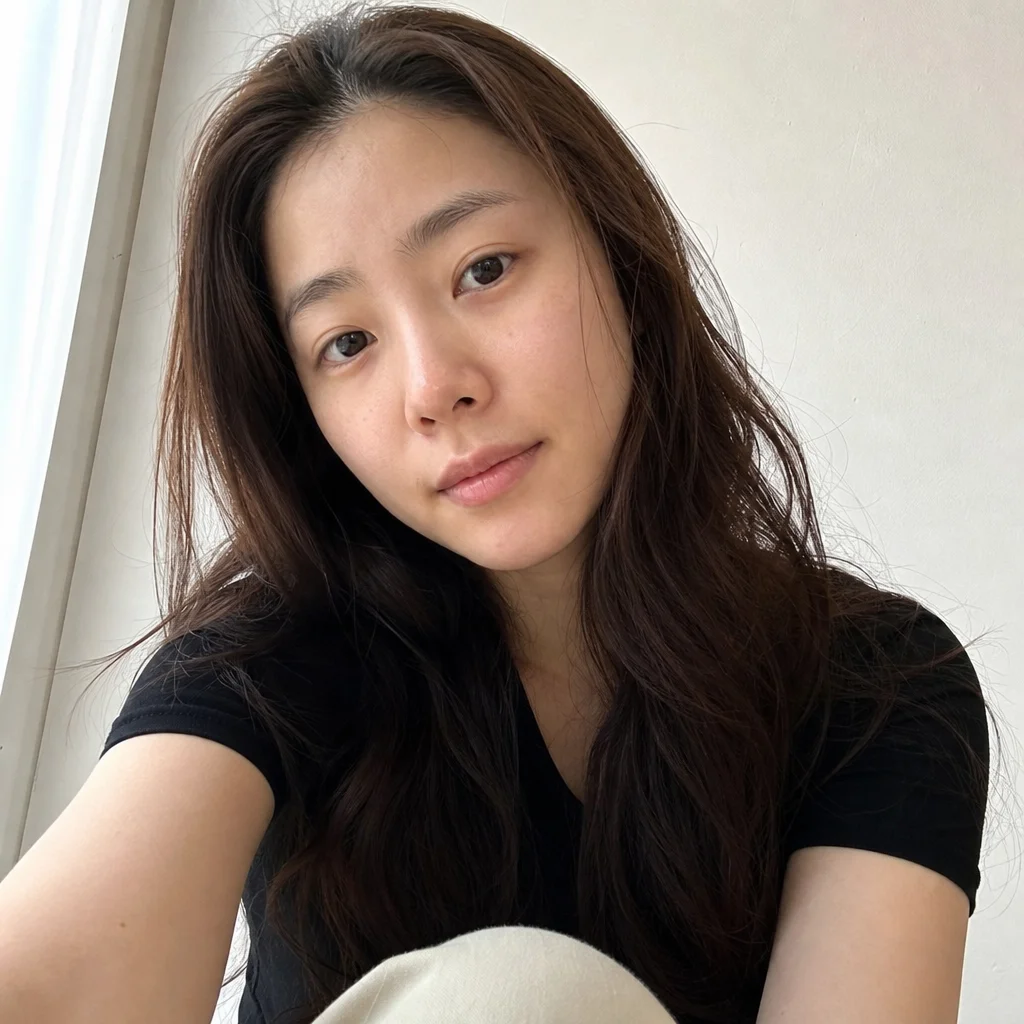
“Transform casual photo into a studio corporate headshot, dark blazer, soft background”
Try this tool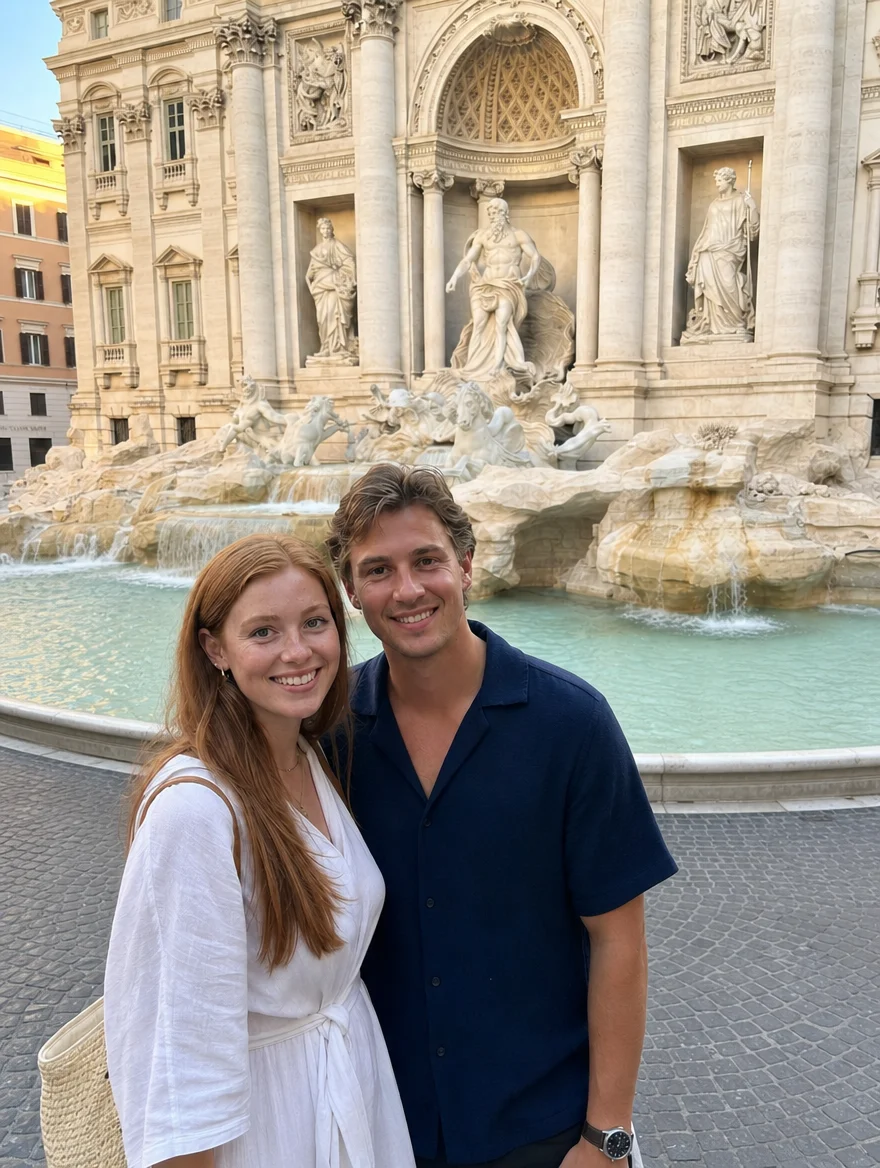
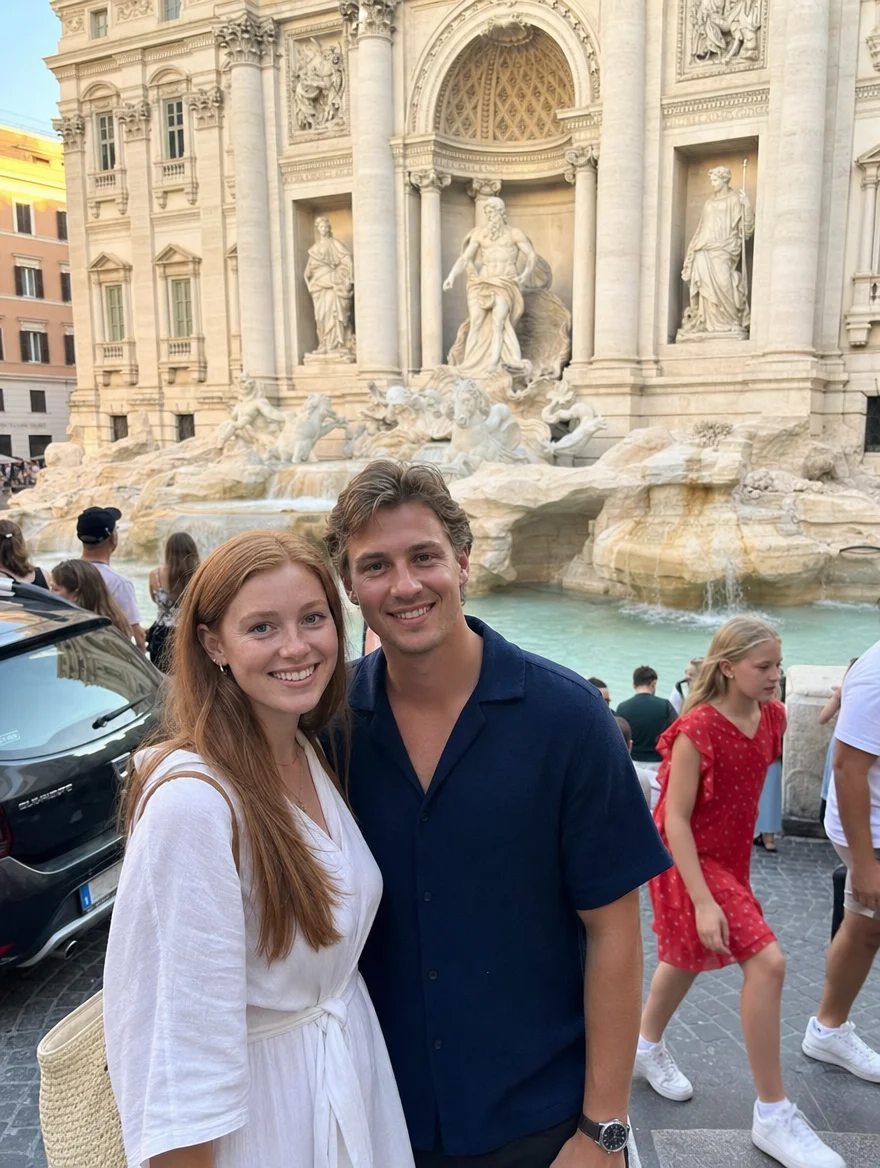
“Remove tourists and photobombers in background, seamless natural scenery”
Try this tool

“Warm golden-hour natural lighting, confident smile, aesthetic depth of field”
Try this tool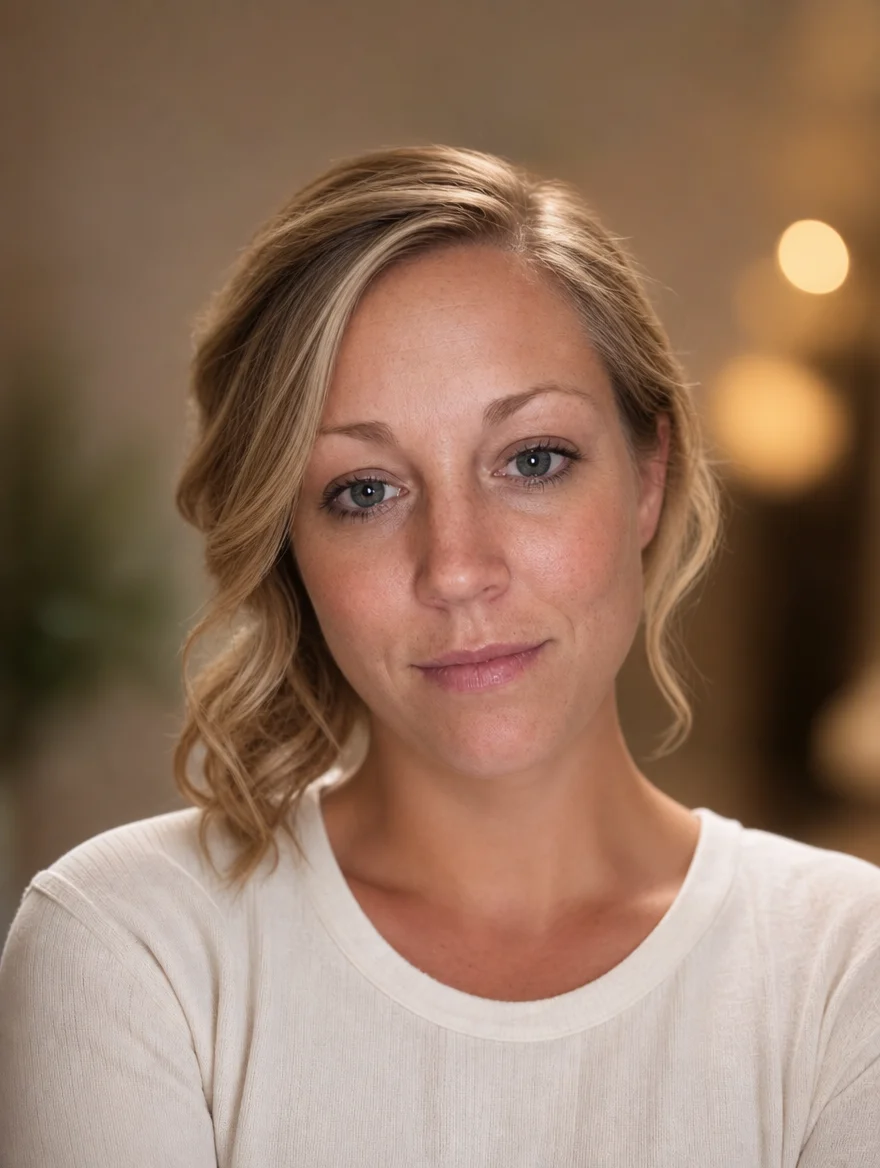
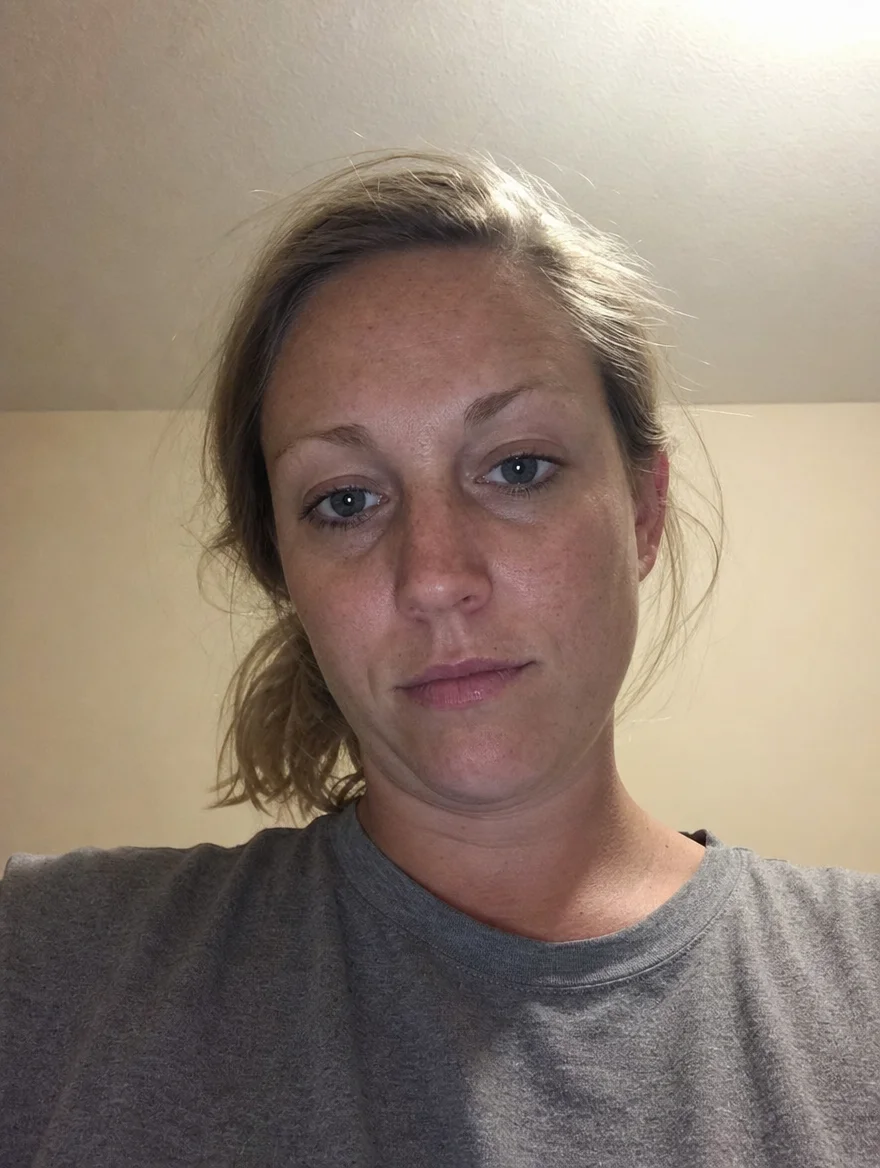
“Enhance facial details, cinematic glow, stylish outdoor photography vibes”
Try this tool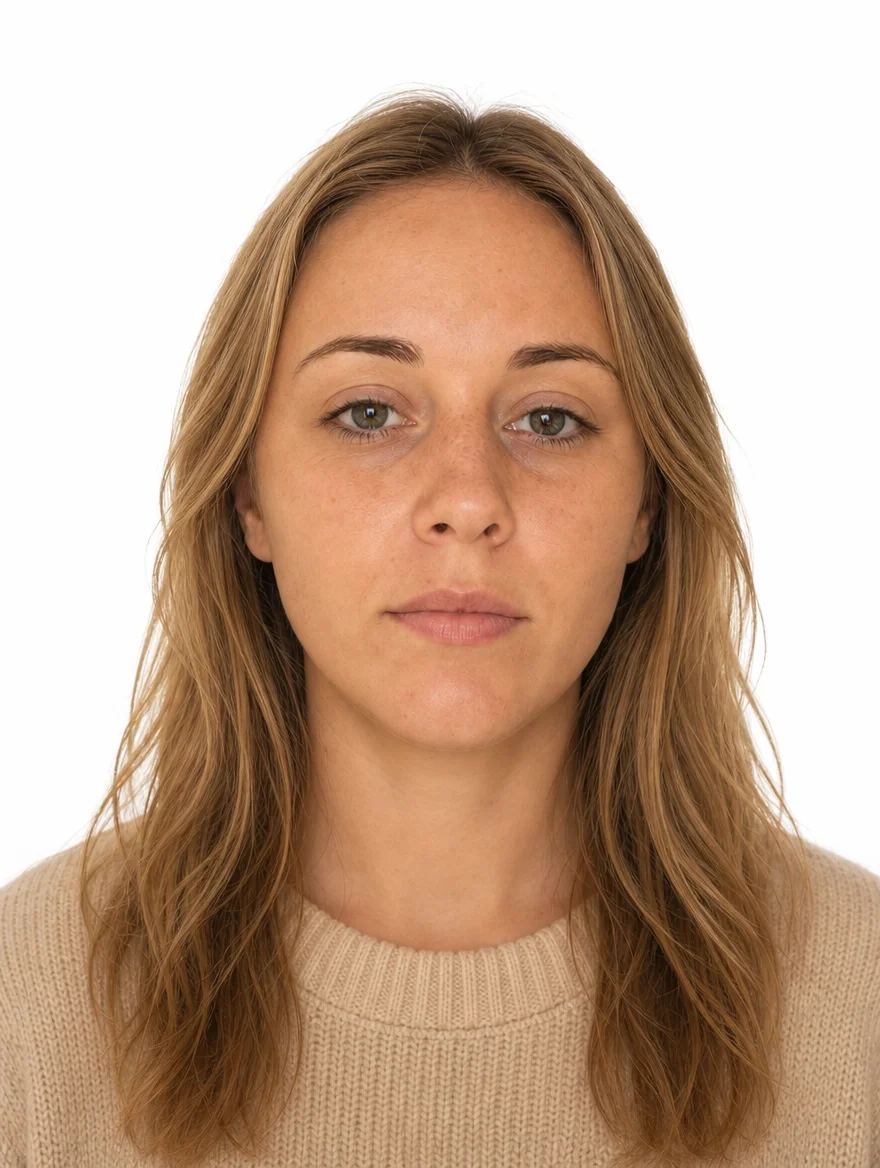
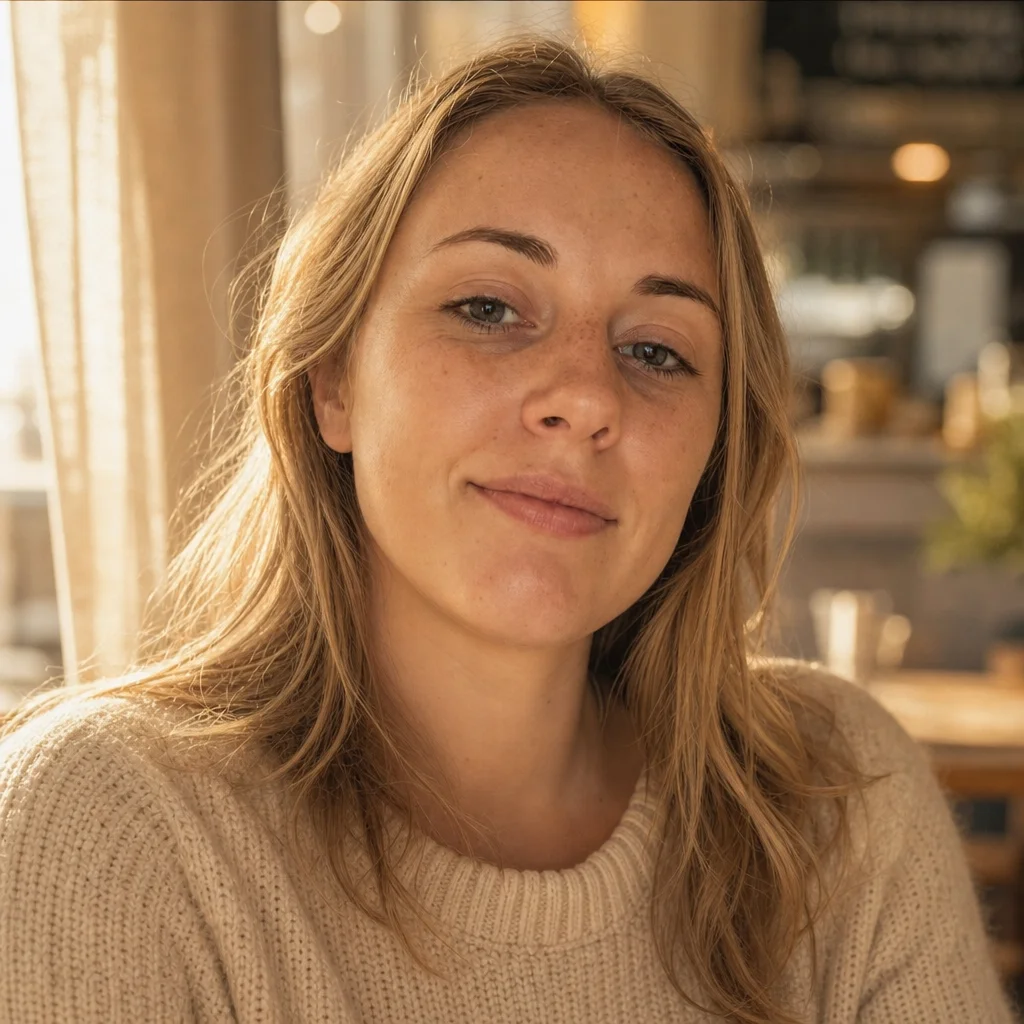
“Pure white background, compliant lighting, neutral facial expression, 2x2 standard”
Try this tool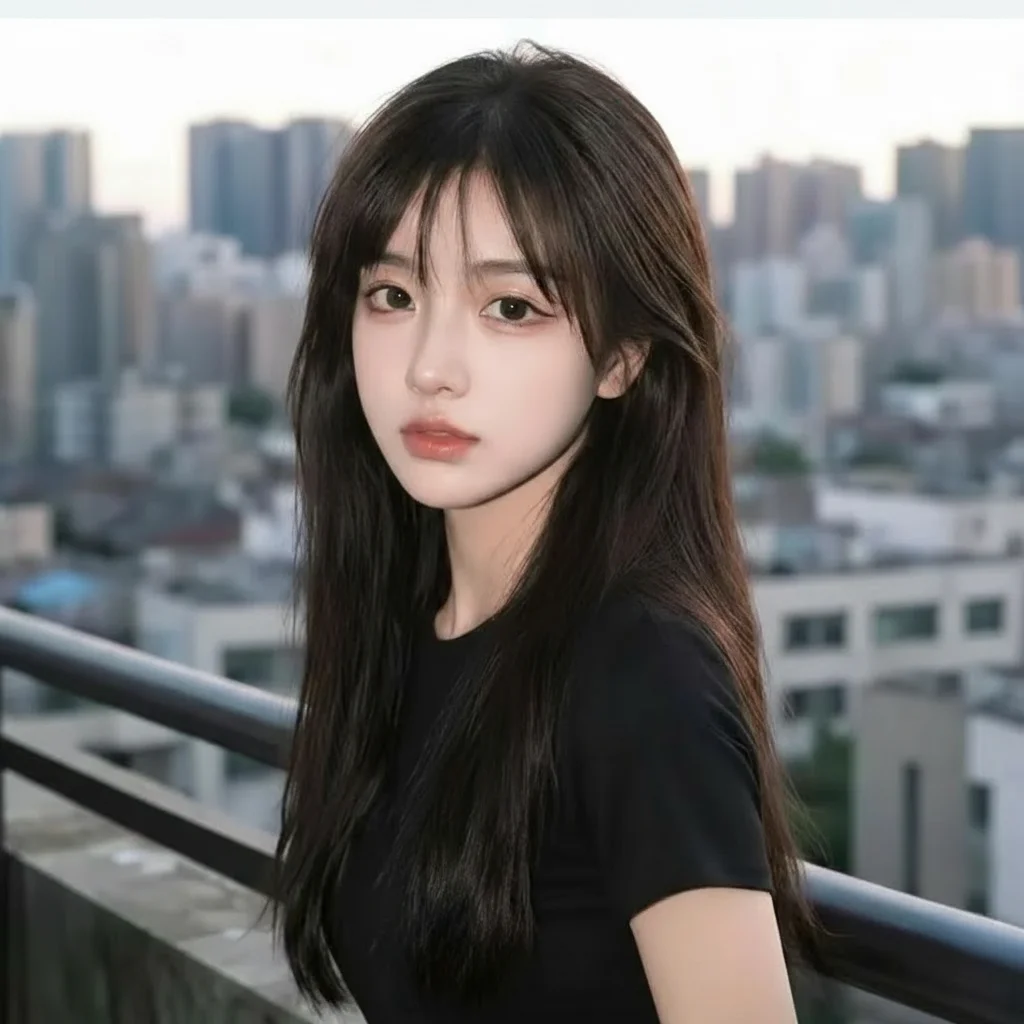
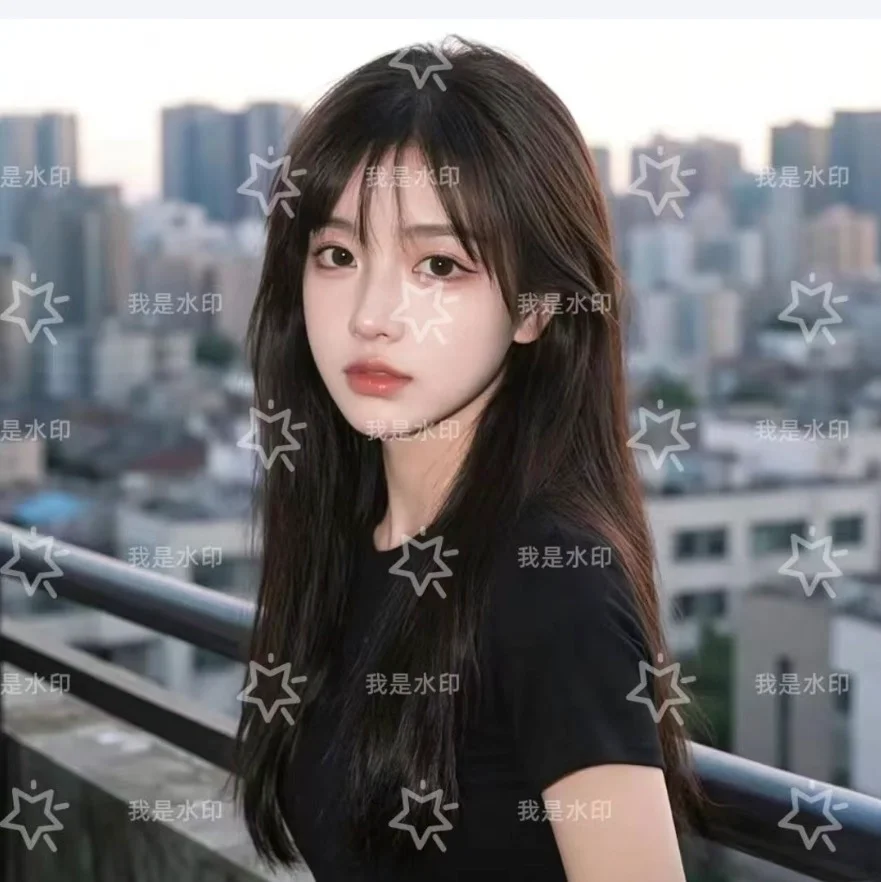
“Erase watermark and reconstruct fine texture underneath seamlessly”
Try this tool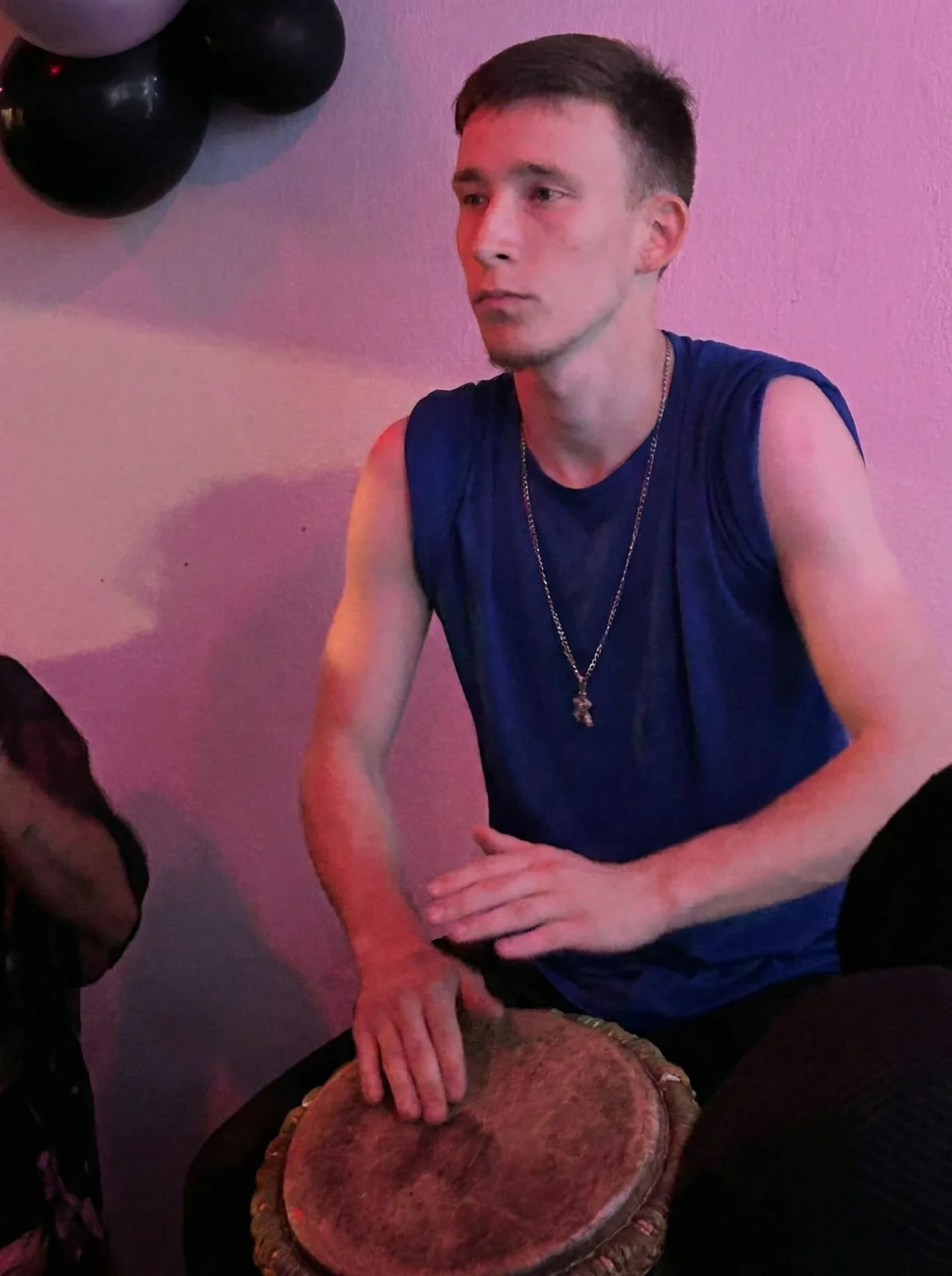
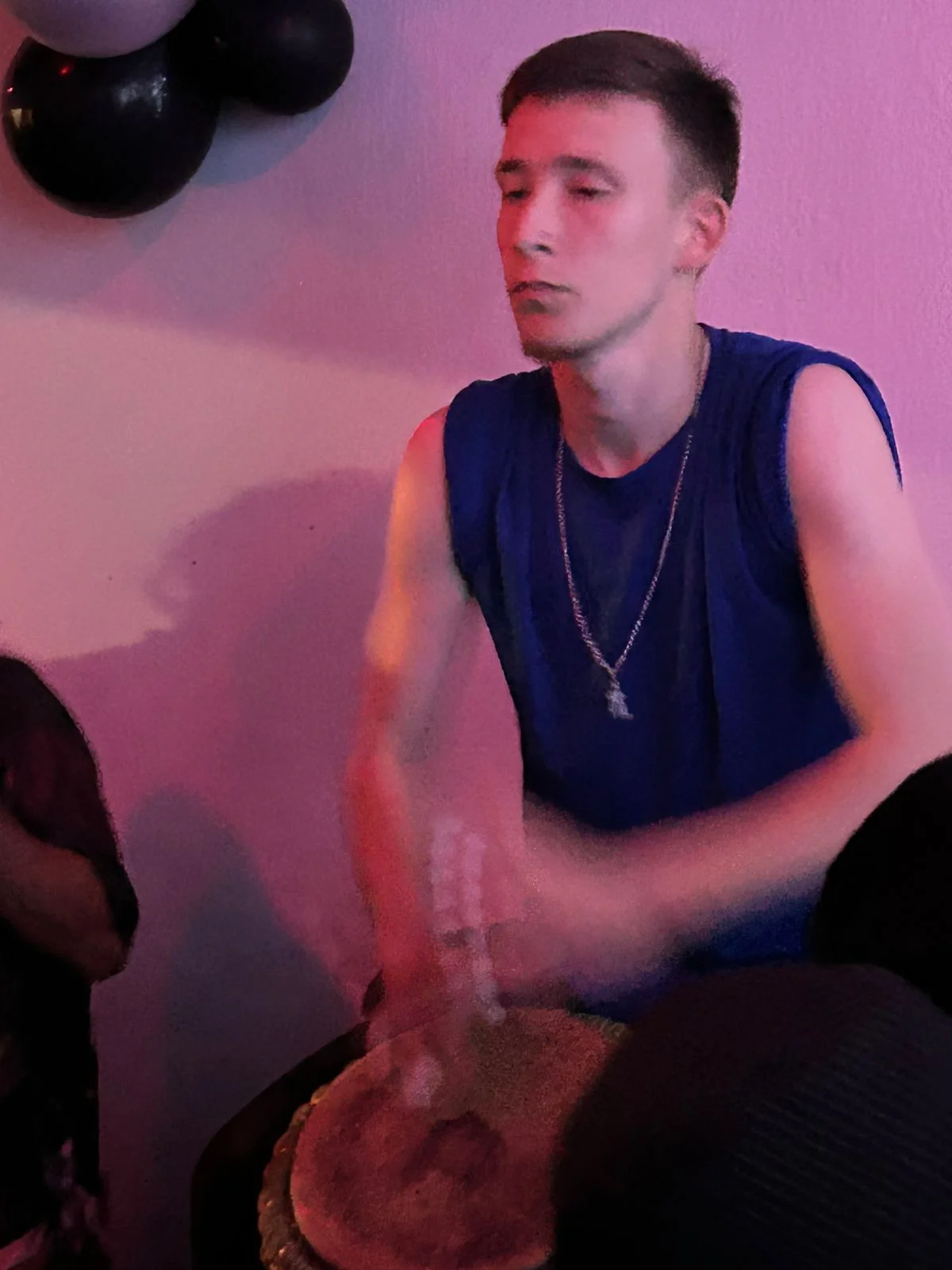
“Open closed eyes naturally, match iris color and gaze direction”
Try this tool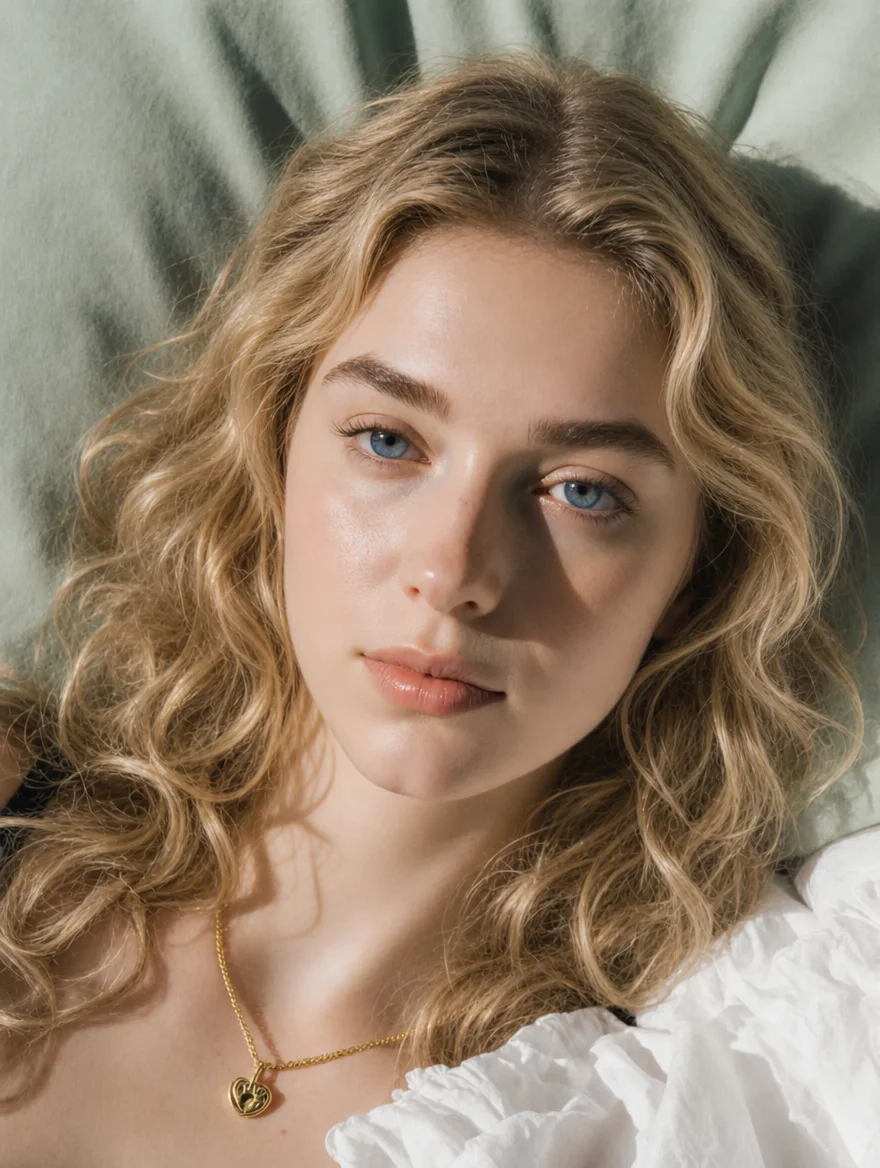

“Change casual clothes to a tailored luxury evening jacket and modern hairstyle”
Try this tool

“Erase person standing on the right, reconstruct natural background scenery”
Try this tool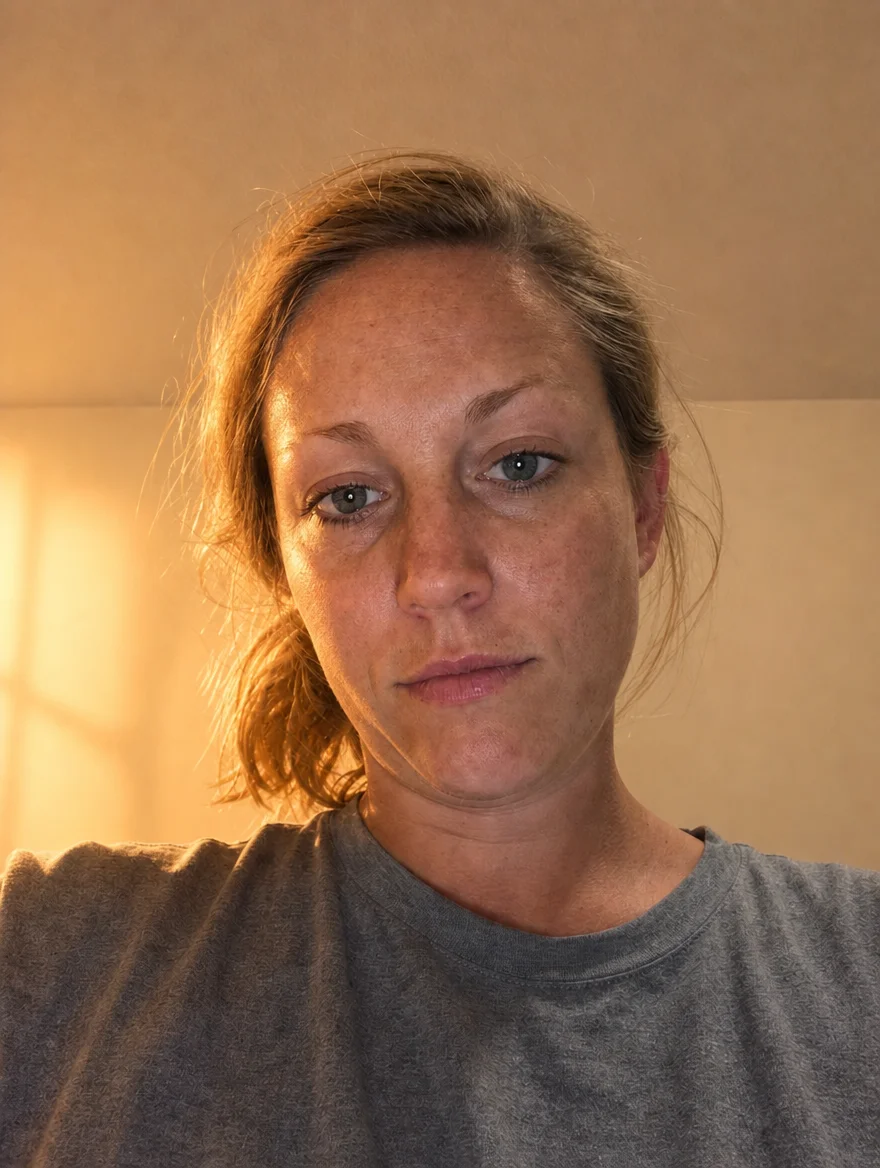
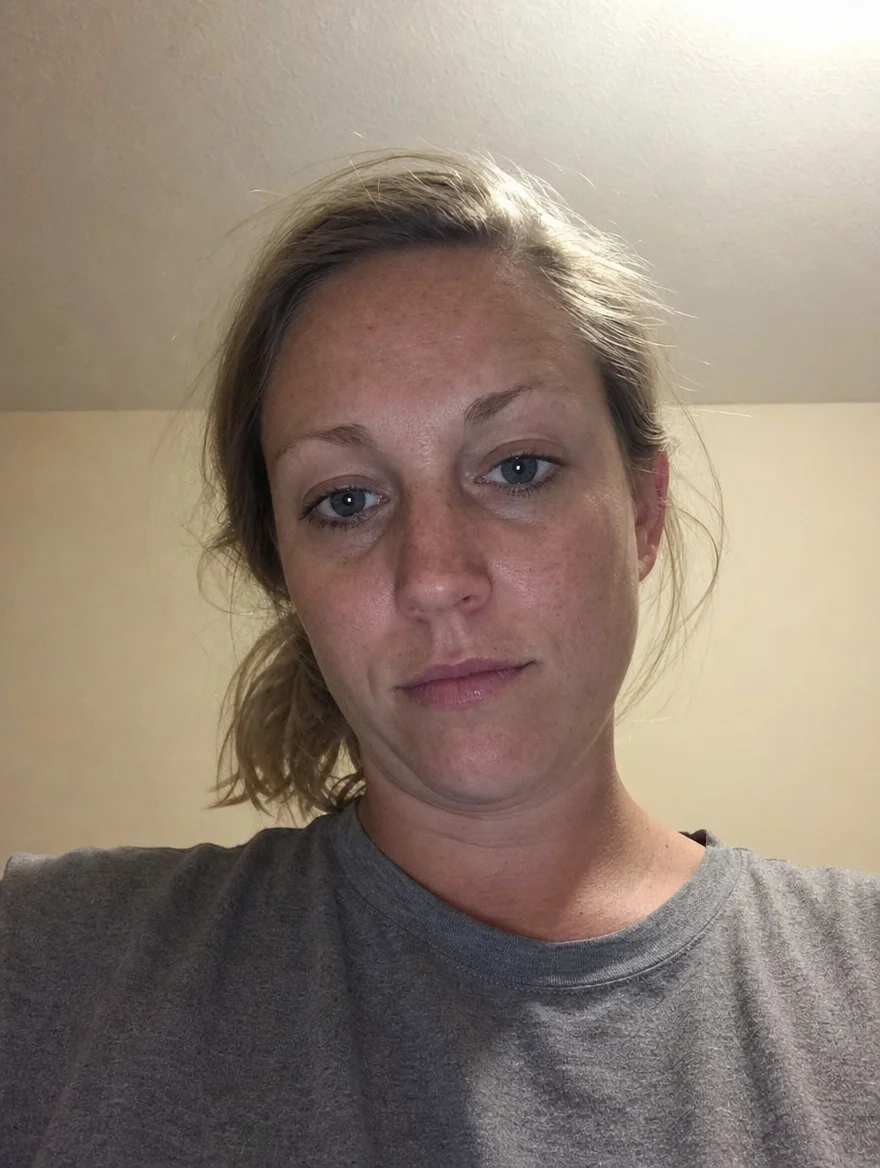
“Add warm cinematic golden hour sunlight streaming from side”
Try this tool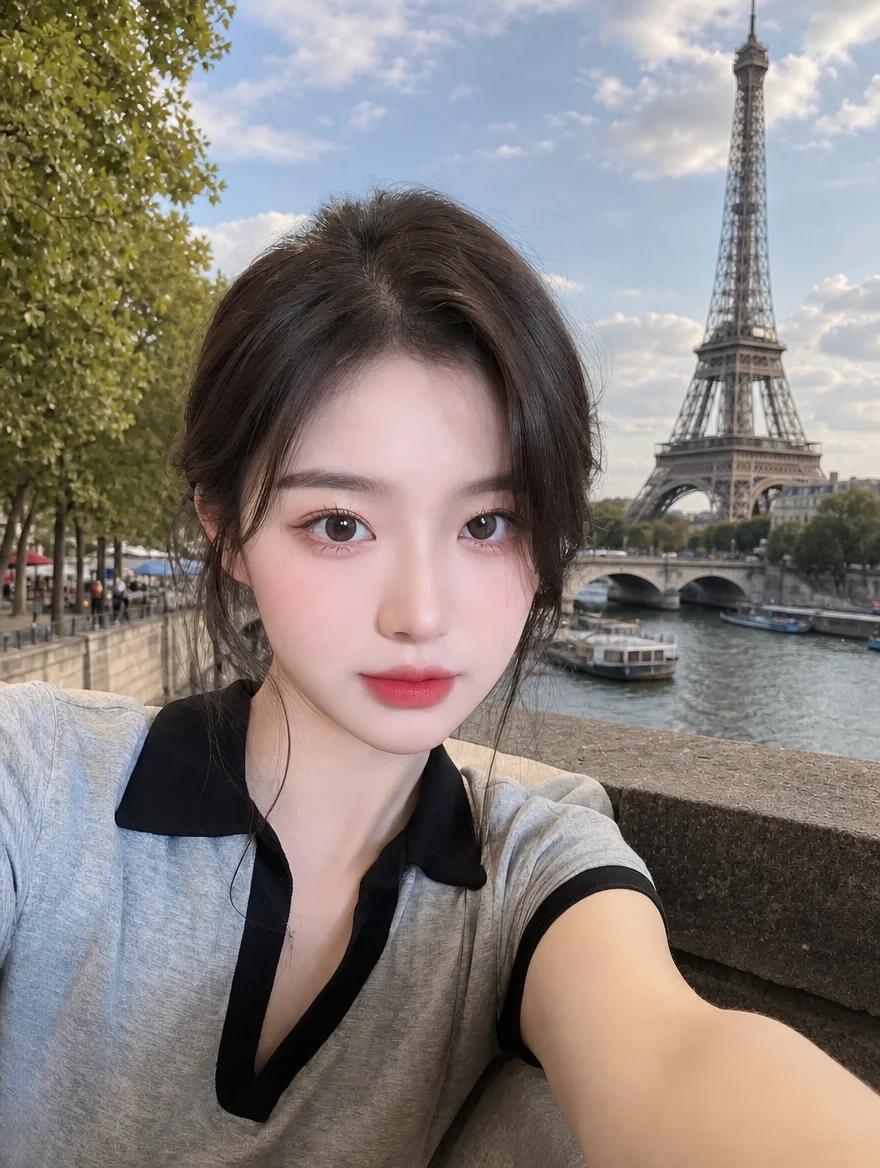
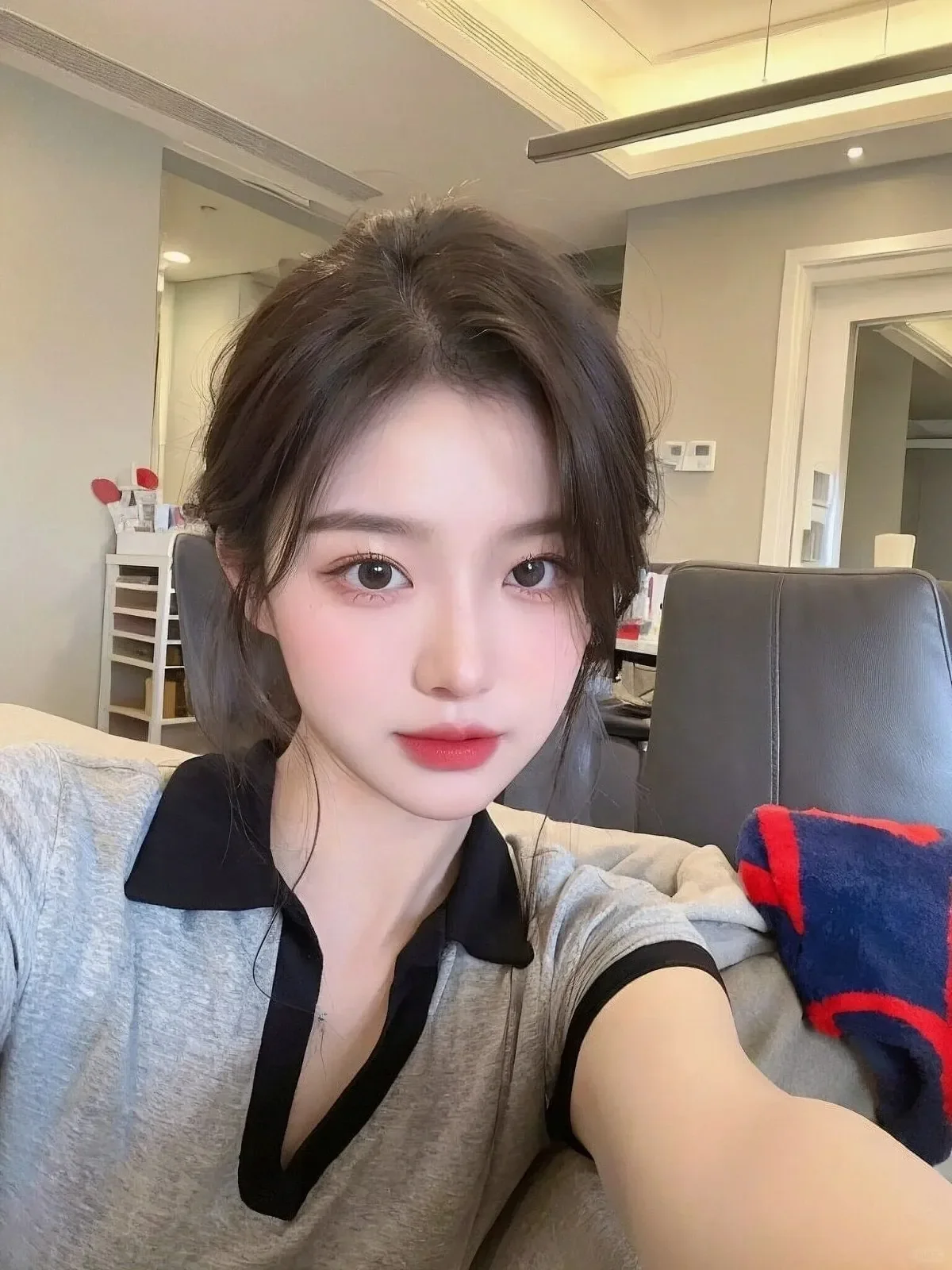
“Replace messy room with minimalist modern loft with large sunny windows”
Try this tool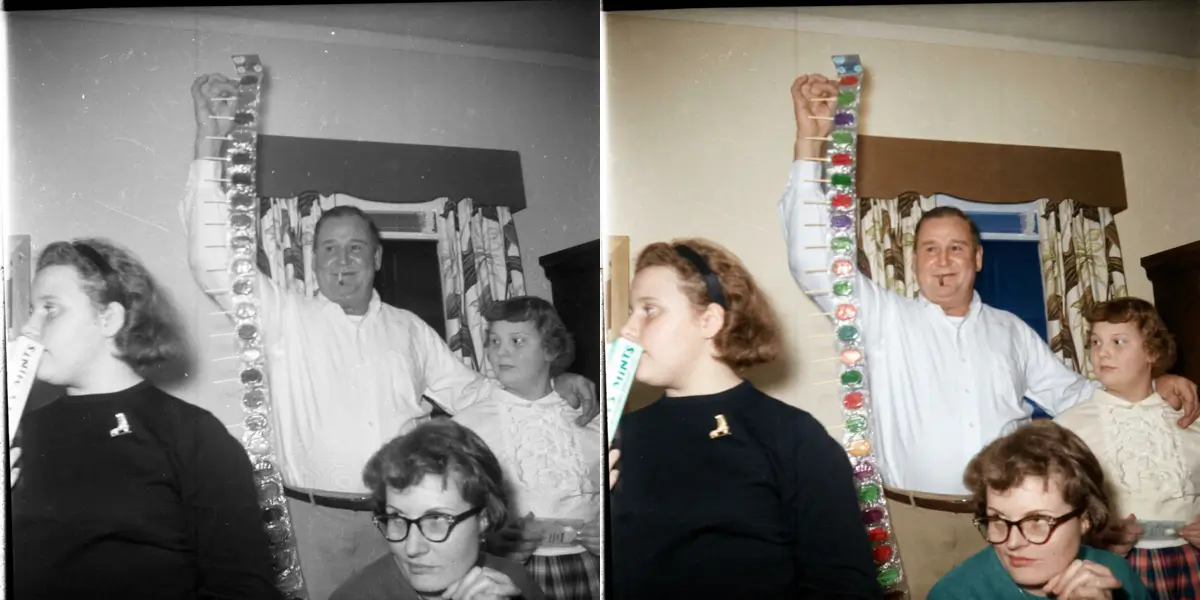
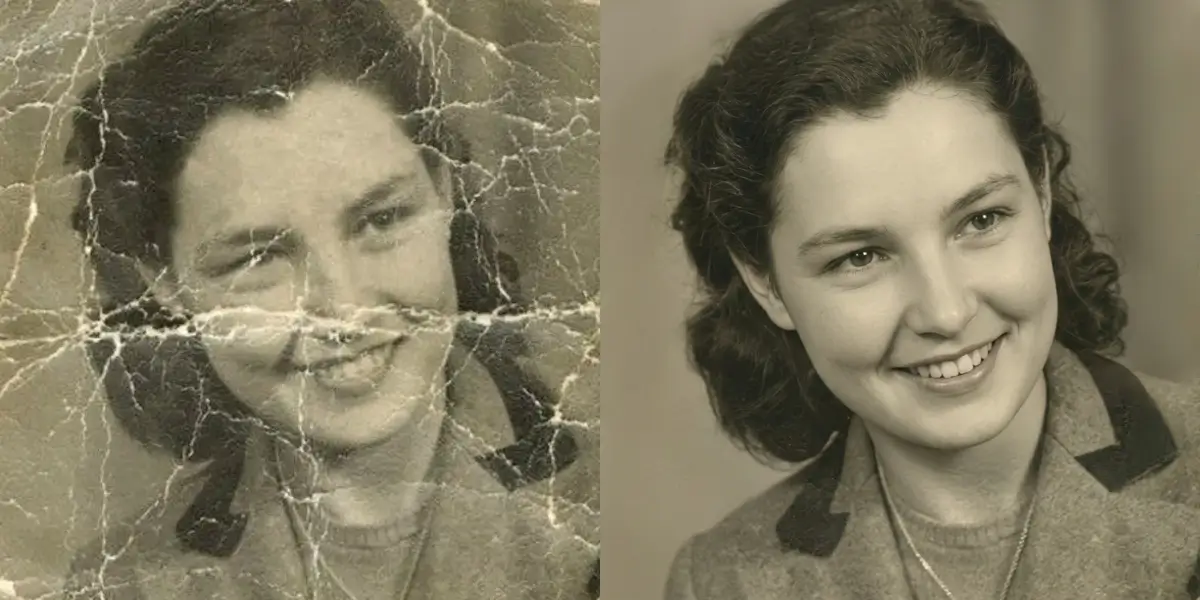
“Remove scratches, tears, paper cracks and restore crystal clarity”
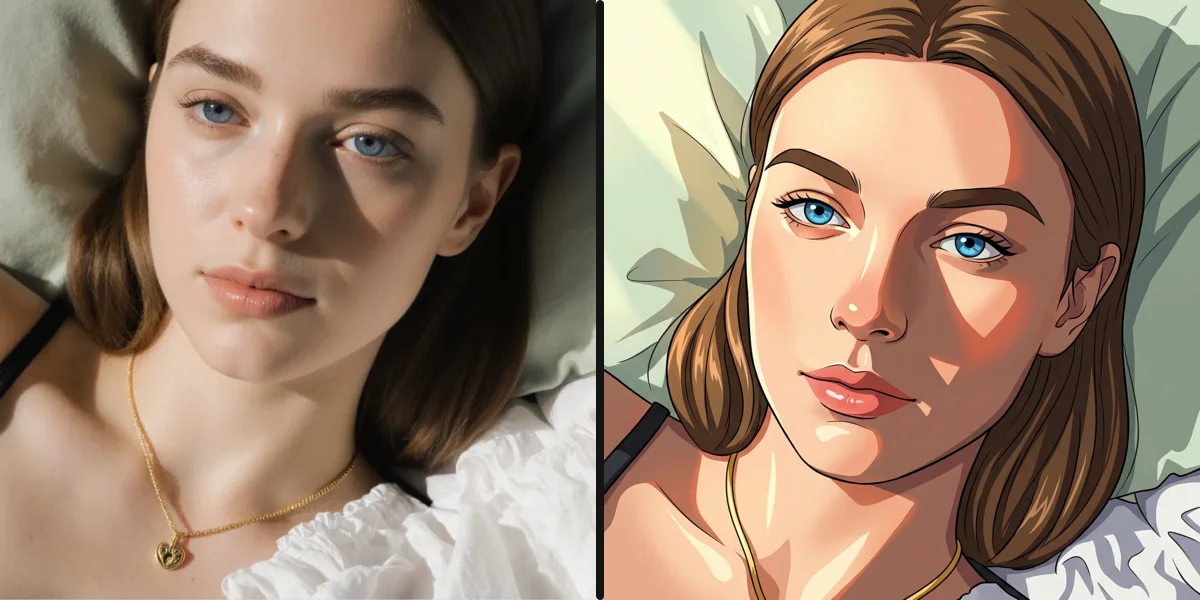
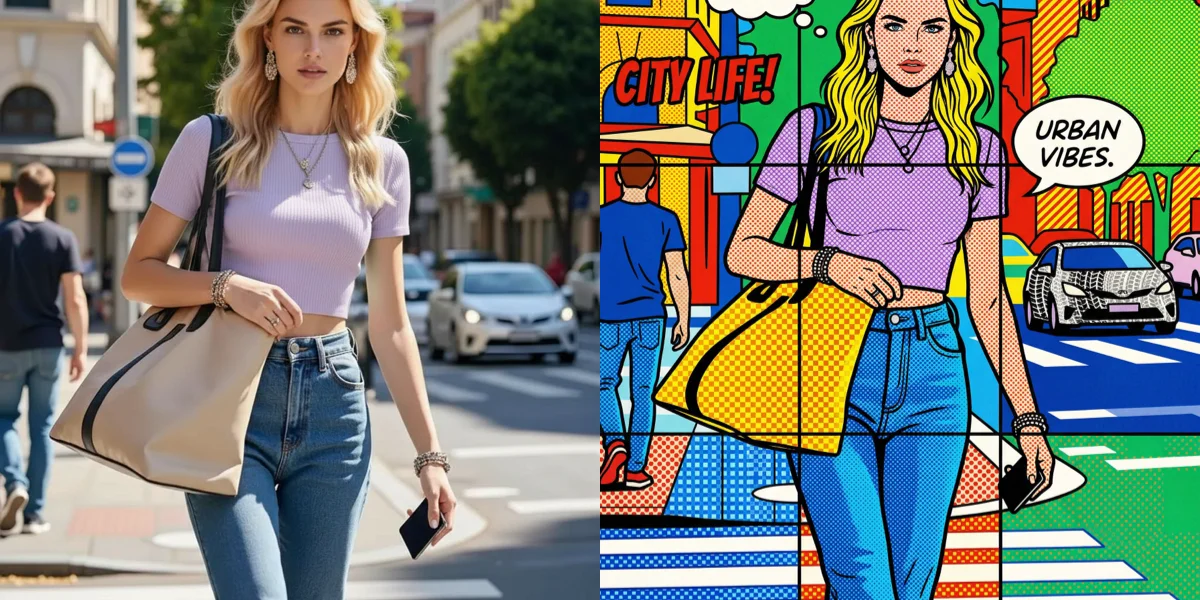
Try this toolStyle Transformer
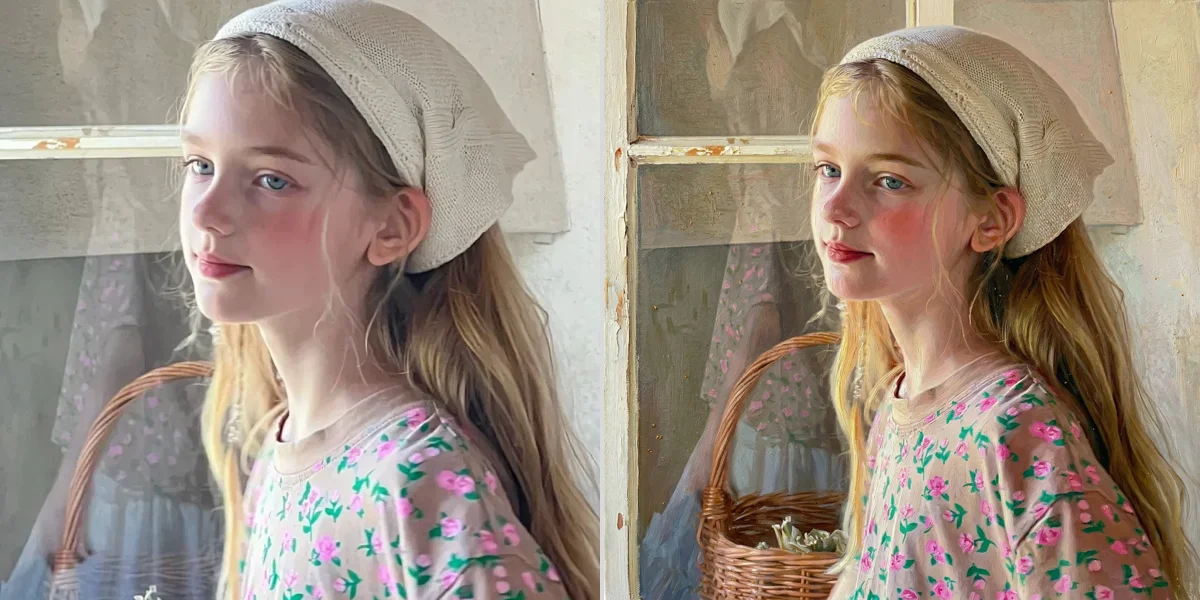
Transform any photo into iconic artistic styles with neural painterly realism.

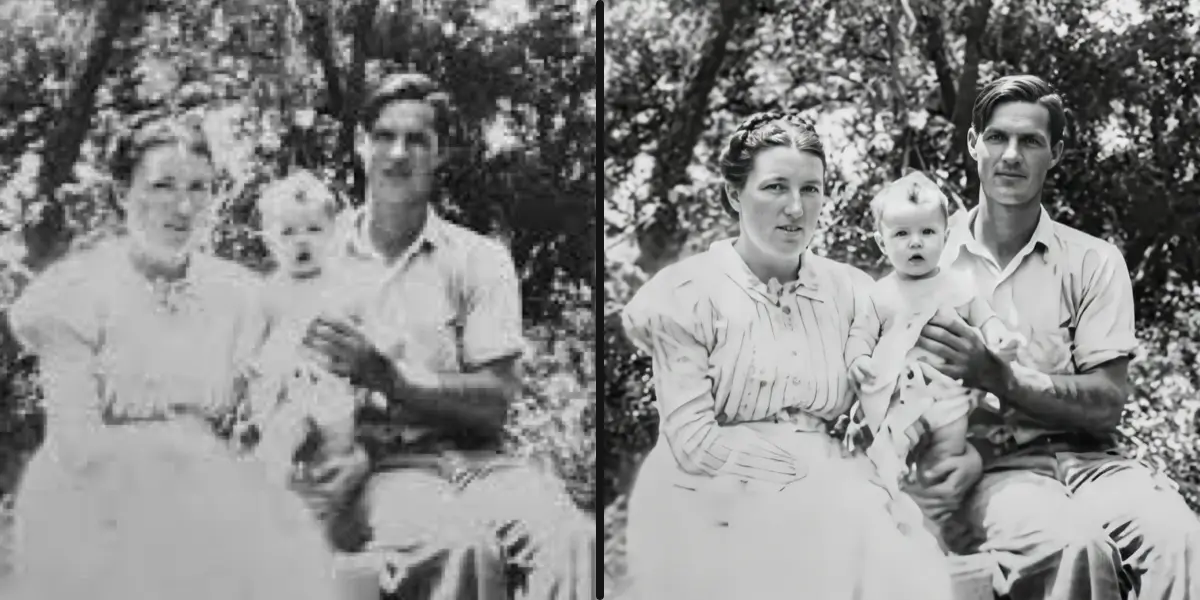
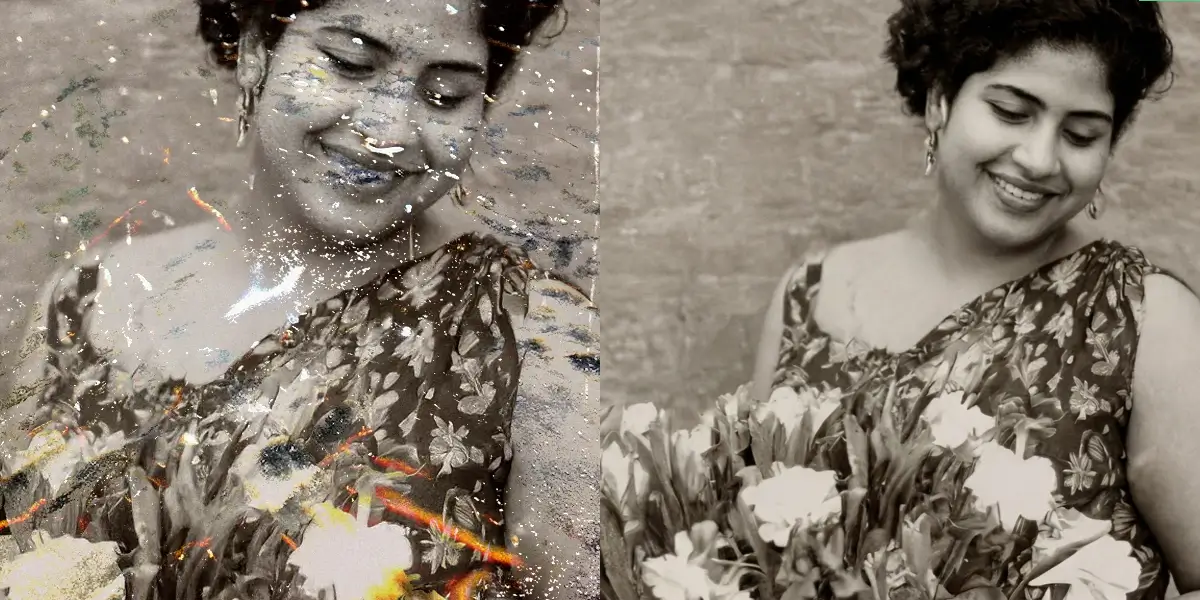
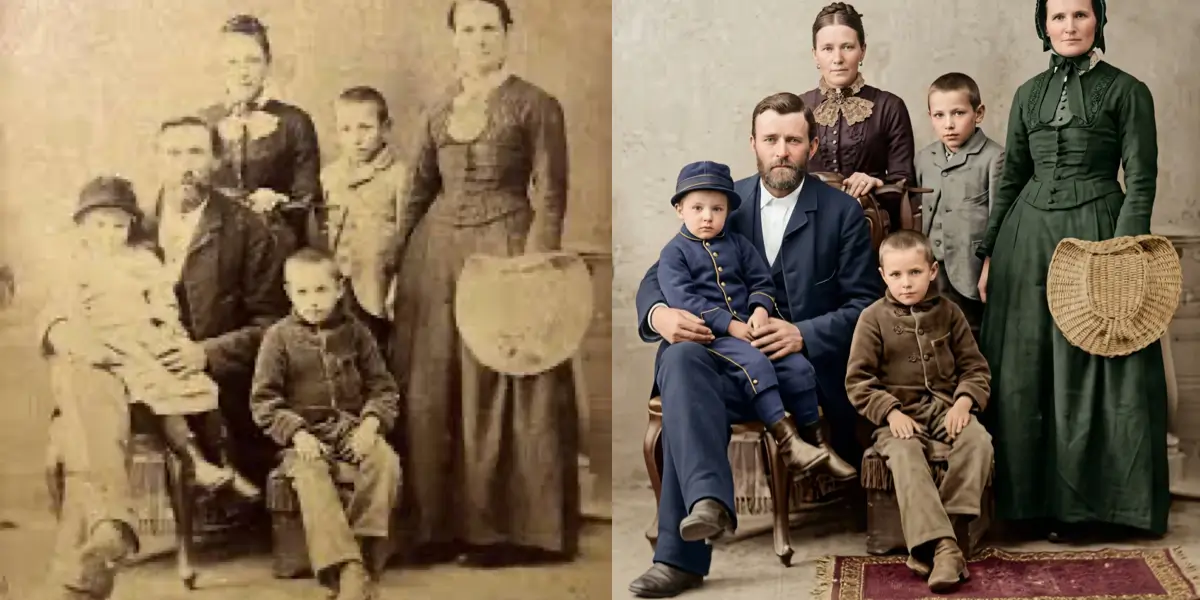
Restore Old, Scratched, Damaged Photos
Recover precious family memories. Fix scratches, tears, water stains and colorize historical pictures.

SeedPix vs Traditional Editors vs AI Apps
Why creators and professionals switch to SeedPix's natural language workspace.
| Feature | SeedPix.org | Photoshop & Traditional | Typical AI Photo Apps |
|---|---|---|---|
| Learning curve | Just type what you want | Steep — layers, masks, pen tools | Moderate |
| Tool coverage | 100+ tools in one place | Comprehensive but complex | Usually single feature only |
| Batch processing | Yes — Batch HD Upscaler | Requires manual scripting/actions | Rarely supported |
| Works on | Any browser, no install | Heavy desktop installation | Mobile app download required |
| Pricing transparency | Free to start, no traps | Expensive monthly subscription | Auto-recurring weekly subscriptions |
Who Uses SeedPix?
Over 800,000+ creators, professionals, and everyday photographers edit with SeedPix every month.
Creators & Influencers
Create aesthetic thumbnails, convert gaming moments into DSLR photography, and generate viral anime avatars in seconds.
Job Seekers & Executives
Get studio corporate LinkedIn headshots without booking expensive photographers or renting blazers.
E-commerce Sellers
Remove cluttered backgrounds, erase unwanted watermarks, and upscale product catalog images to 4K resolution.
Everyday Photographers
Erase accidental photobombers, fix blinking closed eyes, and restore damaged childhood family heirloom photographs.
Create Stunning Images with the Latest AI Models
Leading generators in one editor — click any card below to launch in the editor or explore its features.

GPT Image 2.5
Change one part of a photo and the rest stays put. Real transparent PNG.
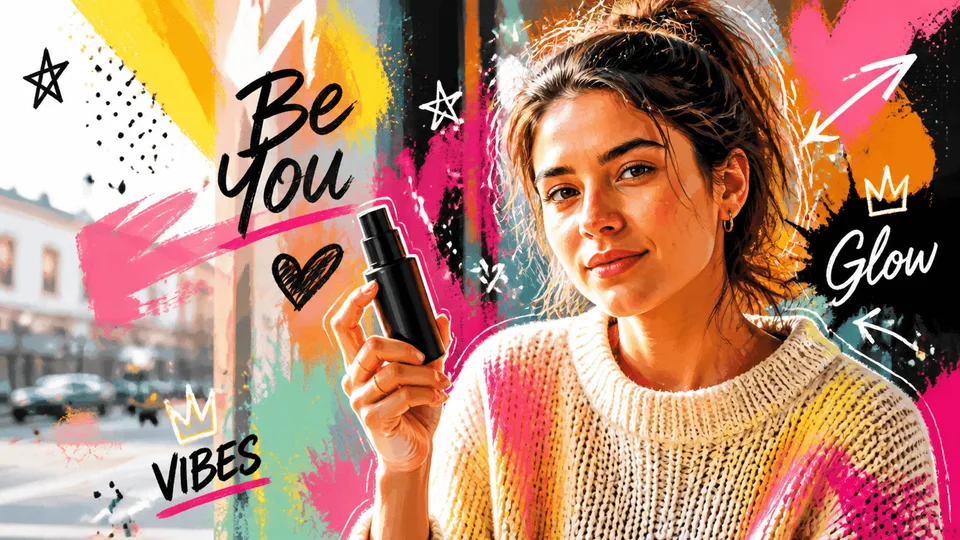
GPT Image 2
Create high-quality images, text-rich visuals, and product photography.

NanoBanana Pro
Gemini 3 Pro Image — top-tier photorealism detail and accurate in-image text.
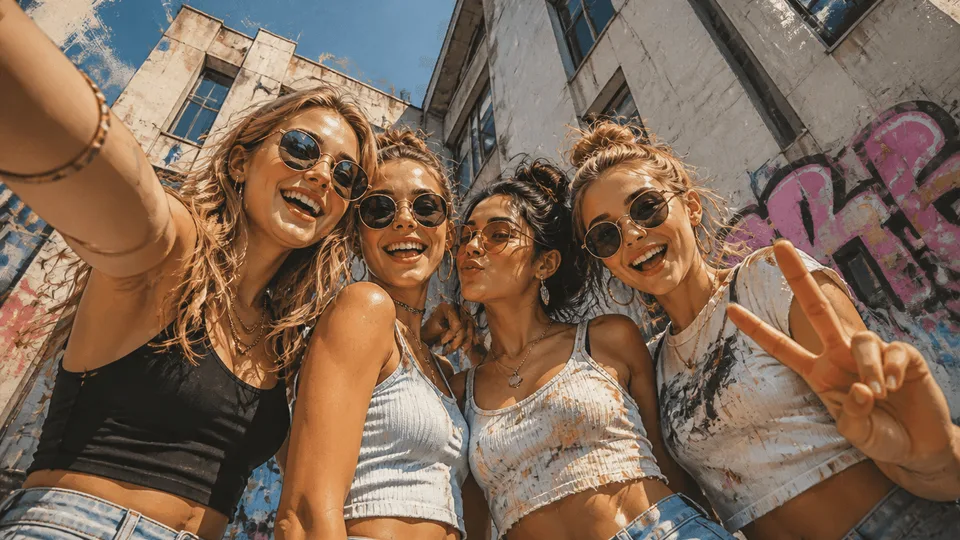
NanoBanana 2
Google's next-gen multimodal vision model for instant professional creativity.
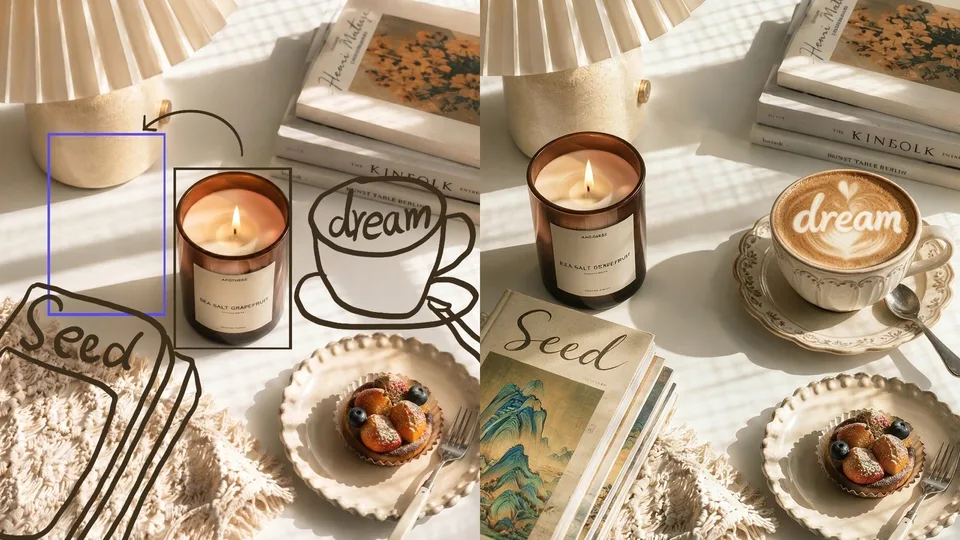
Seedream 5.0 Pro
Edit a photo with one sentence, or generate photorealistic art from scratch.

Seedream 5.0 Lite
The 4K tier — half the credits of Pro, twice the resolution.

Grok Imagine
Create high-resolution images from text with xAI's Aurora creative engine.

SeedPix Free
Free text-to-image generation — zero credits, zero sign-up to try.
Explora Formas Populares de Editar y Crear
AI Image Generator Free No Sign Up
Generate stunning AI photos and art online free with no sign up and no watermark. Turn words into realistic images in seconds. Zero registration required.
AI Photo Editor Free
Edit photos online free with SeedPix AI photo editor. Remove objects and people, change backgrounds, restore old photos, and more. No Photoshop, no watermark.
AI Image Generator Unlimited
Generate unlimited AI images without signup or daily caps. Create art, photos, and designs with no watermark and no restrictions. Free to start.
AI Photo Editor No Restrictions
Free AI photo editor online with no restrictions. Edit images without watermarks, daily lockouts, or resolution caps. Upscale to 4K and export freely.
AI Photo Editor Free No Sign Up
100% Free AI photo editor online with no sign up required. Edit photos instantly without creating an account or sharing your email. Download watermark-free.
Gemini AI Photo Editor Free
Free Gemini AI photo editor online. Harness Google Gemini's vision intelligence to edit photos, erase unwanted objects, restore quality, and remove watermarks.
RSP Editing AI Photo Prompts & Generator 2026 (Free Copy & Edit)
Latest trending RSP Editing AI photo prompts from TikTok & Instagram. Copy trending couple, retro film, and 3D avatar prompts, or edit your photos online free with SeedPix.
How to Fix Grainy Photos Online Free
Learn how to fix grainy photos online for free with AI. Remove high-ISO noise, unblur low-light shots & upscale to 4K without Photoshop or watermarks.
AI Photo Editor Free
Free AI photo editor online with no sign up and no restrictions. Remove objects, change backgrounds, enhance quality, unblur, and upscale to 4K - all in your browser, no watermark.
Photo Text Editor
Add, edit, and remove text on your photos online free with the SeedPix AI photo text editor. Type captions, quotes, and labels onto any image - no sign up, no watermark.
AI Photo Fixer
Fix blurry, grainy, old, and damaged photos online with AI. Restore faces, open closed eyes, remove shadows and creases, and sharpen details - free to try, no watermark.
Cartoon Photo Editor
Turn your photos into cartoon, anime, or painting styles online with AI. Free to try, no sign up required, no watermark on downloads - works right in your browser.
Remove Watermark From Photo With AI
Remove watermarks, logos, stamps, and text from photos online with AI. Clean, natural-looking results in seconds - free to try, no sign up, no watermark added.
LinkedIn Photo Generator
Generate professional LinkedIn headshots from your selfies with AI. Business attire, studio lighting, clean backgrounds - free to try, no watermark, no photographer needed.
Funciones Populares — las herramientas más utilizadas
Elige una para comenzar. Más de 100 herramientas de IA en un solo lugar.
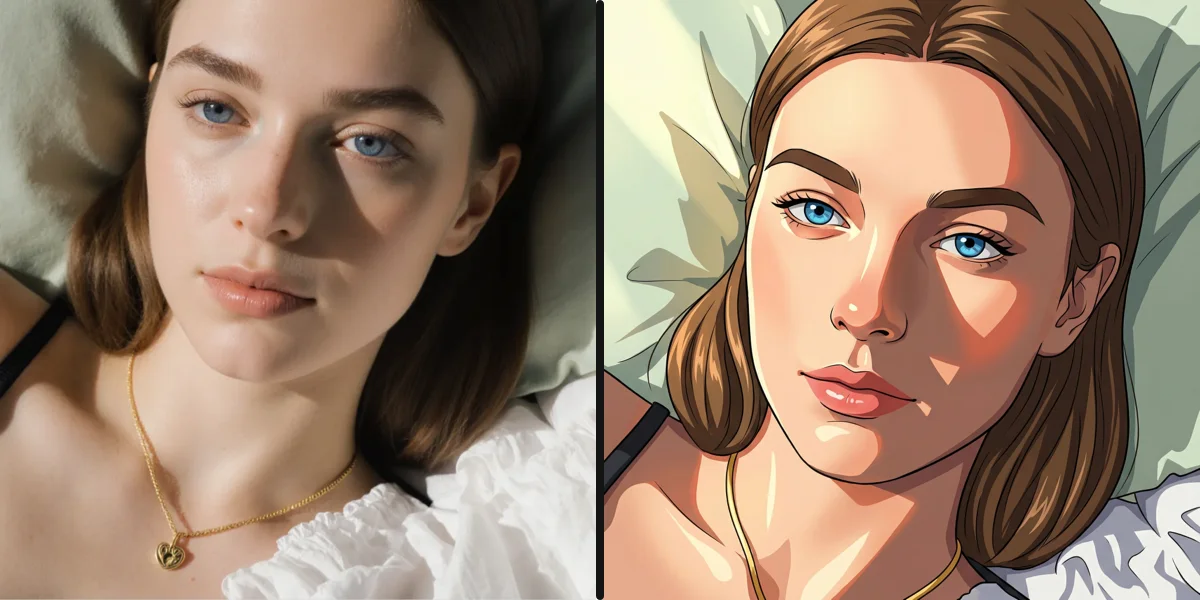
AI Filter Remover
Remove matcha, anime & any AI filter from photos
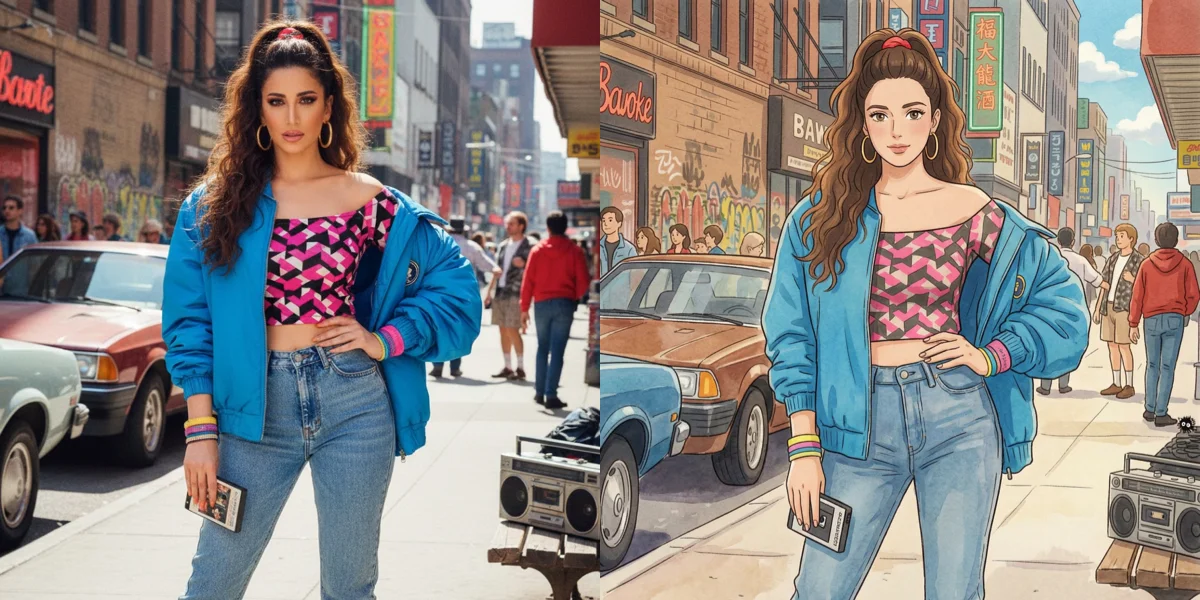
Remove Matcha Filter
Reverse the viral matcha filter trend

Edit Text in Image
Add, remove or change text in any image
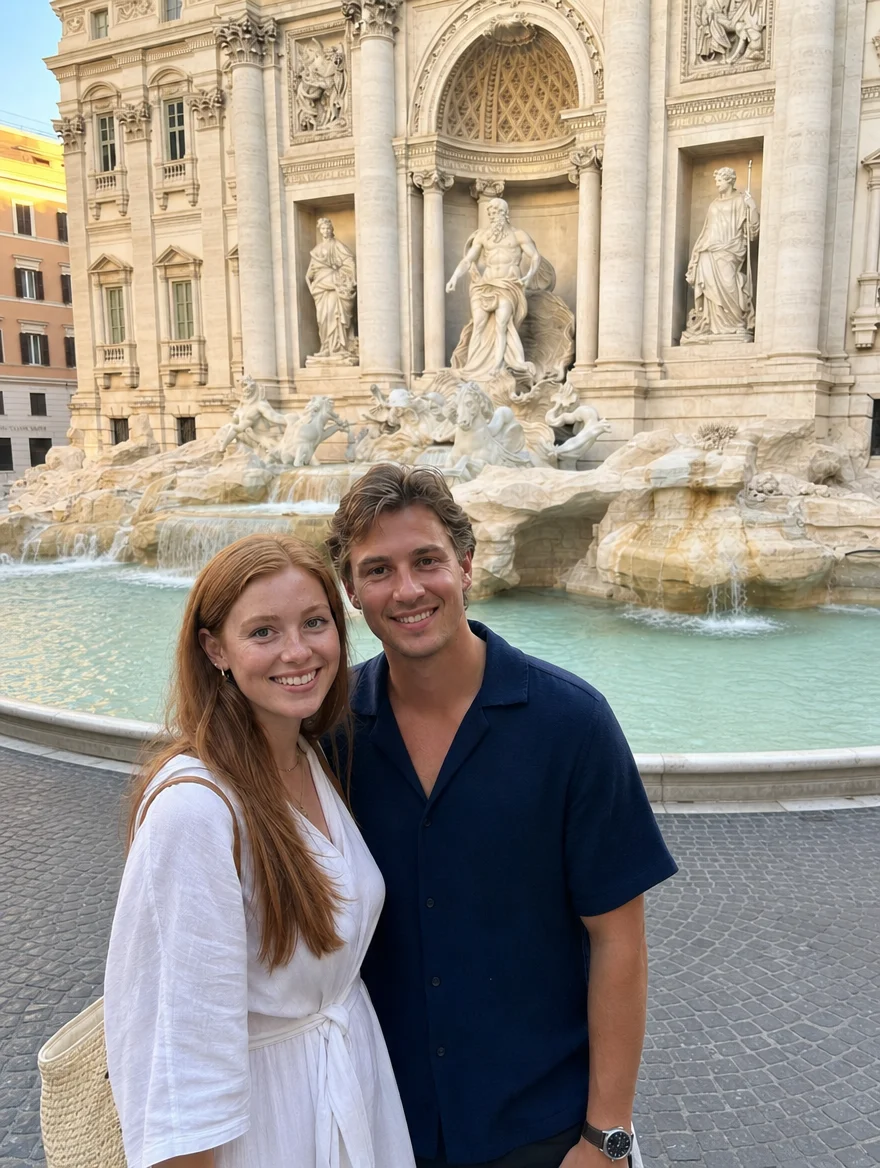
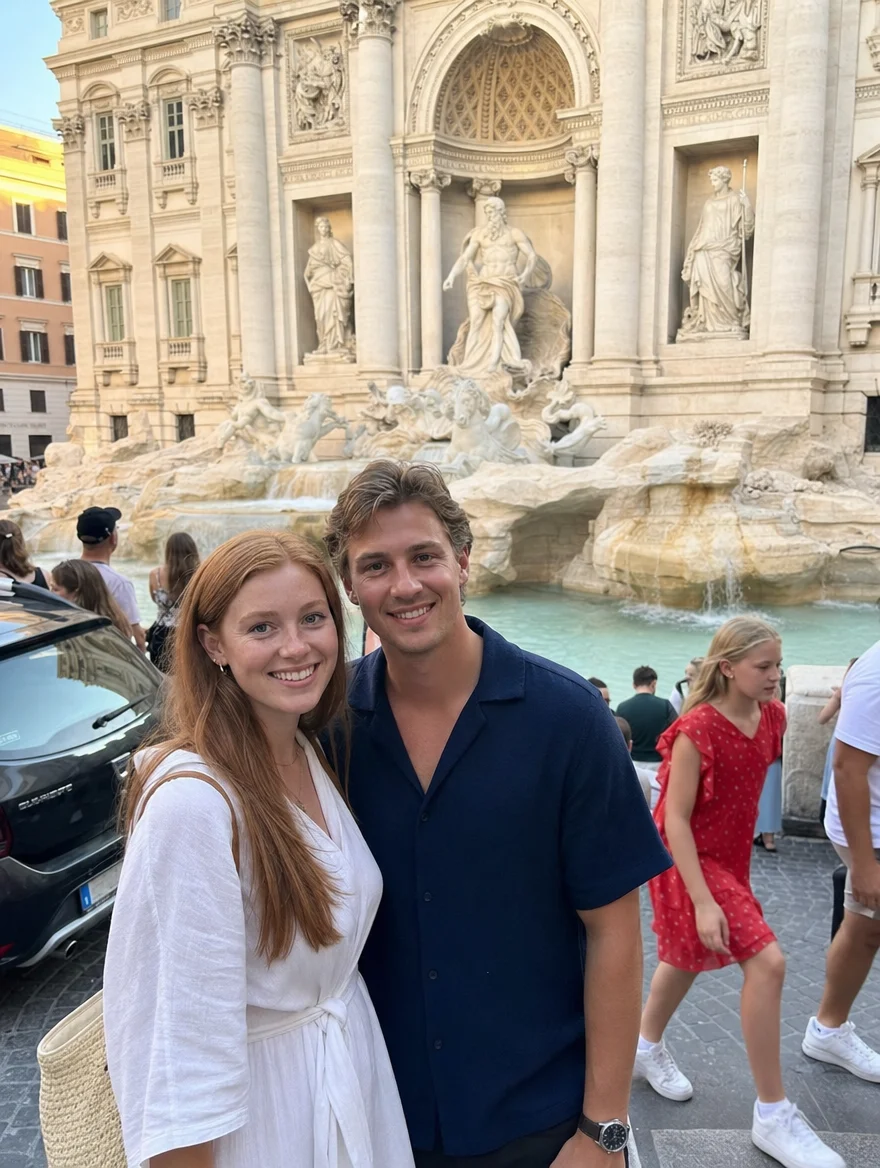
Remove Person from Photo Free
Erase people from photos in one click

Remove Object from Photo Free
Erase any unwanted object from photos
Erase and Replace AI Free Online (No Sign Up) | SeedPix
Erase any element and replace it with AI
Free Watermark Remover Online
Erase watermarks, logos & stamps with AI
Gemini Watermark Remover
Remove Gemini AI watermark & logo
Mira la diferencia — desliza para comparar
Ediciones reales de SeedPix. Desliza la barra para ver el antes y después del trabajo de la IA.
Remove Object from Photo Free
Erase any unwanted object from photos

Background Remover
Remove & replace backgrounds in one click
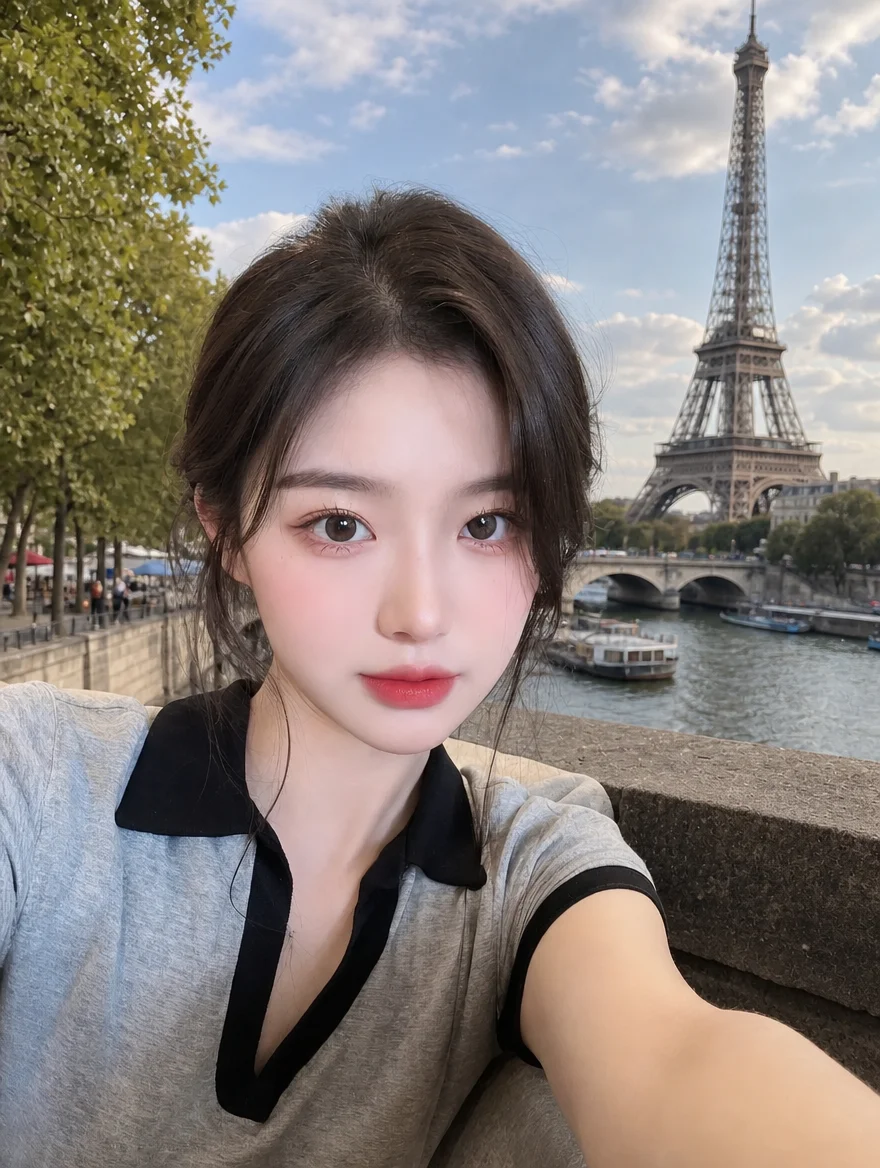
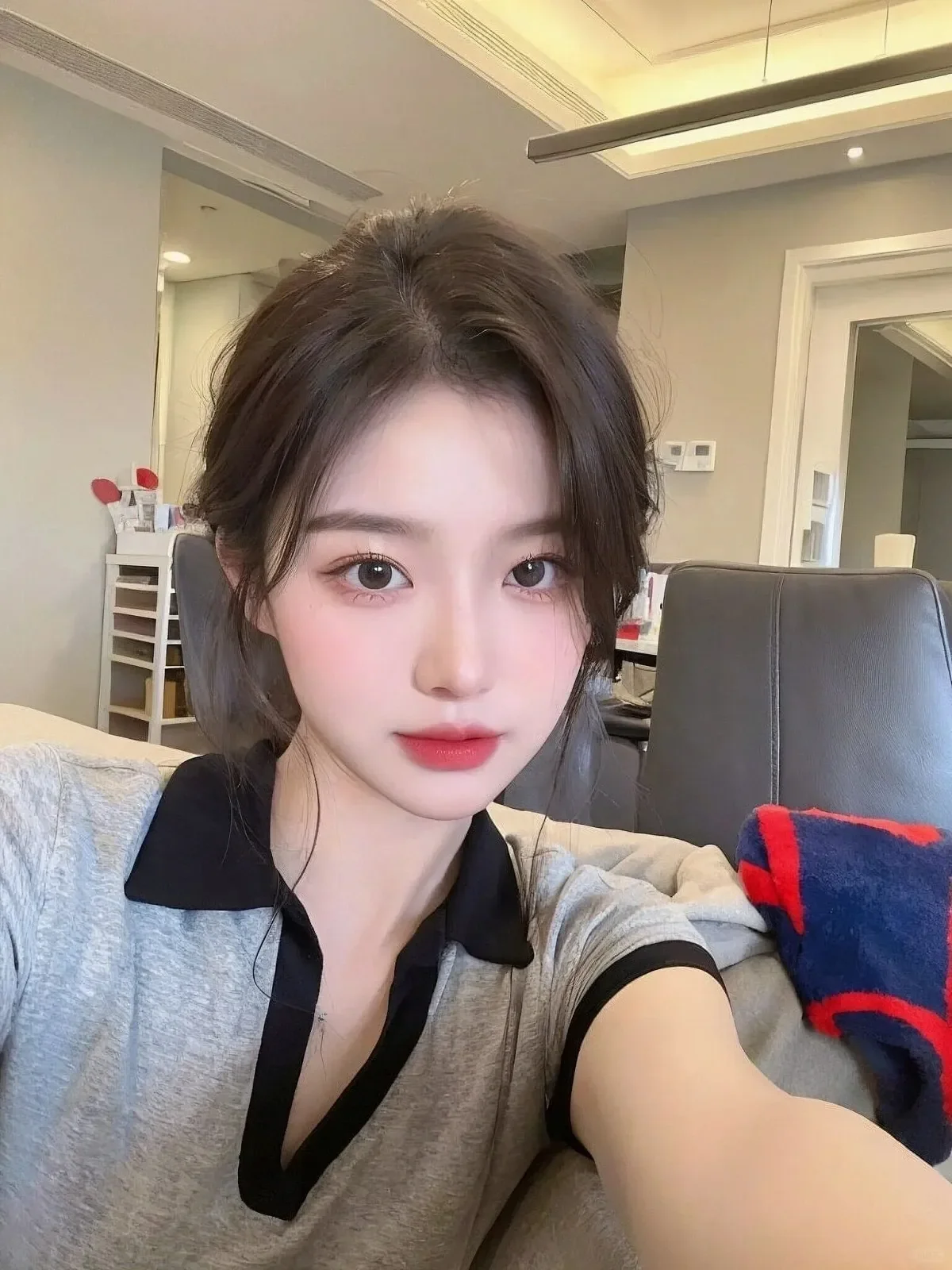
Gemini Watermark Remover
Remove Gemini AI watermark & logo
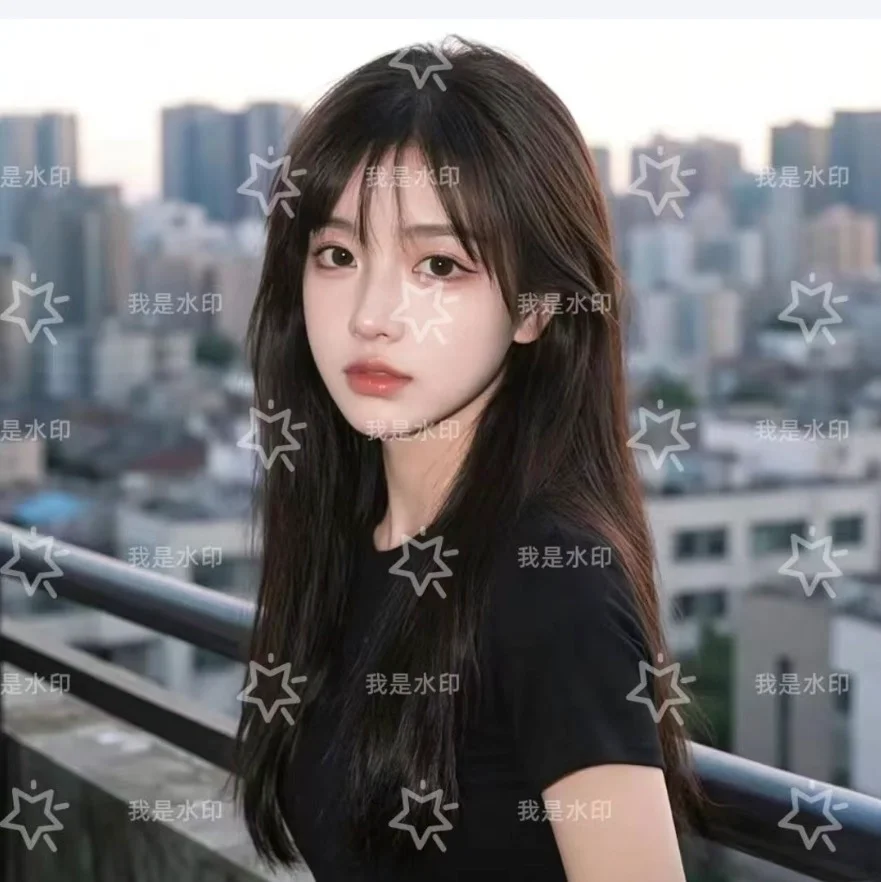
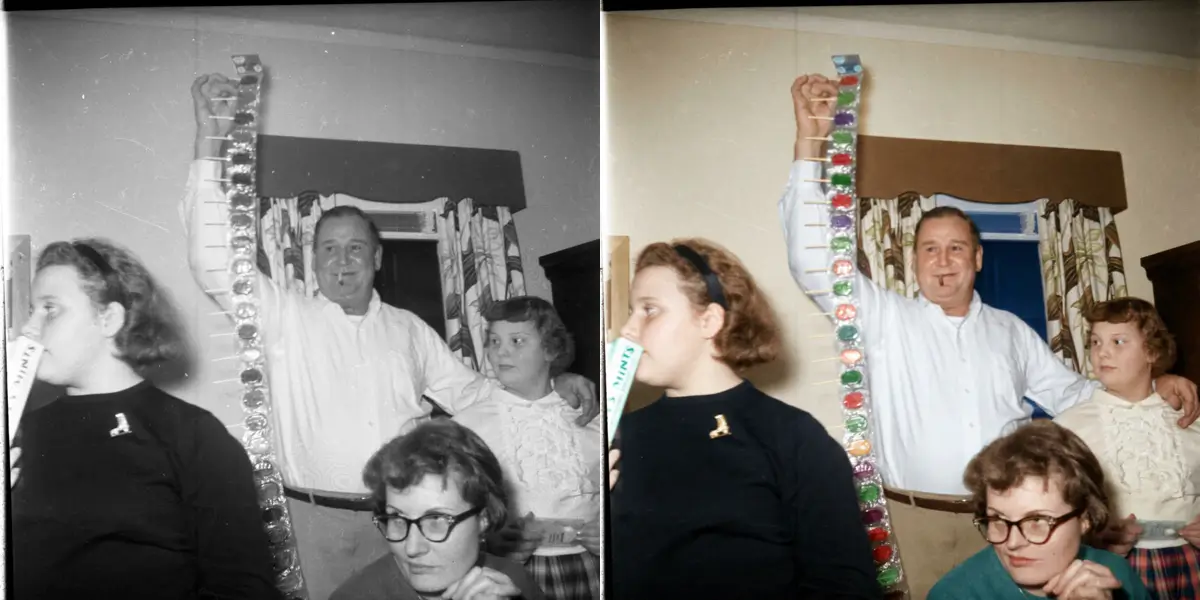
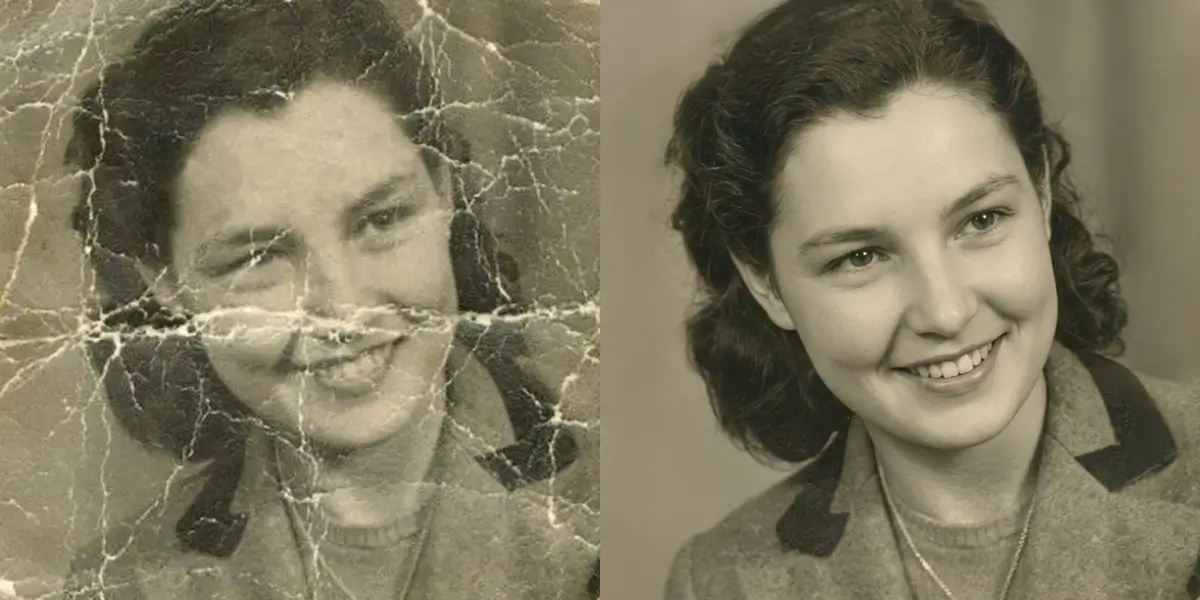
Photo Restoration
Bring damaged old photos back to life
Remove Person from Photo Free
Erase people from photos in one click
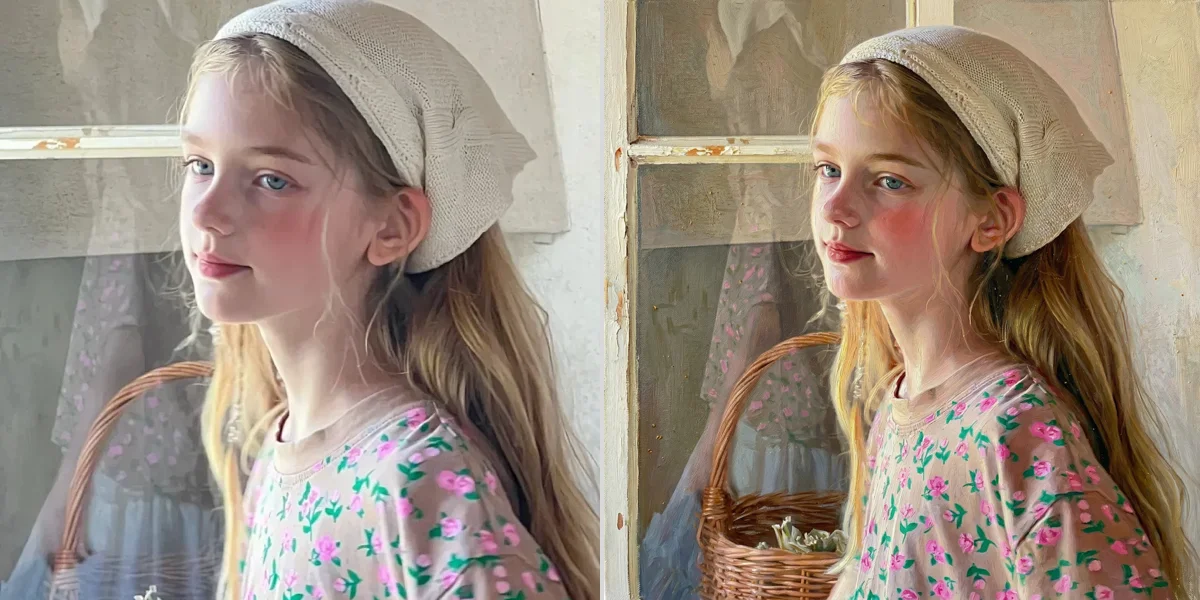
AI Photo Enhancer
One-click photo quality enhancement


AI Filter Remover
Remove matcha, anime & any AI filter from photos

AI Photo to Real
Make AI images look like real photos
The Free AI Photo Editor That Understands What You Say
An AI photo editor is a tool that edits pictures automatically from a simple description — no brushes, layers, or masking tools to learn. SeedPix takes this one step further by combining a text-based editing studio with dozens of one-click AI tools, so you get both power and simplicity in one place. Whether you need to remove an object, clean up a background, restore an old family photo, or upscale an image for print, you can describe what you want and the AI handles the rest.
What can you actually do with SeedPix?
Most people first come to an AI photo editor for one specific fix, then stay because they discover how many other jobs it can handle. Below are the edits SeedPix users make most often, each with its own dedicated tool:
Erase people, cars, text, wires, or anything unwanted from a photo in one click. The AI fills the gap with realistic background so the edit looks natural.
Instantly cut out the subject and get a clean transparent background — perfect for product photos, profile pictures, and ecommerce listings.
Blow up a small, pixelated image into crisp 4K detail without losing quality. Great for prints, thumbnails, and old low-res screenshots.
Bring faded, scratched, or damaged old photographs back to life. The AI repairs cracks, restores color, and sharpens faces.
Remove a specific person from a group photo or a photobomber from your shot, while keeping everyone else untouched.
Fix out-of-focus and motion-blurred photos. Recover sharp edges and readable details from blurry pictures.
Boost lighting, color, and detail automatically. Make any photo look professionally finished in seconds.
Take matcha, anime, and other AI filter effects off a photo and restore the realistic original underneath.
Describe the picture you want and the AI renders a photorealistic image from scratch — no camera, no stock photo, no design skills.
Type a scene, style, or product idea and get a finished image in seconds. Every download is watermark-free and free for commercial use.
Generate studio-quality headshots and character portraits from a short description, with natural skin, hair, and lighting.
Change signs, labels, and captions inside a photo. The AI swaps the words and matches the original font, angle, and lighting.
Edit photos by typing — how the editor works
The core of SeedPix is a conversational photo editor. You upload a JPG, PNG, or WebP file, then type a plain-English instruction such as “remove the cup on the table”, “make the sky brighter”, or “turn this sketch into a realistic photo”. The editor routes your request to the best generation model for the job and returns an edited image in seconds. Because the model understands context, you can chain several edits in one session — remove an object, then upscale the result, then remove the background — all without re-uploading.
If you prefer a guided workflow, every popular edit also exists as a dedicated AI tool with its own prompt template. This is useful when you know exactly what you want to change and want a repeatable, predictable result. Whether you use the free-form editor or the tool grid, the output stays high-resolution, has no watermark, and is free for commercial use.
Real Photo Editing Examples
See how simple text instructions turn everyday photos into polished masterpieces.
Restore an old family photo
Input: A scanned 1970s print with scratches, creases, and faded color.
You type: "restore this old photo and fix the scratches"
Result: A clean, sharp photo with damage removed and natural colors recovered.
Remove tourists from a travel photo
Input: A vacation shot with strangers walking through the background.
You type: "remove the people in the background"
Result: The same scene with the background cleared and naturally filled in.
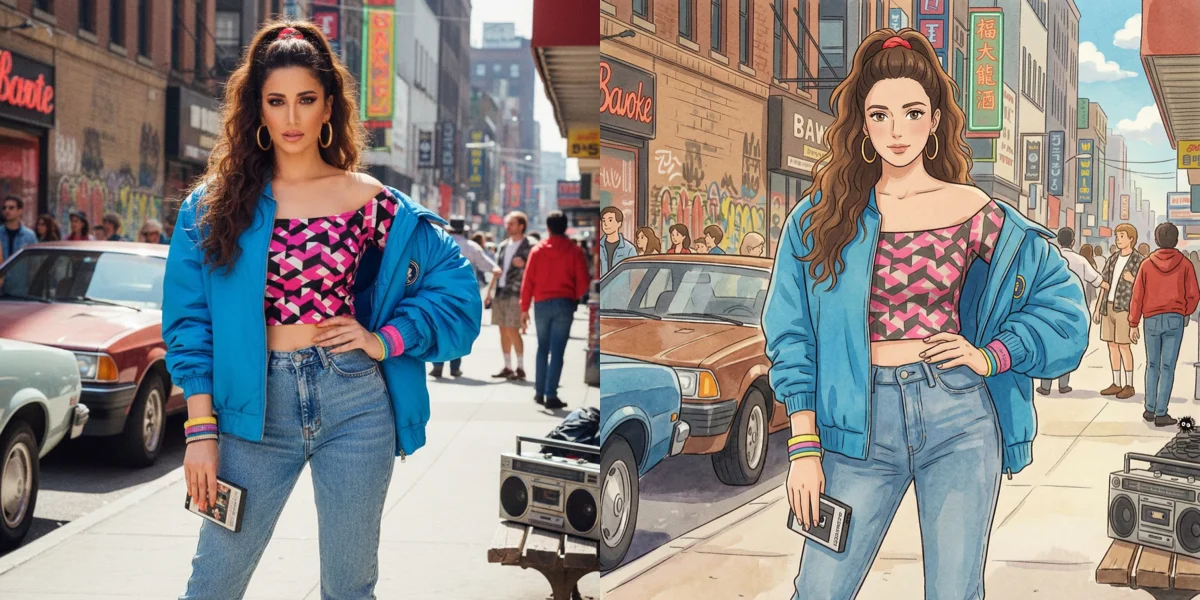
Turn a portrait into anime or Ghibli art
Input: A standard phone portrait photo.
You type: "turn this into anime style, soft cinematic lighting"
Result: An anime-style illustration that keeps the subject recognizable.
How to Edit a Photo in 3 Simple Steps
Three steps, about 30 seconds, no sign-up required to start.
Upload your photo
JPG, PNG, or WebP up to 20 MB. Drag and drop or browse.
Describe your edit
Type what you want changed in plain text, or pick a preset tool.
Download the result
Your edited photo is ready in seconds. Full resolution, zero watermark.
Who Uses SeedPix?
Everyday users
Fix, restore, and beautify personal and family photos for sharing and printing without complex software.
Photographers & Retouchers
Accelerate post-processing by removing power lines, distractions, and photobombers in seconds.
E-commerce sellers
Produce clean product photos and remove backgrounds at scale for Shopify, Amazon, and Etsy marketplaces.
Content creators
Restyle photos for YouTube thumbnails, Instagram posts, and ad creatives in seconds.
AI photo editor vs Photoshop — why free AI editing wins for quick fixes
Traditional editors like Photoshop give you total control, but that control comes at a cost: a steep learning curve, a subscription fee, and a lot of time spent on every edit. For the majority of everyday jobs — removing an object, cleaning up a background, sharpening a blurry shot, or restoring an old photo — an AI photo editor online is faster and far easier to use. You describe the result you want instead of manipulating pixels by hand.
That is not to say the two never overlap. Designers often use SeedPix to prepare a base image in seconds, then finish it in Photoshop when they need surgical, pixel-level control. For everyone else, SeedPix is enough on its own — no install, no signup required to try it, and results in about a minute.
| Task | SeedPix AI editor | Photoshop |
|---|---|---|
| Remove an object | Type it, done in seconds | Clone stamp, 10-20 min |
| Remove a background | One click | Lasso + refine edges |
| Restore an old photo | Automatic repair | Manual retouch, hours |
| Skill level needed | None — plain English | Steep learning curve |
| Price to start | Free, 10 credits included | Subscription ($20+/mo) |
For daily photo fixes, a conversational AI photo editor gets the job done in a fraction of the time — with none of the software overhead.
Is an AI photo editor free? Is it safe to use?
Yes — SeedPix is free to start. New users receive 10 free credits on signup plus 1 free credit every day, and you can try the editor immediately without an account. When you run out, credit packs start at a low price, far below what most AI art tools charge. Your photos are processed for the edit and not used to train shared models, and every output is delivered without a watermark.
Because SeedPix runs in the browser on any device, there is nothing to download and no desktop software to maintain. You can edit a photo from a laptop during the day and finish a batch on your tablet at night — your results download directly, ready to use in emails, social posts, marketplaces, or print. This makes it a practical choice for anyone who edits photos occasionally rather than professionally, and who values a free AI photo editor that does not lock them into a monthly plan.
Frequently Asked Questions about SeedPix
¿Necesito registrarme para usar el editor de fotos con IA de SeedPix?+
No. Puedes abrir el editor y probar varias ediciones sin crear una cuenta. Registrarte solo desbloquea tus créditos diarios gratuitos y te permite guardar tu historial.
¿Qué formatos de archivo admite el editor de fotos con IA?+
SeedPix admite archivos JPG, PNG y WebP de hasta 20 MB. PNG es ideal si necesitas un fondo transparente.
¿Mi foto editada tendrá alguna marca de agua?+
No. Todas las imágenes que descargas de SeedPix están 100% libres de marcas de agua y pueden usarse comercialmente en productos, tiendas y marketing.
¿Puedo eliminar objetos de una foto sin saber Photoshop?+
Sí, es una de las funciones más populares. Sube la foto, describe o selecciona el elemento no deseado y la IA lo borrará rellenando el fondo de forma realista.
¿En qué se diferencia SeedPix de otros editores de fotos con IA?+
SeedPix combina un editor conversacional por texto con más de 100 herramientas dedicadas en un solo lugar, permitiéndote borrar objetos, quitar fondos, restaurar fotos y escalar a 4K sin suscripciones forzadas.